



TolkienCraft II – Draconis | Minecraft Map
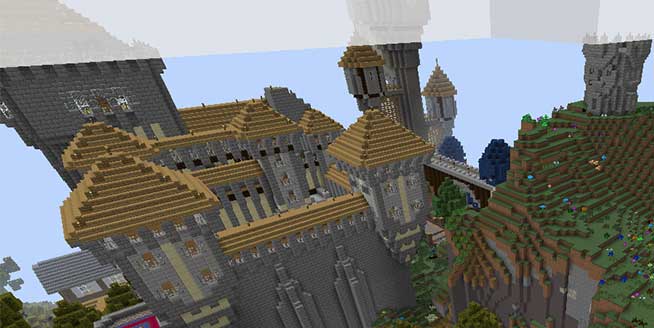
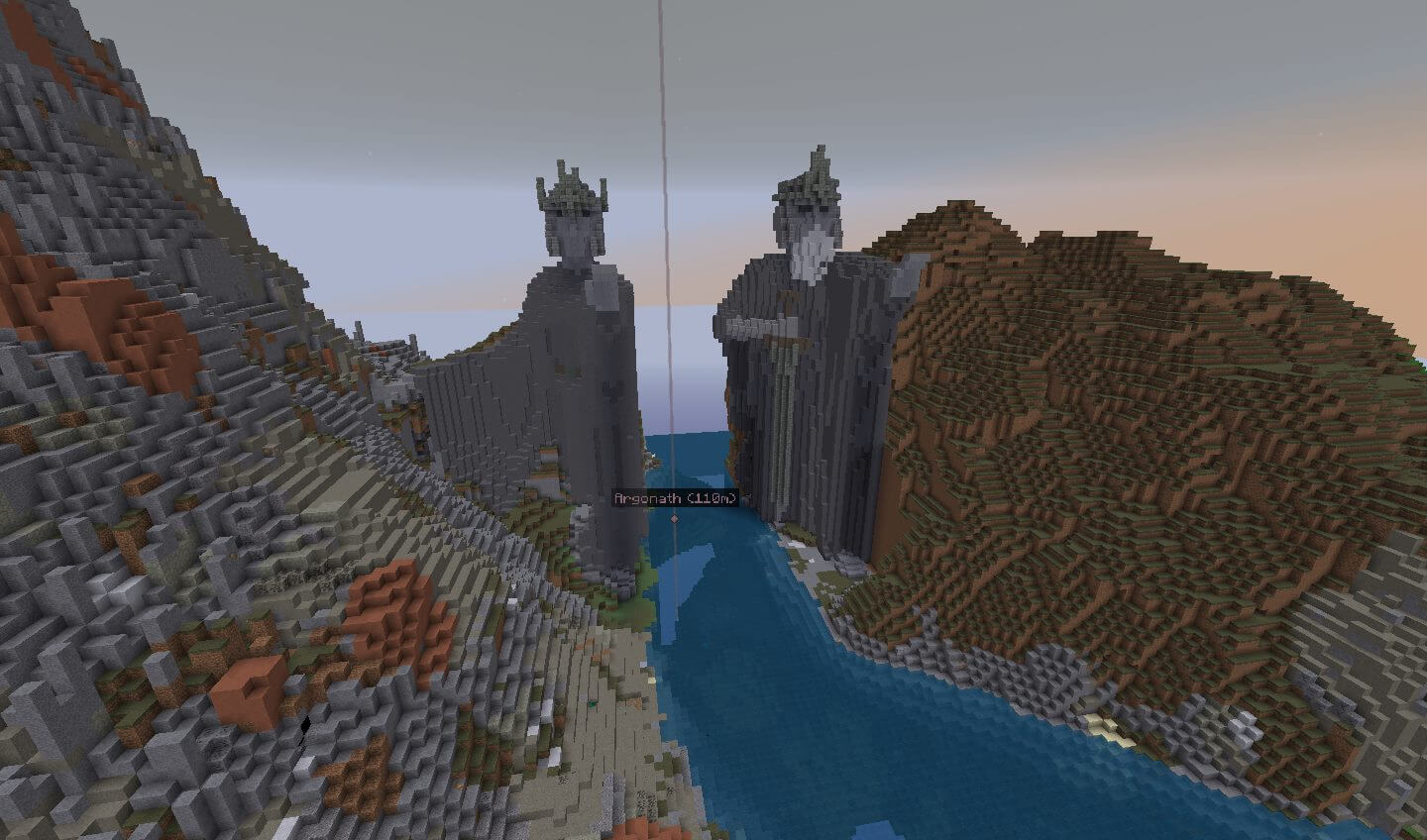
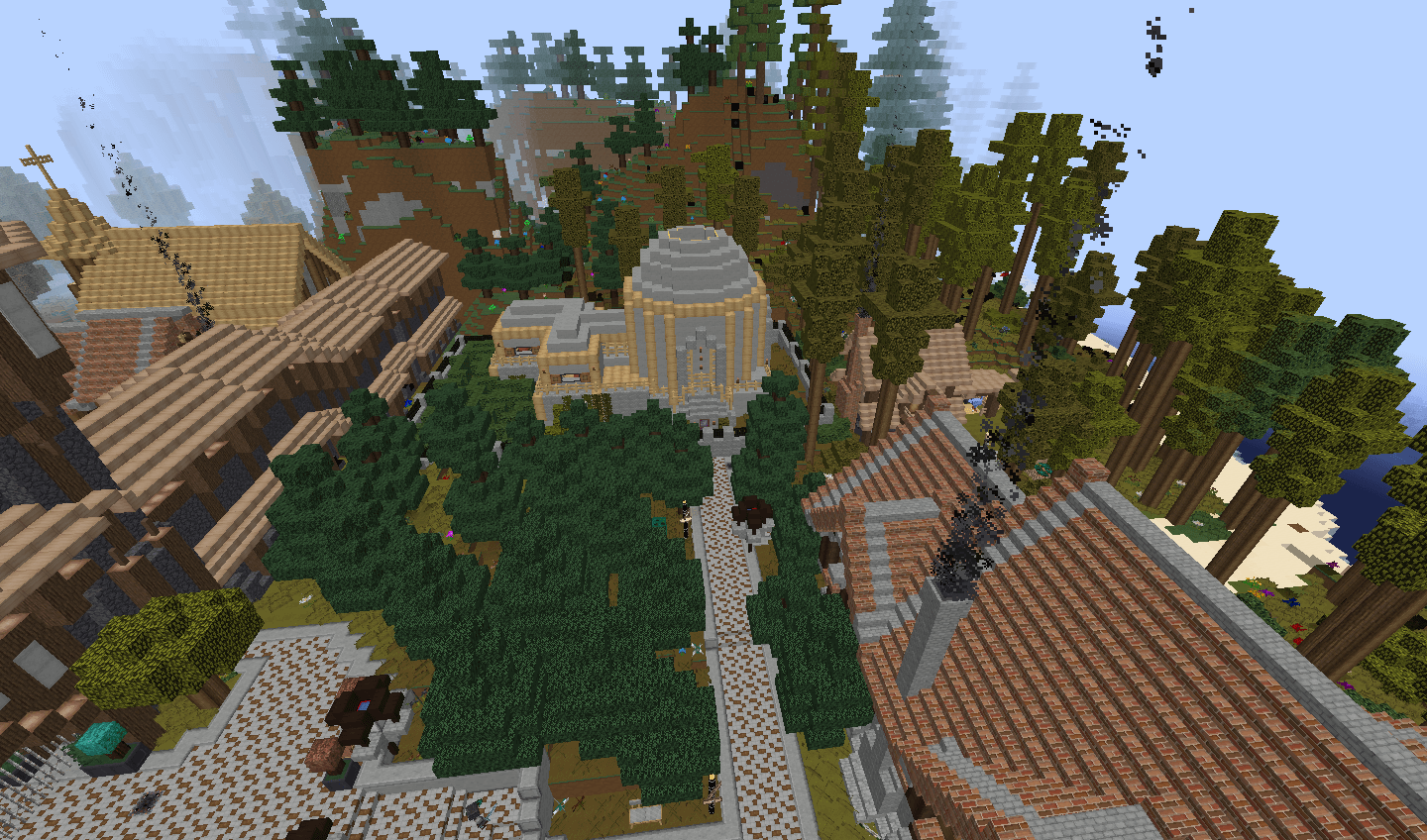
 If you’ve long been dreaming of fantasy and other exciting additions to Minecraft, then it’s time to turn your attention to the TolkienCraft II – Draconis map for Minecraft 1.7.10.
This map is a fantasy universe that will not only offer plenty of exciting moments but also let you explore an intriguing environment and give you the chance to feel like a fantasy hero. The map has its own storyline and lets you simply enjoy the gameplay; the main thing is to follow the plot closely and make the right decisions at the right time. This map isn’t without its battles, so be prepared to fight to the death!

How to install the map:
Step one: Download the map archive.
Step two: Extract the archive to create a folder.
Step three: Copy the TolkienCraft II – Draconis map folder to the .minecraft/saves directory (if this folder does not exist, create it yourself).
Step four: Find this map under “Singleplayer” in the menu.
Comments (6)