



Temperatures for Minecraft Pocket Edition 1.19
 With the Temperatures mod for Minecraft 1.19 PE, you can make vanilla «survival» gameplay even more challenging by adding specific temperature types and fluctuations to the game.
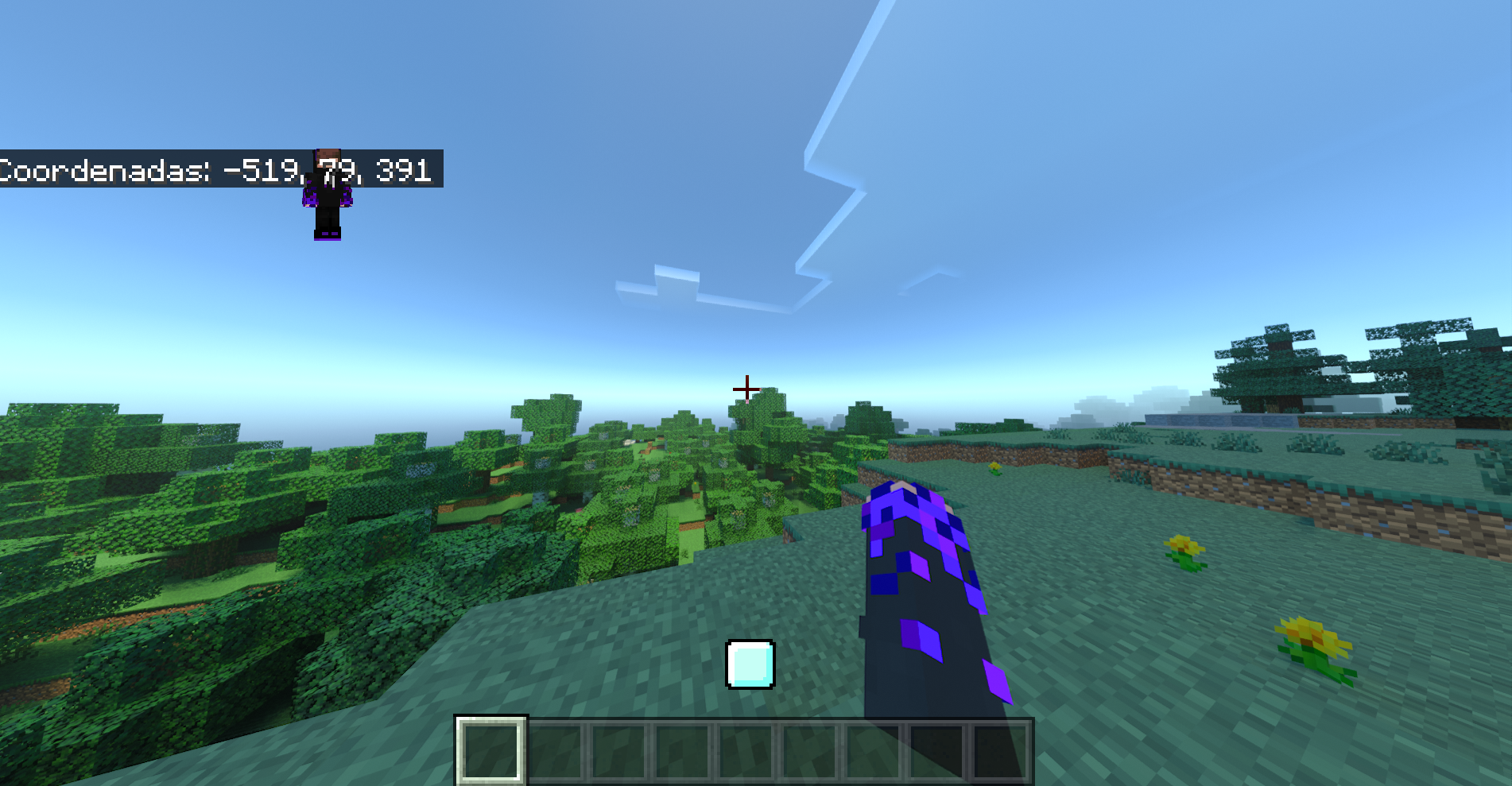
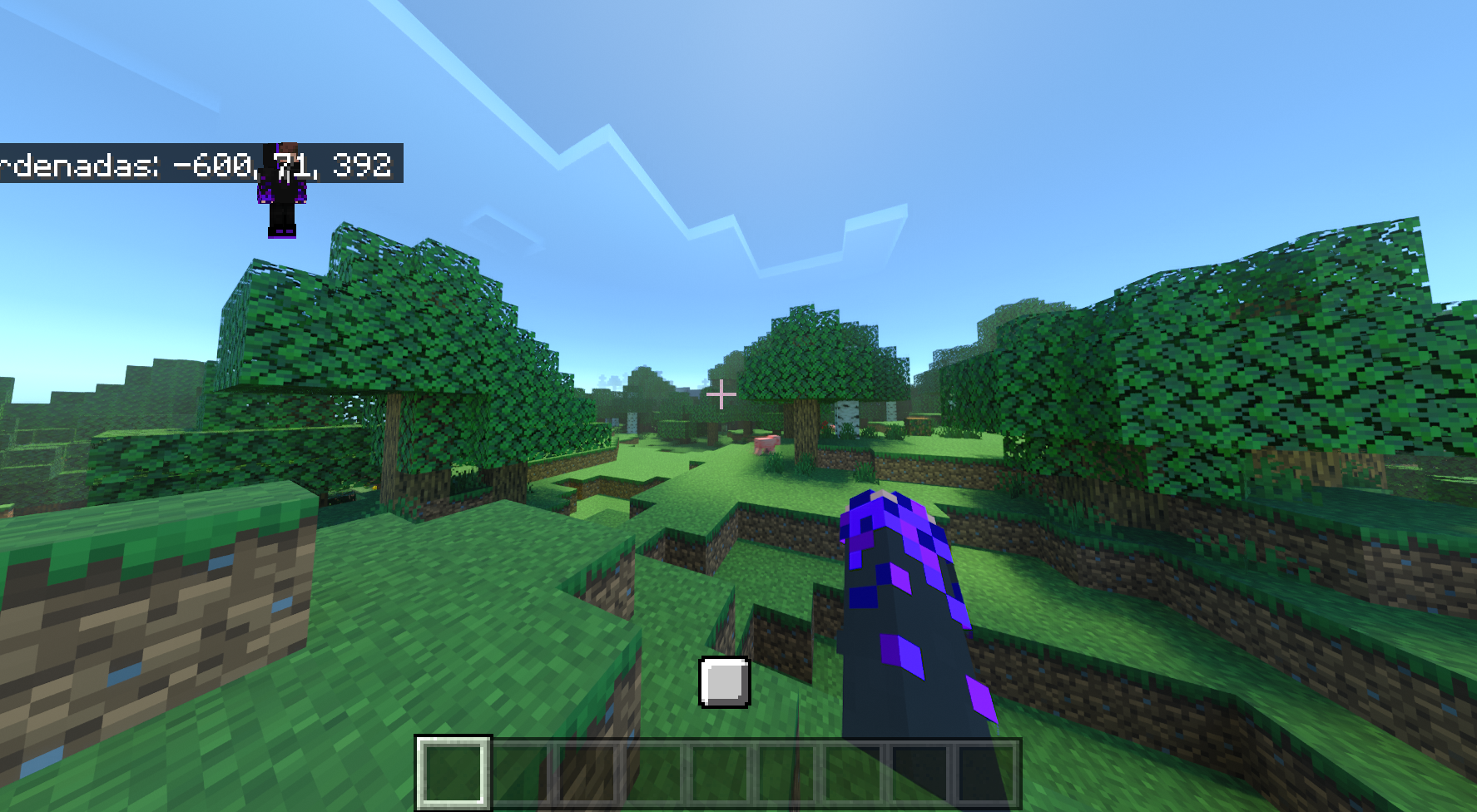
Each biome now has its own temperature scale, which directly affects the player. Entered a snowy biome? You could die instantly. Found yourself in the tropics or the Sahara? The player may experience the Wither and Slowness effects. In short, moving around and travelling is now much more difficult, so you’ll have to think carefully about every step you take and realistically assess the location you’re exploring and its temperature.
Installing Temperatures:
Step 1: Run the downloaded file to import the add-on/texture into MCPE.
Step 2: Open Minecraft Pocket Edition and go to the world settings.
Step 3: Apply the imported resource packs and add-ons to the world.
Step 4: Select the imported resource packs/add-on in each section, then restart the mobile client.
Comments (0)