



Weapons+3D for Minecraft Pocket Edition 1.19
 What’s missing from Minecraft? New locations? No! New ores? No! There’s always been a shortage of weapons, and the Weapons+3D mod for Minecraft 1.19 PE fixes this shortcoming.
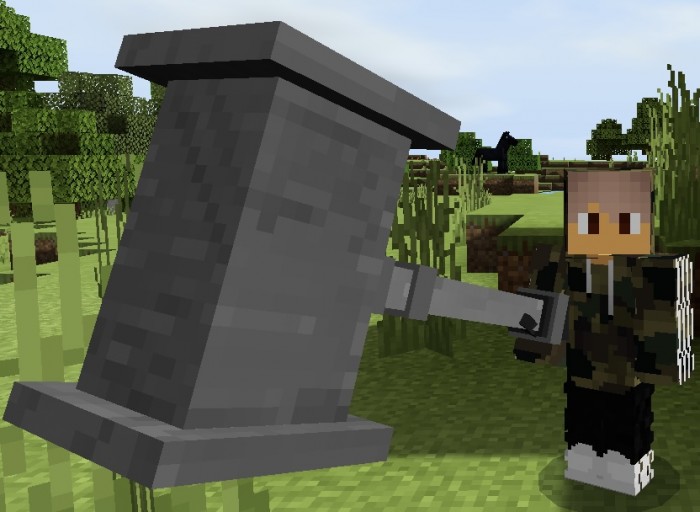
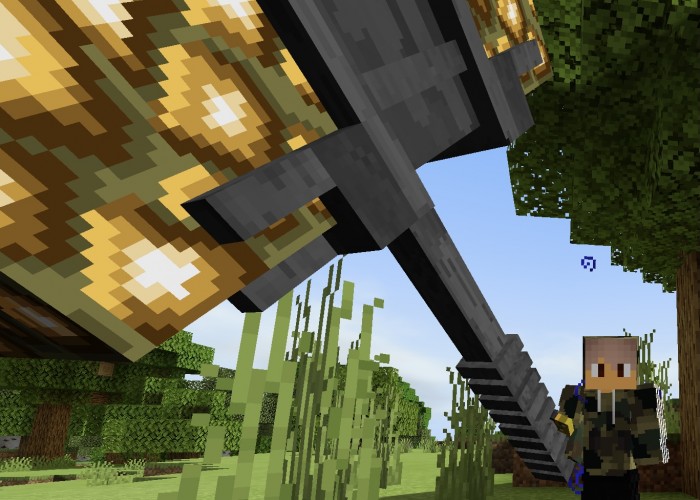
The game will now feature 5 new types of 3D-style weapons, each rendered in detail with a unique, high-resolution texture. You’ll be able to use unique swords, axes, knives, and other types of weapons, allowing you not only to deal damage to various mobs and players but also to simply enjoy their appearance. The author has focused not on the quantity of items but on their quality.
Installing Weapons+3D:
Step 1: Run the downloaded file to import the add-on/texture into MCPE.
Step 2: Open Minecraft Pocket Edition and go to the world settings.
Step 3: Apply the imported resource packs and add-ons to the world.
Step 4: Select the imported resource packs/add-ons in each section, then restart the mobile client.
Comments (0)