



Oceano for Minecraft 1.14.4
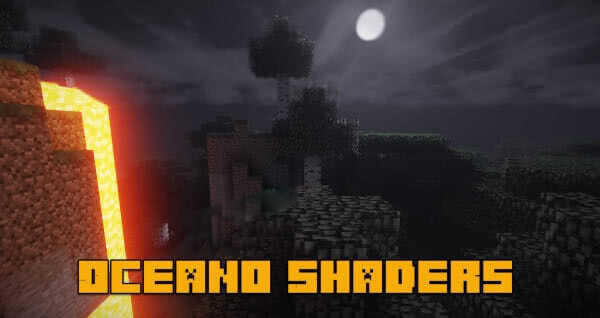 If you’ve long dreamt of enjoying the game’s pleasant atmosphere and seeing realistic water, then you’ll definitely want to try Oceano Shaders for Minecraft, which opens up new possibilities.
For example, this time you’ll have the chance to appreciate all the new features that will let you get the most enjoyment out of the visuals without any hassle.
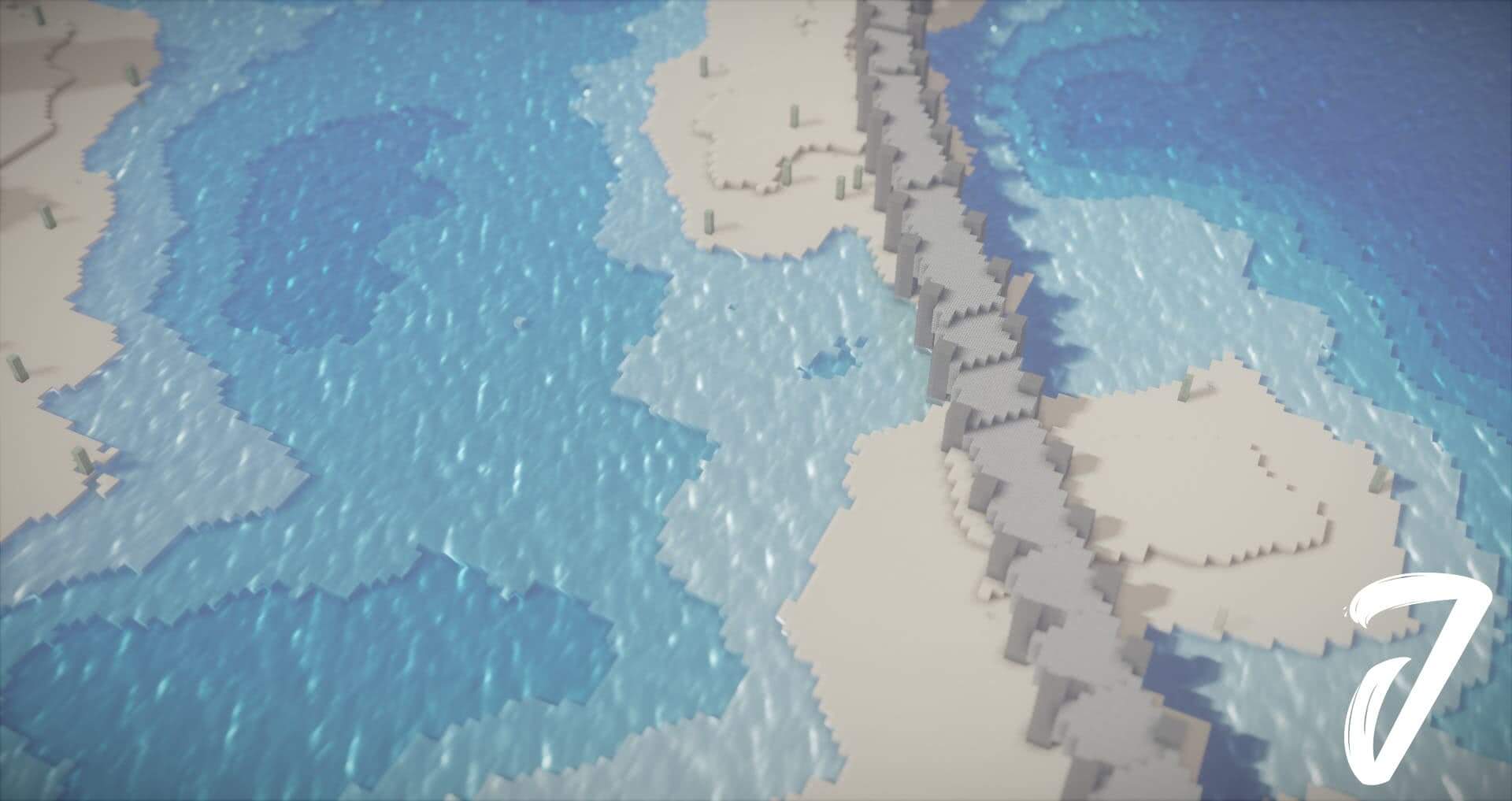 What’s more, you’ll also have the chance to see the new design, which will form the basis for new adventures. Don’t worry—just do your best to achieve a positive result. We wish you good luck and all the best!
How to install the shader:
Step one: Download the shader pack from the link below.
Step two: Extract the downloaded archive and copy the folder Oceano to c:\Users\Пользователь\AppData\Roaming\.minecraft\resourcepacks\ (if this folder does not exist, create it yourself)(For Windows)
Step three: In the game, go to Settings, then to Resource Packs. There, click on the icon for the new shader pack in the list on the left.
Comments (3)