



MrMeepx3 for Minecraft 1.16.2
 Have you long dreamed of trying out new visual styles for the game? Then you should definitely try the MrMeepx3 1.16.2 add-on for Minecraft. What makes it unique is that it will serve as the foundation for new discoveries and allow you to transform virtually your entire gaming adventure with ease.
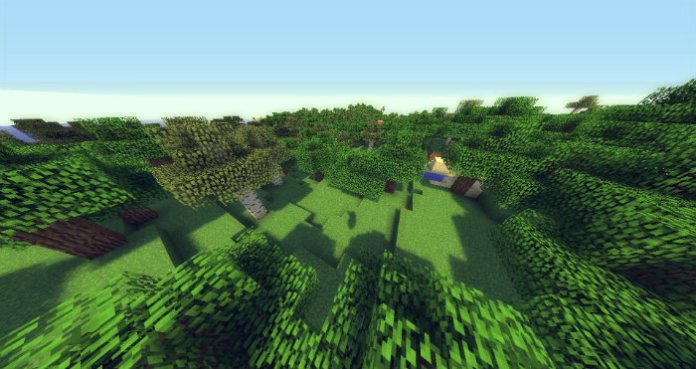
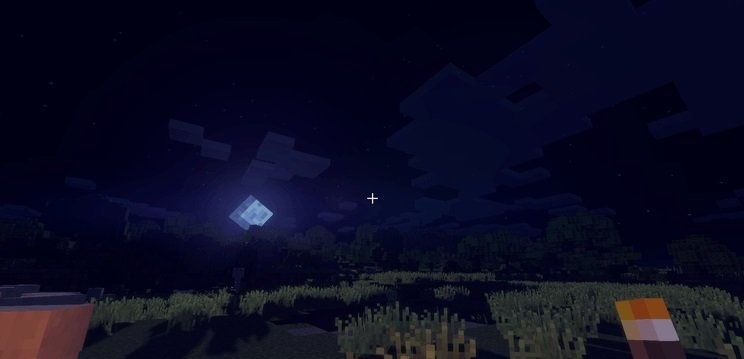
The author has worked to incorporate a large number of visual effects and is now ready to share his latest observations: the game will now be much better, retain its atmosphere, and be sure to delight you with a variety of new details in the game world. We wish you the best of luck!
How to install the shader:
Step 1: Download the shader pack from the link below.
Step 2: Extract the downloaded archive and copy the folder MrMeepx3 to c:\Users\Пользователь\AppData\Roaming\.minecraft\resourcepacks\ (if this folder does not exist, create it yourself) (For Windows)
Step 3: In the game, go to Settings, then Resource Packs. There, click on the icon for the newly added shader pack in the left-hand list.
Comments (0)