



SORA for Minecraft 1.16.3
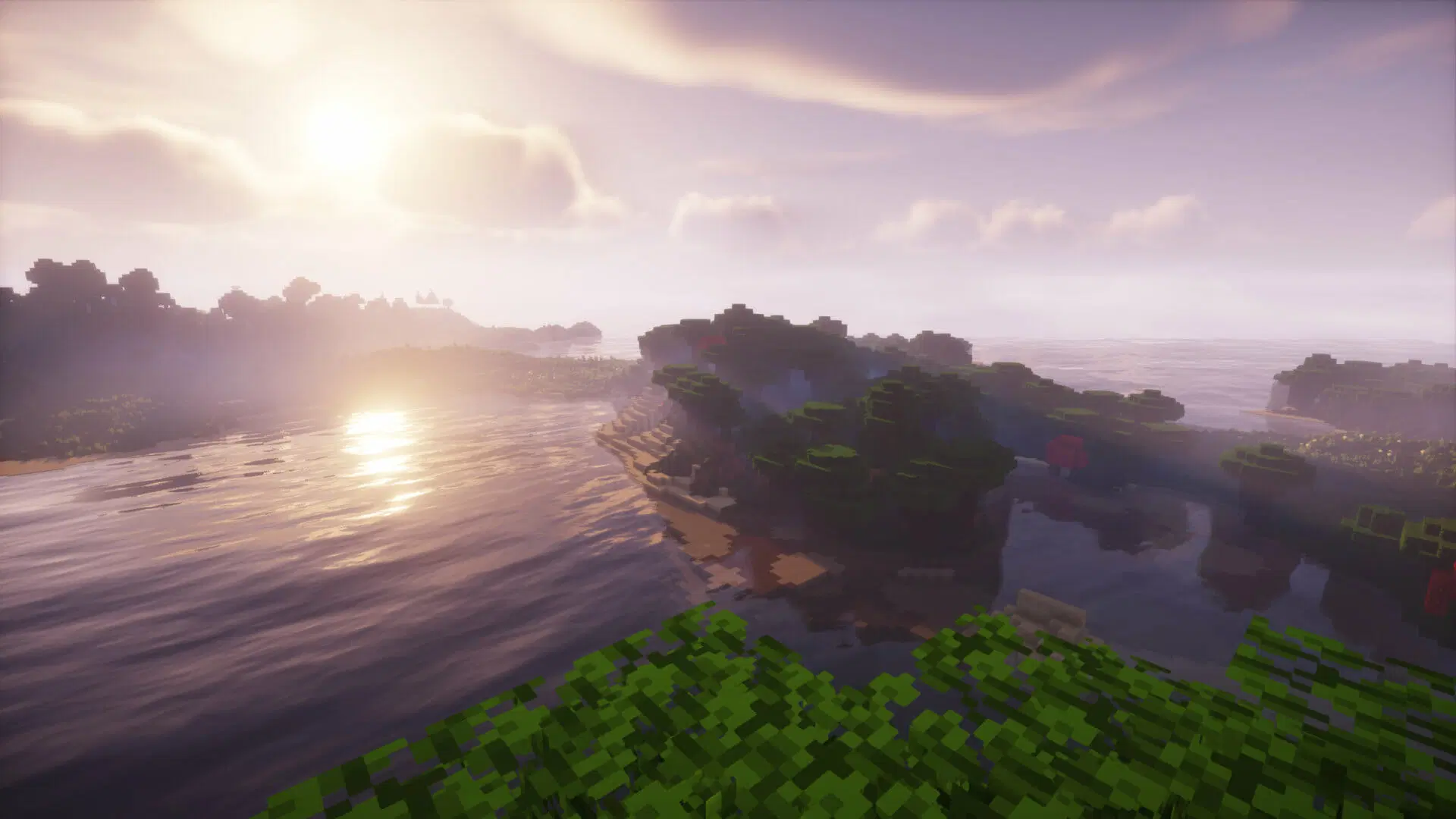
 To transform your surroundings as much as possible and breathe new life into the familiar game world, we recommend using the SORA 1.16.3 shaders for Minecraft. This is a comprehensive project by a true professional who has transformed nearly the entire virtual world.
All you need to do is assess all your options and try to achieve a favourable outcome whilst exploring. The shaders will completely change the feel of your journey, and you’re sure to love them. We’re confident that you’ll really enjoy this approach and that it will lay the foundations for new discoveries. We wish you the best of luck!
How to install the shader:
Step one: download the shader package from the link below.
Step two: extract the downloaded archive and copy the SORA folder to c:\Users\Пользователь\AppData\Roaming\.minecraft\resourcepacks\ (if this folder does not exist, create it yourself) (For Windows)
Step three: in the game, go to Settings, then Resource Packs. There, click on the icon for the new shader pack in the left-hand list.
Comments (8)