



Sunflawer for Minecraft 1.16.3
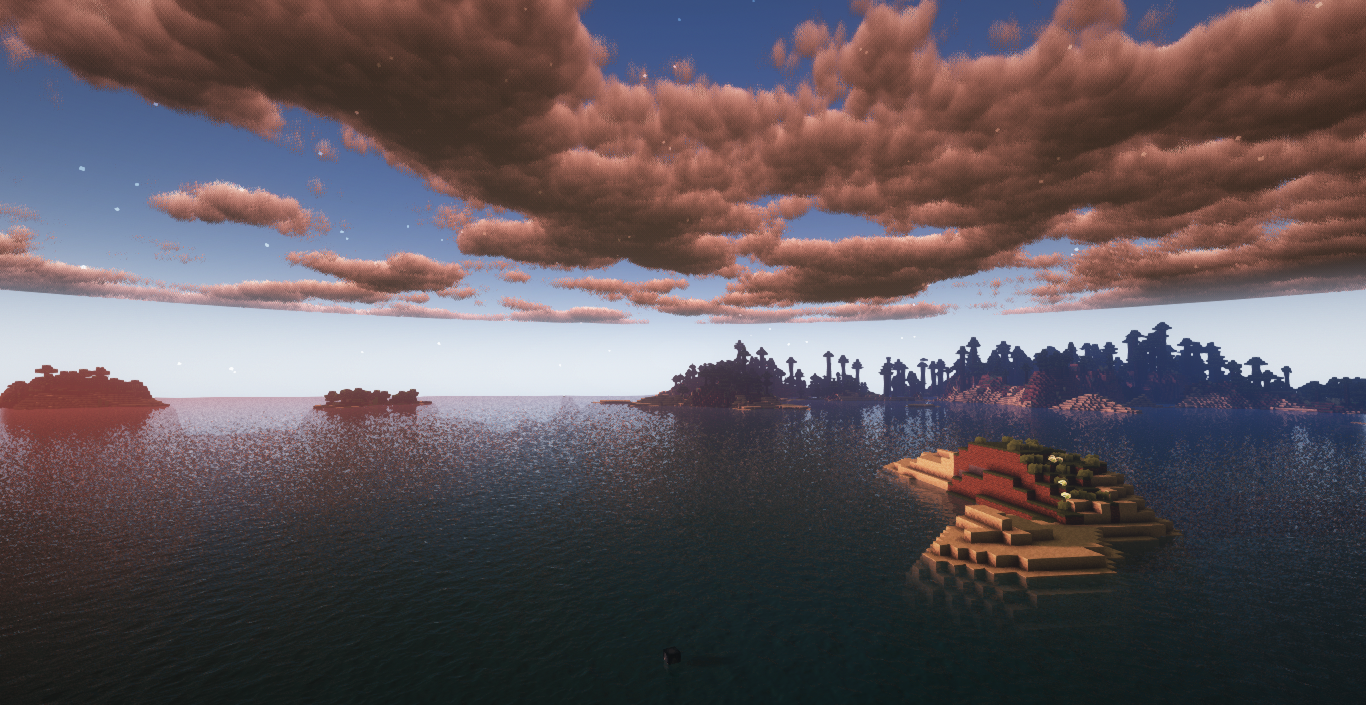
 To transform the world around you, all you need to do is use the Sunflawer 1.16.3 shader for Minecraft. With these changes, you’ll easily discover many new and interesting aspects of the adventure that are sure to delight you and lay the foundation for new achievements.

As you may have guessed, this modification focuses exclusively on changing the appearance of flowers. All you need to do is take in the look of the blooms and enjoy the refreshed atmosphere of your surroundings. So we suggest you don’t waste any time and simply get started. We wish you the best of luck!
How to install the shader:
Step 1: Download the shader pack using the link below.
Step 2: Extract the downloaded archive and copy the Sunflawer folder to c:\Users\Пользователь\AppData\Roaming\.minecraft\resourcepacks\ (if this folder does not exist, create it yourself)(For Windows)
Step 3: In the game, go to Settings, then Resource Packs. Click the icon for the new shader pack in the list on the left.
Comments (2)