



Tea for Minecraft 1.16.3
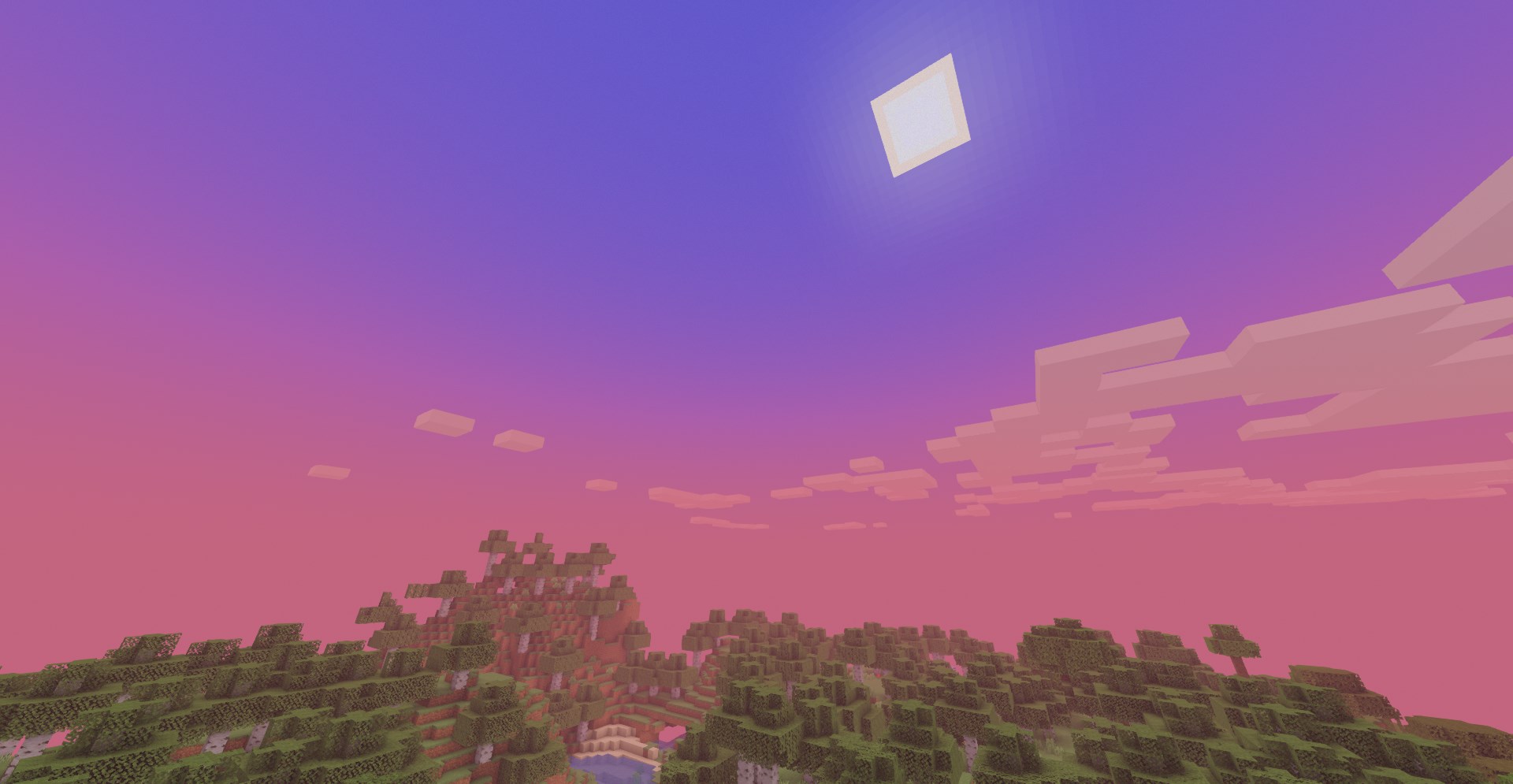
 Tea 1.16.3 for Minecraft is a special add-on that you’ll love not only for its variety of details, but also because all the changes it introduces are aimed solely at improving the vanilla version of the game.
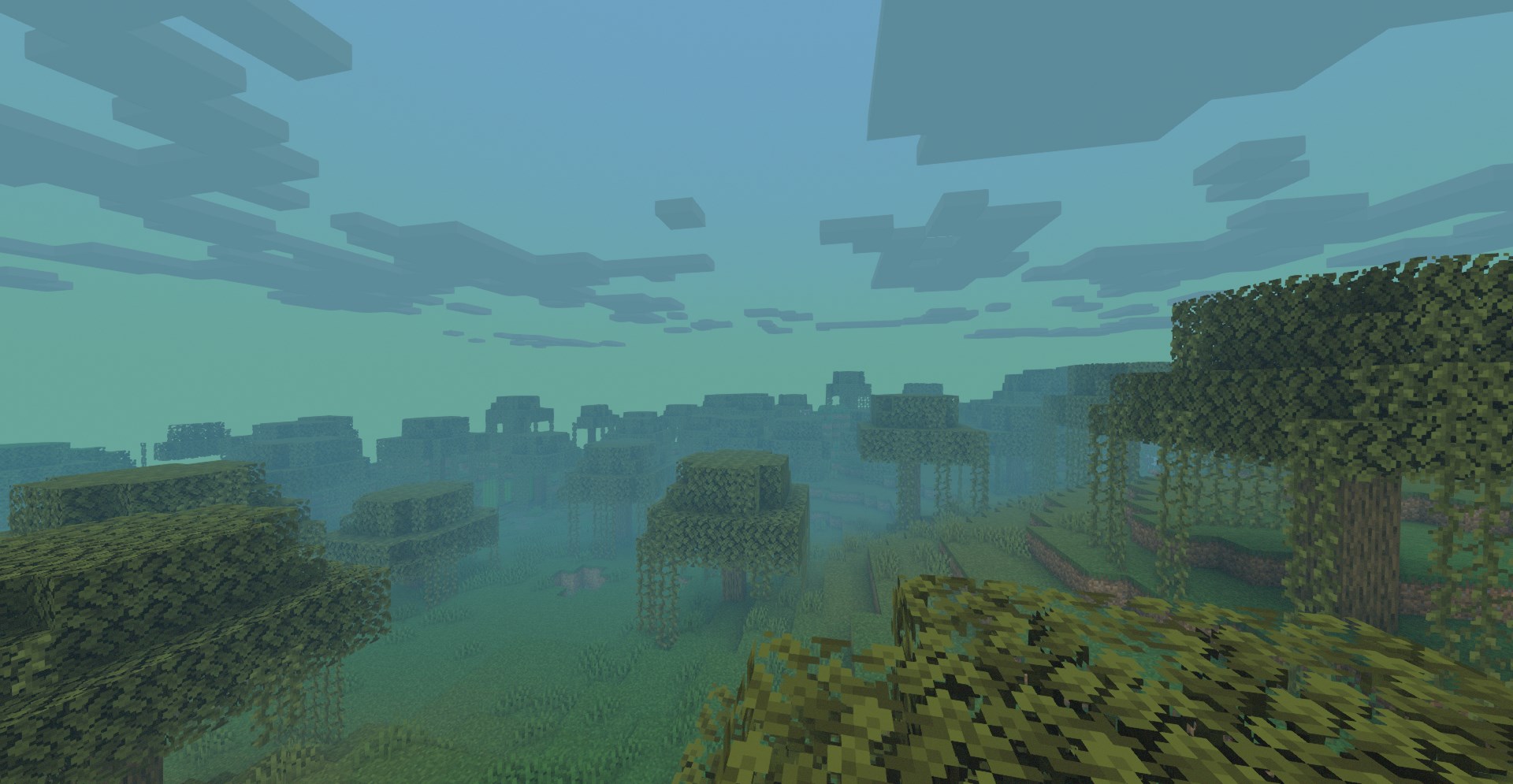
Thanks to these innovations, you are free to make full use of all your new features, open up a world of possibilities for an enjoyable experience, and simply savour every moment of the game. You’re sure to love this approach, and it will lay the foundations for new discoveries. All that remains is to wish you good luck and all the very best in your challenging endeavour. The vanilla version now looks better, while retaining the game’s core atmosphere.
How to install the shader:
Step 1: Download the shader pack from the link below.
Step 2: Extract the downloaded archive and copy the folder Tea to c:\Users\Пользователь\AppData\Roaming\.minecraft\resourcepacks\ (if this folder does not exist, create it yourself) (For Windows)
Step 3: In the game, go to Settings, then Resource Packs. There, click on the icon for the new shader pack in the left-hand list.
Comments (1)