



Alya UI for Minecraft Pocket Edition 26.x
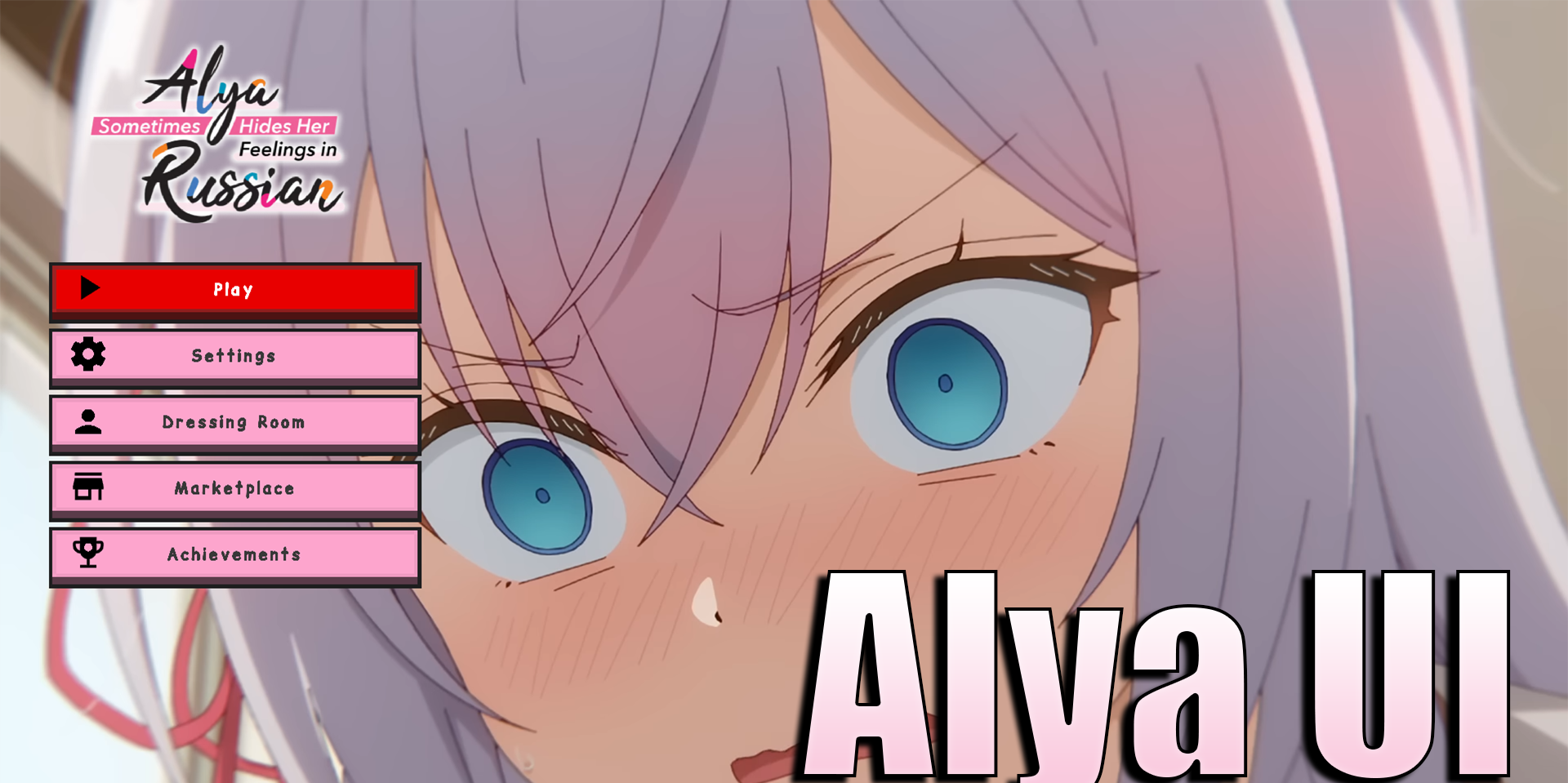
If you’re a fan of vibrant interfaces and anime-style designs, you should check out Alya UI. This pack makes the game’s menus more colourful: it adds a pink-and-red colour scheme, transparent elements and an animated start screen. The game feels different right from launch, as the standard design is replaced by a more lively and expressive style.
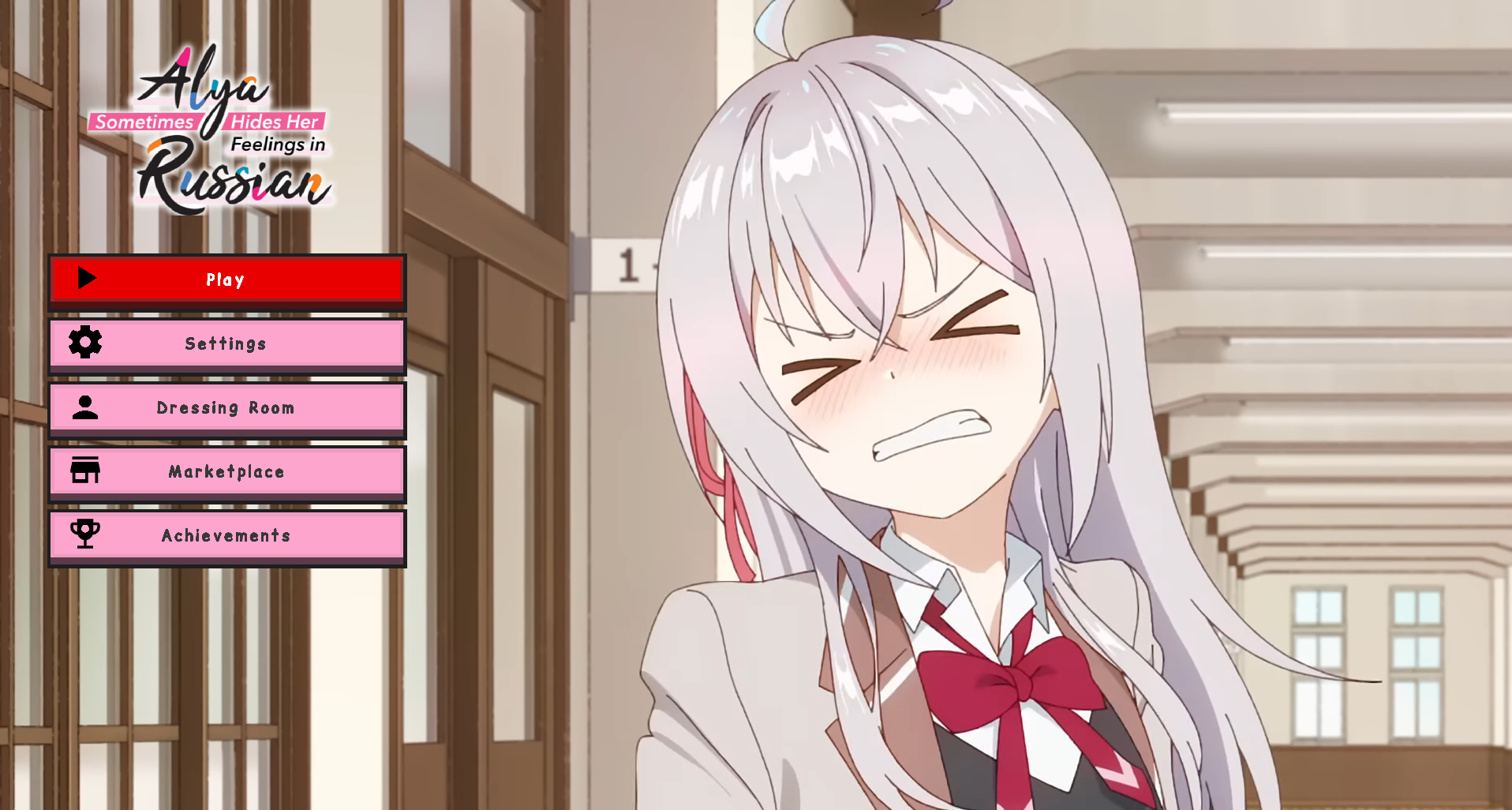
The menus have a more cheerful feel, while individual screens look more modern and polished. The updated chat also fits in well with the overall concept: it has a fresh design and blends better with the new interface. The add-on doesn’t directly affect gameplay, but it makes a welcome change to your first impression of the game.
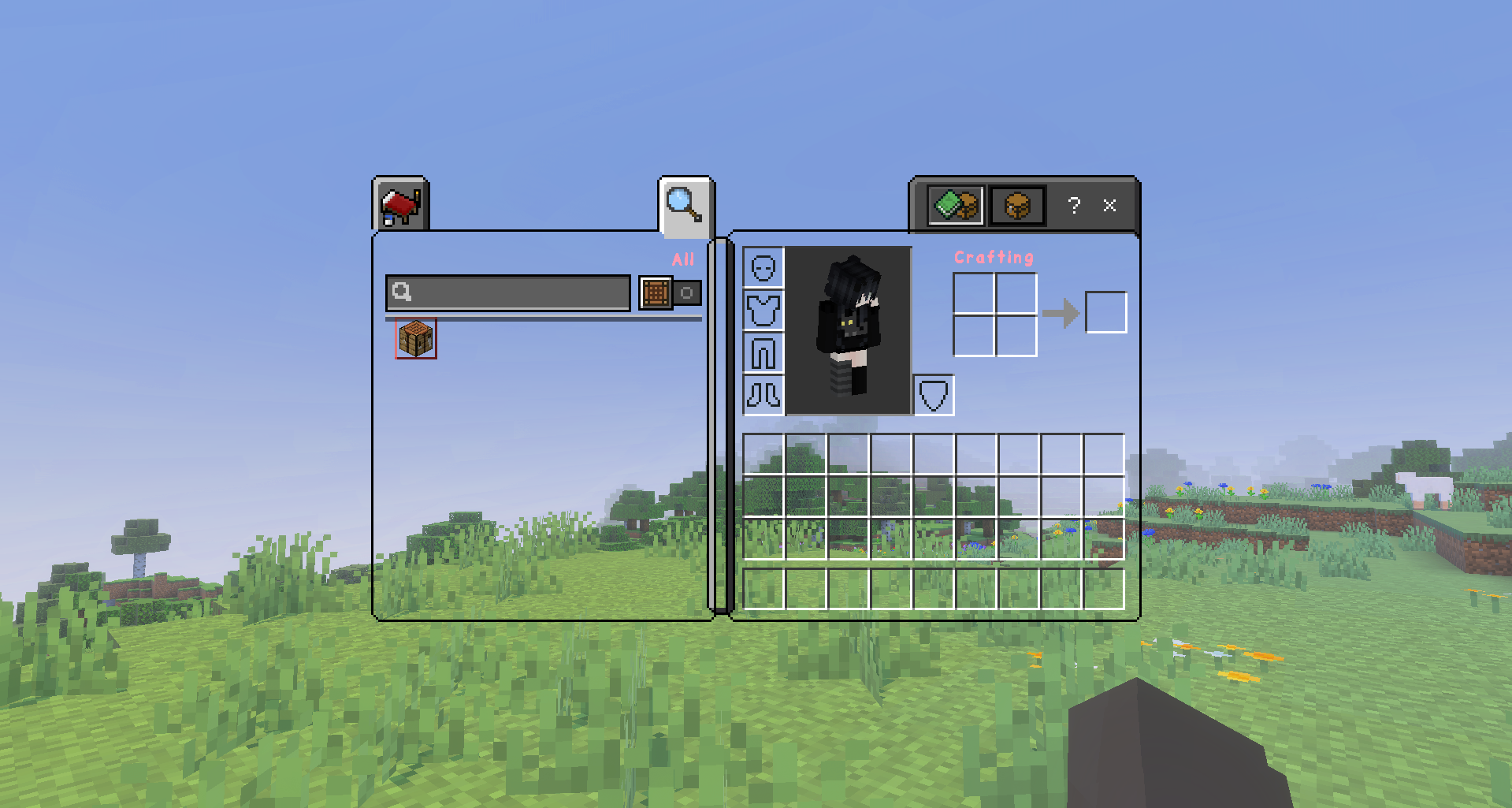
How to install the texture pack:
Step one: Download the texture pack using the link below.
Step two: Unzip the downloaded archive and copy the Alya UI folder to games\com.mojang\resource_packs (if this folder does not exist, create it yourself)
Step three: In the game, go to Settings; next to ‘Texture Packs’, you’ll see a ‘Manage’ button – click on it. The copied texture pack will appear in the list on the left; click on it so that it moves to the top of the list on the right.
Comments (0)