



EckoSoldier’s Let’s Play World | A Map for Minecraft Pocket Edition
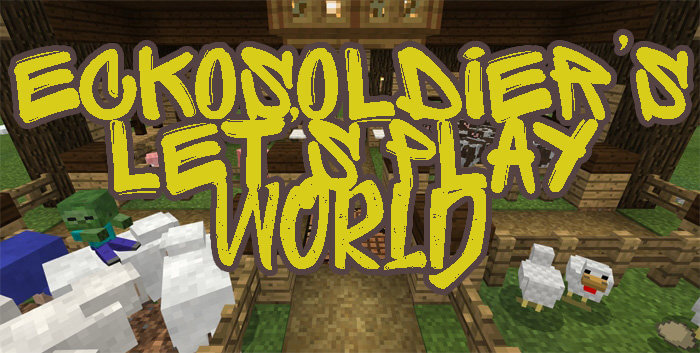 A map straight from popular YouTuber EckoSoldier’s Let’s Plays. If you’ve watched his Minecraft survival videos, you’ll definitely love this map. It’s quite recognisable.
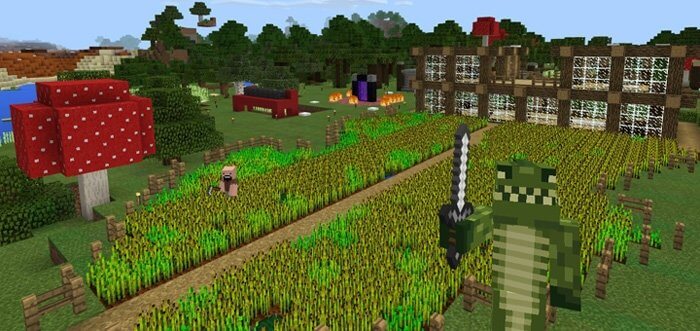
It features crop beds, a level 4 beacon and a treasure room. Explore this unusual and original world, which has come straight from YouTube to your portable device.
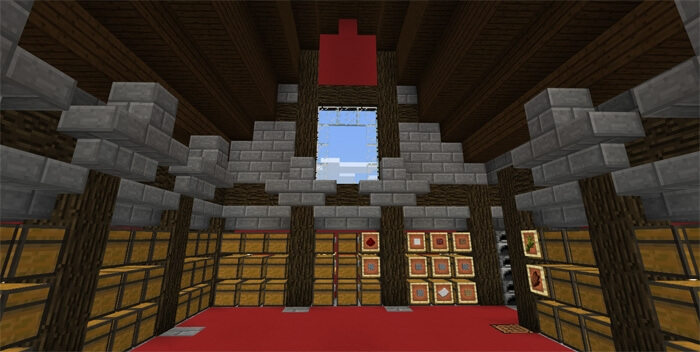 You can experience for yourself what millions of subscribers have come to love. Run around this world, survive and find useful items. Make the map for Minecraft 1.2 even more interesting by becoming its hero. It has everything you need for epic survival: treat your friends to incredible adventures.
How to install the map:
Step 1: Download the map package (extract it if the file is in an archive).
Step 2: Copy the Minecraft map folder – EckoSoldier’s Let’s Play World – to the /games/com.mojang/minecraftworlds directory (if this folder does not exist, create it yourself).
Step 3: Launch the game and select the downloaded map.
Comments (3)