



Marriotts Ridge High School | Map for Minecraft Pocket Edition
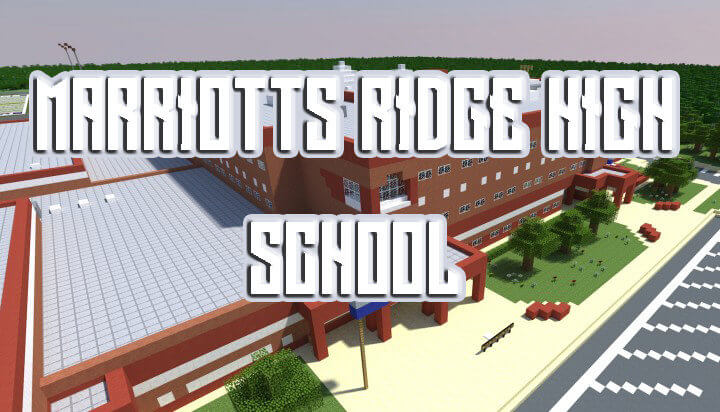 Schools have always sparked a lot of interest among players, so now is the time to try another Minecraft map called Marriotts Ridge High School.
This time, another large map for Minecraft 1.0 awaits you, packed with a wide variety of interesting features.
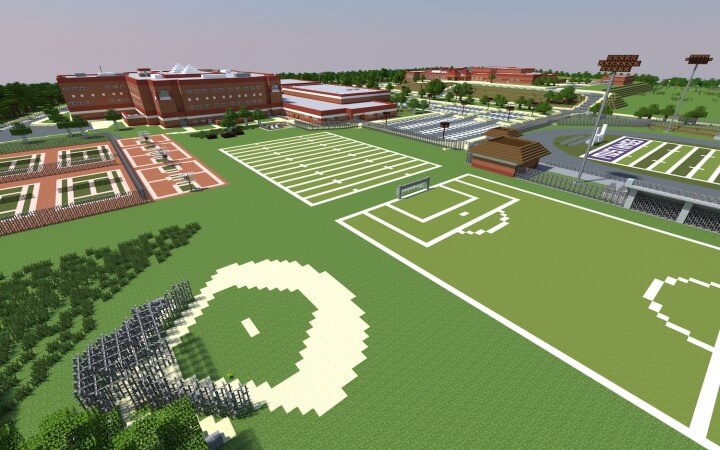
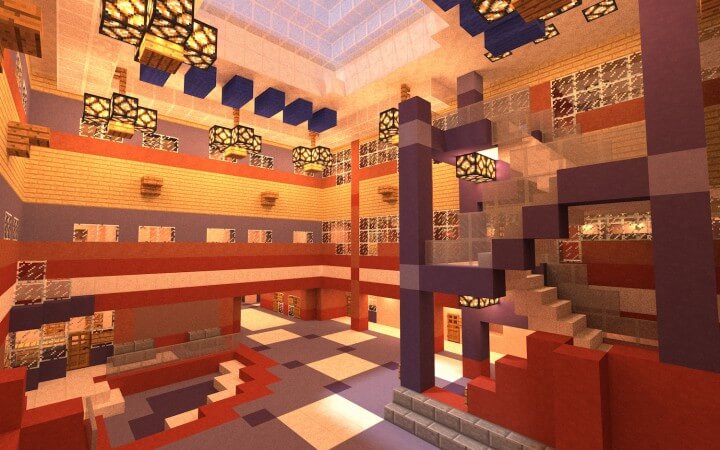
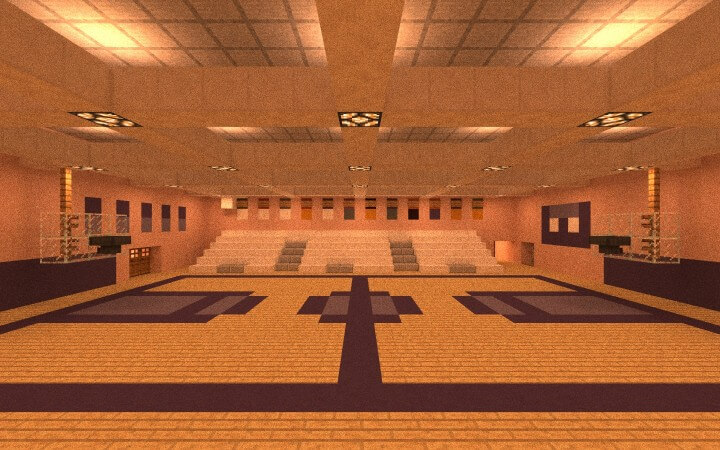
It’s time to explore the school in detail and try to soak up its unforgettable atmosphere. Explore the many different corners of this universe, try to savour every moment and have a great time. Believe me, you’re bound to love the new map, and you’re sure to experience all the emotions you’ve been longing for.
How to install the map:
Step 1: Download the map package (extract it if the file is archived).
Step 2: Copy the Minecraft map folder - Marriotts Ridge High School to the /games/com.mojang/minecraftworlds directory (if this folder does not exist, create it yourself).
Step 3: Launch the game and select the downloaded map.
Comments (38)