



Texture Pack Review | Map for Minecraft Pocket Edition
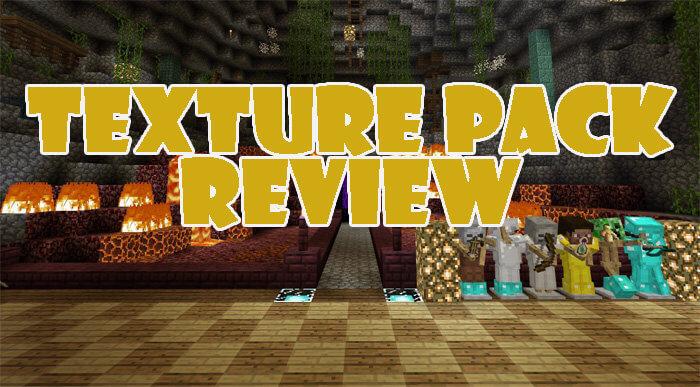 This map is best suited for testing different texture packs for the mobile game. The idea is that the blocks here are arranged by theme, allowing you to assess how the game will look with a specific texture pack.
Another handy feature of the map is that, in addition to blocks, you can assess specific mobs. After all, some packs even alter the creatures in the mining sandbox world.
 In this map for Minecraft 1.2, blocks aren’t simply stacked in neat rows but form tidy structures that allow you to see how they look together. This is particularly important, as a texture pack can transform the entire world, and some blocks may not blend well with one another.

How to install the map:
Step 1: Download the map package (extract it if the file is an archive).
Step 2: Copy the Minecraft map folder – Texture Pack Review – into the /games/com.mojang/minecraftworlds directory (if this folder does not exist, create it yourself).
Step 3: Launch the game and select the downloaded map.
Comments (0)