



6th Century for Minecraft Pocket Edition 1.19
 Would you like to see even more interesting mobs in Minecraft? We recommend installing the 6th Century mod for Minecraft 1.19 PE, which will add plenty of variety to the game’s wildlife.
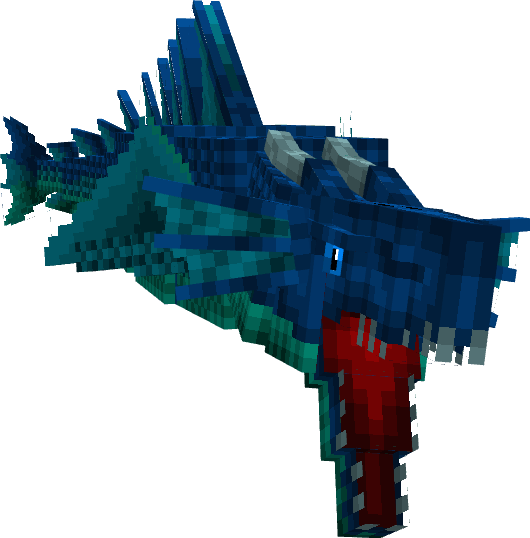
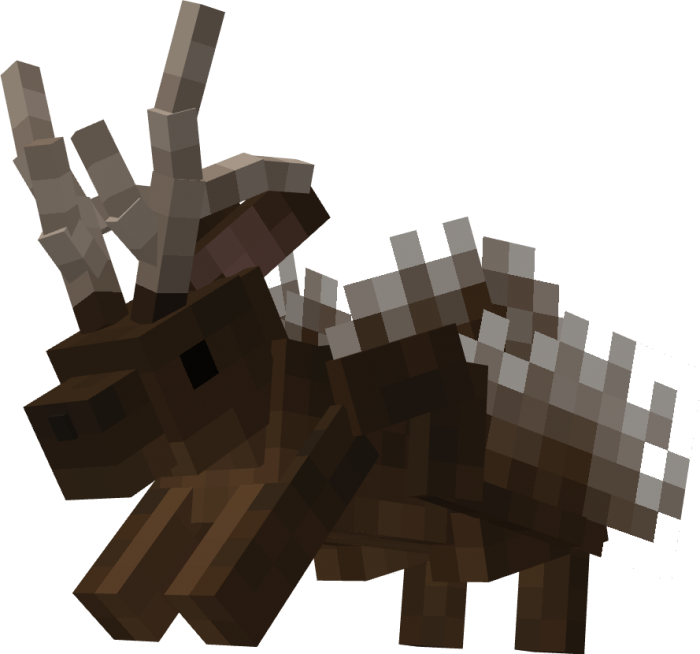
You’ll encounter brown bears, alligators, the Firebird, several cool mobs that wouldn’t mind killing you, dinosaurs, and lots more interesting content. This is one of the best mods for multiplying the number of mobs and adding variety to the gameplay in the blocky world. Give it a try—be sure to download it for your version of Minecraft and explore completely new locations and animals.
Installing 6th Century:
Step 1: Run the downloaded file to import the add-on/texture into MCPE.
Step 2: Open Minecraft Pocket Edition and go to the world settings.
Step 3: Apply the imported resource packs and add-ons to the world.
Step 4: Select the imported resource packs/add-ons in each section and restart the mobile client.
Comments (0)