



Shinobi Chronicles for Minecraft Pocket Edition 1.19
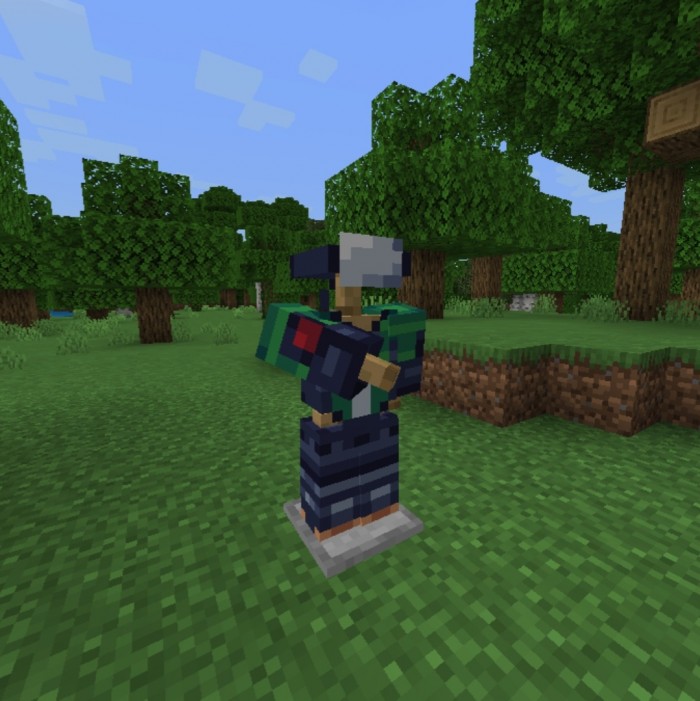
 This add-on is for true fans of anime and Naruto. Now, thanks to the Shinobi Chronicles mod for Minecraft 1.19 PE, you can become a cool shinobi with unique armour sets, various abilities and awesome weapons.
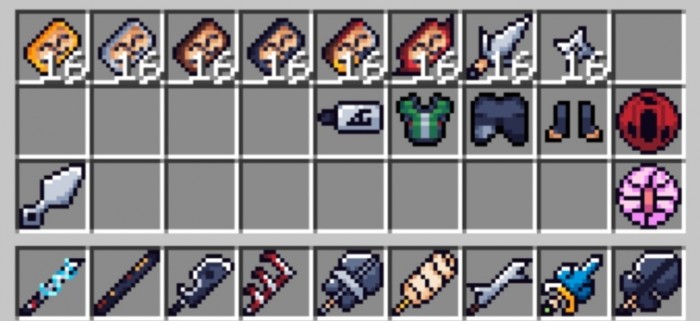
You’ll have access to around ten different characters, each with their own unique abilities, damage output and health bar. On top of that, the add-on introduces plenty of interesting and useful crafting recipes, so fans of anime and Minecraft – rejoice! It’s a real ‘gift’ for you, as you’ll now be able to create your own anime universe in Minecraft, making full use of the blocky world’s possibilities.
Installing Shinobi Chronicles:
Step 1: Run the downloaded file to import the add-on/texture into MCPE.
Step 2: Open Minecraft Pocket Edition and go to the world settings.
Step 3: Apply the imported resource packs and add-ons to the world.
Step 4: Select the imported resource packs/add-ons in each section and restart the mobile client.
Comments (0)