



Lagless for Minecraft 1.14.4
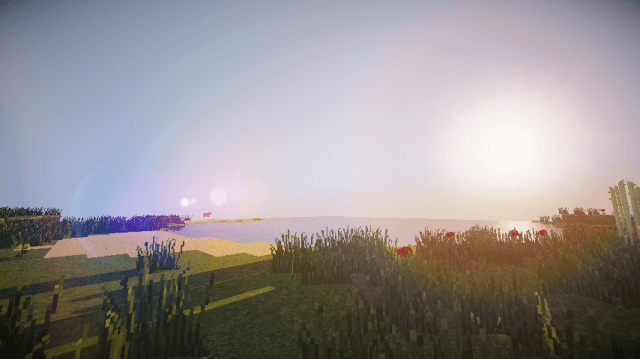
 If you’ve been wanting to enjoy high-quality graphics but were worried your computer wouldn’t be up to the task, now is the time to take action. This time, you’ll have the chance to use the Lagless Shaders shader pack for Minecraft, which will let you enjoy a pleasant environment, high-quality lighting and shadows.
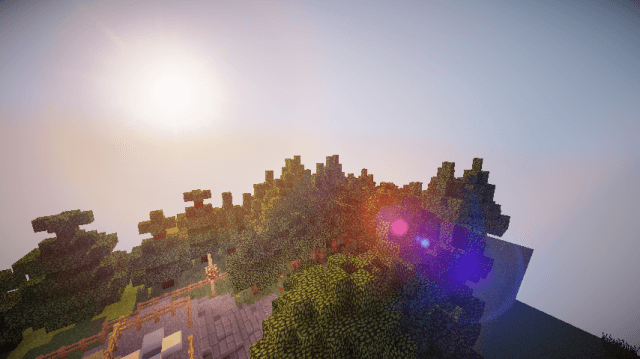
Some effects have also been reworked, not to mention the numerous minor changes. We suggest you waste no time and try to make the most of your potential. Thanks to this, you’re sure to achieve the desired result and enjoy a comfortable gaming experience. We wish you the best of luck!
How to install the shader:
Step 1: Download the shader pack using the link below.
Step 2: Extract the downloaded archive and copy the folder Lagless to the following location: c:\Users\Пользователь\AppData\Roaming\.minecraft\resourcepacks\ (if this folder does not exist, create it yourself)(For Windows)
Step 3: In the game, go to Settings, then to Resource Packs. There, click on the icon for the newly added shader pack in the left-hand list.
Comments (5)