



Paolo’s Lagless for Minecraft 1.14.4
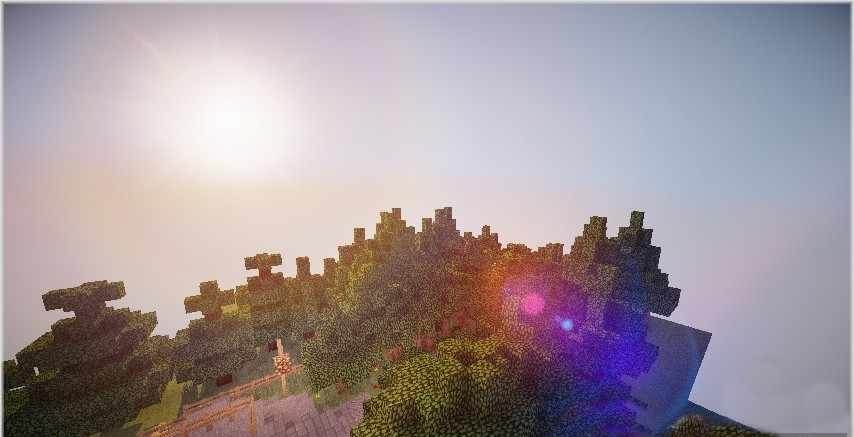
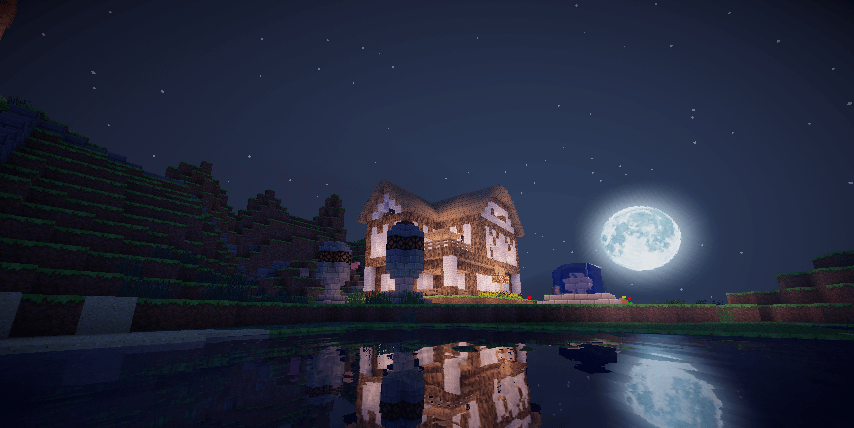 Paolo’s Lagless Shaders for Minecraft is a great find for players with low-spec computers. Thanks to the changes in this shader, you’ll be able to enjoy a high-quality graphical upgrade without putting a strain on your computer.
The game will now be much more enjoyable and interesting, even if it isn’t quite as expansive as we’d planned. We suggest you try to keep your skills sharp and explore every corner of this transformed world. You’ll find out for yourself just how much it’s changed. We wish you an enjoyable game and a great mood!
How to install the shader:
Step one: download the shader package via the link below.
Step two: unzip the downloaded archive and copy the folder Paolo’s Lagless to the path c:\Users\Пользователь\AppData\Roaming\.minecraft\resourcepacks\ (if this folder does not exist, create it yourself)(For Windows)
Step three: in the game, go to Settings, then Resource Packs. There, click on the icon for the new shader pack in the left-hand list.
Comments (9)