



RRe36 for Minecraft 1.16.1
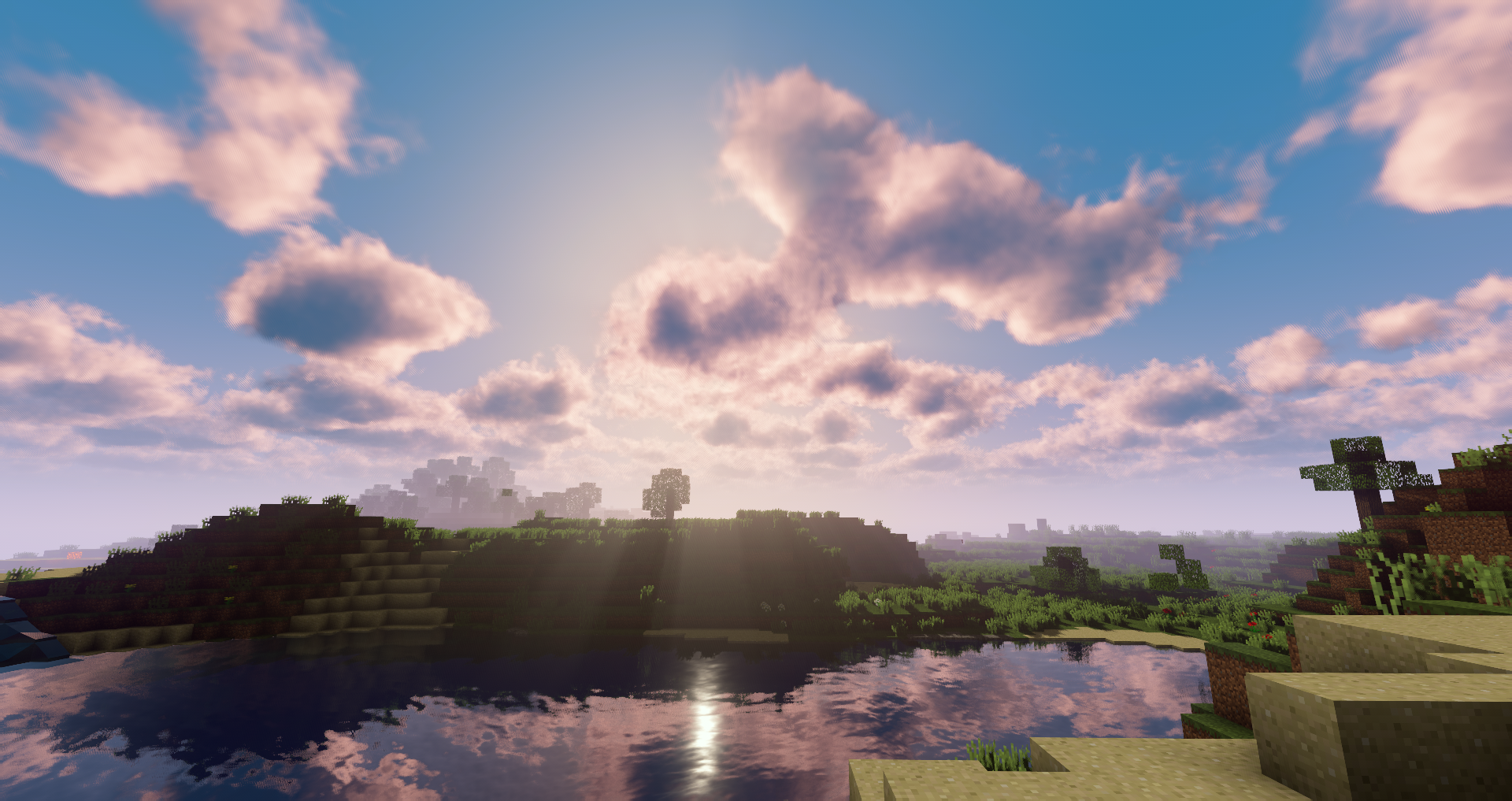
 Visual effects can sometimes be so captivating and interesting that simply using the RRe36 1.16.1 add-on for Minecraft is enough to significantly transform the game.
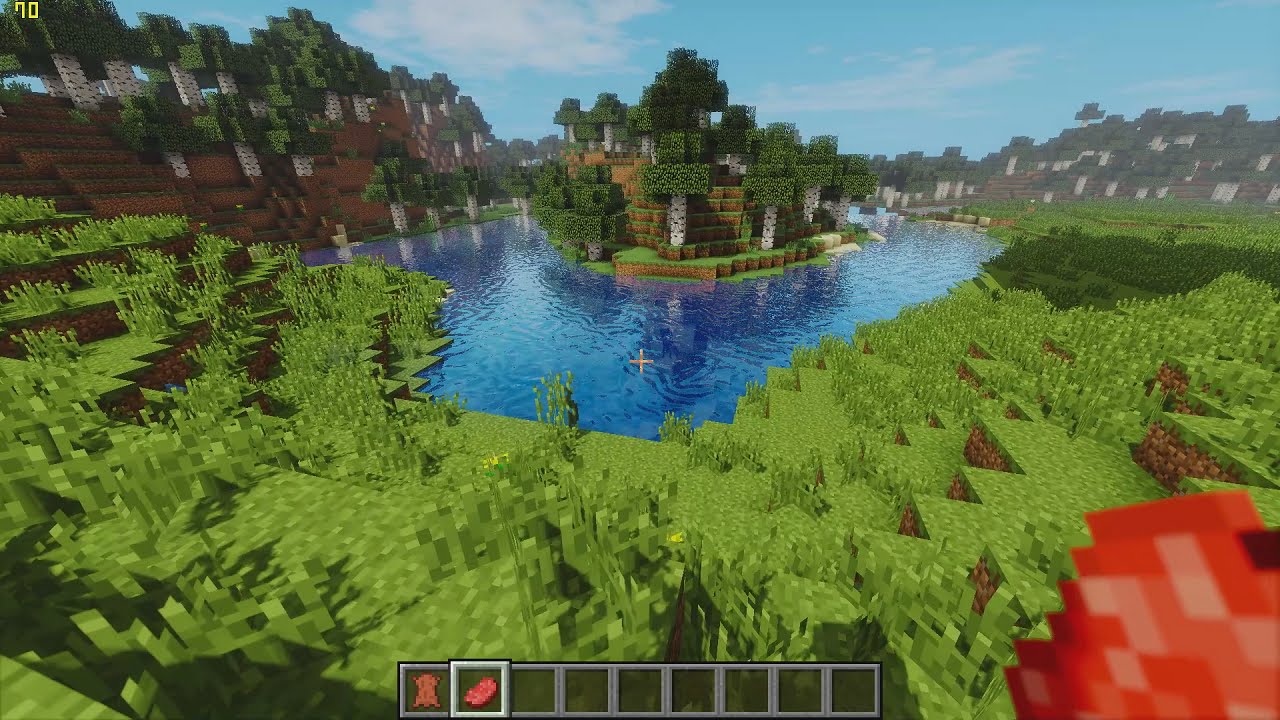
This add-on is unique in that it adds a large number of visual effects and lets you simply have a good time, enjoying every moment of the game. Thanks to the combination of all these visual effects, the game world will feel transformed and look much better. Not only has the lighting been altered, but so have most of the game’s familiar visual effects. Explore and enjoy your adventures. We wish you the best of luck!
How to install the shader:
Step 1: Download the shader pack from the link below.
Step 2: Extract the downloaded archive and copy the folder RRe36 to the path c:\Users\Пользователь\AppData\Roaming\.minecraft\resourcepacks\ (if this folder does not exist, create it yourself) (For Windows)
Step 3: In the game, go to Settings, then Resource Packs. In the list on the left, click on the icon for the new shader pack that has appeared.
Comments (2)