



BQ for Minecraft 1.16.2
 BQ 1.16.2 for Minecraft is a comprehensive enhancement to the gaming experience, featuring a wide range of shaders. For example, this pack includes virtually all versions of the Optifine enhancements, which you can enable as you see fit.
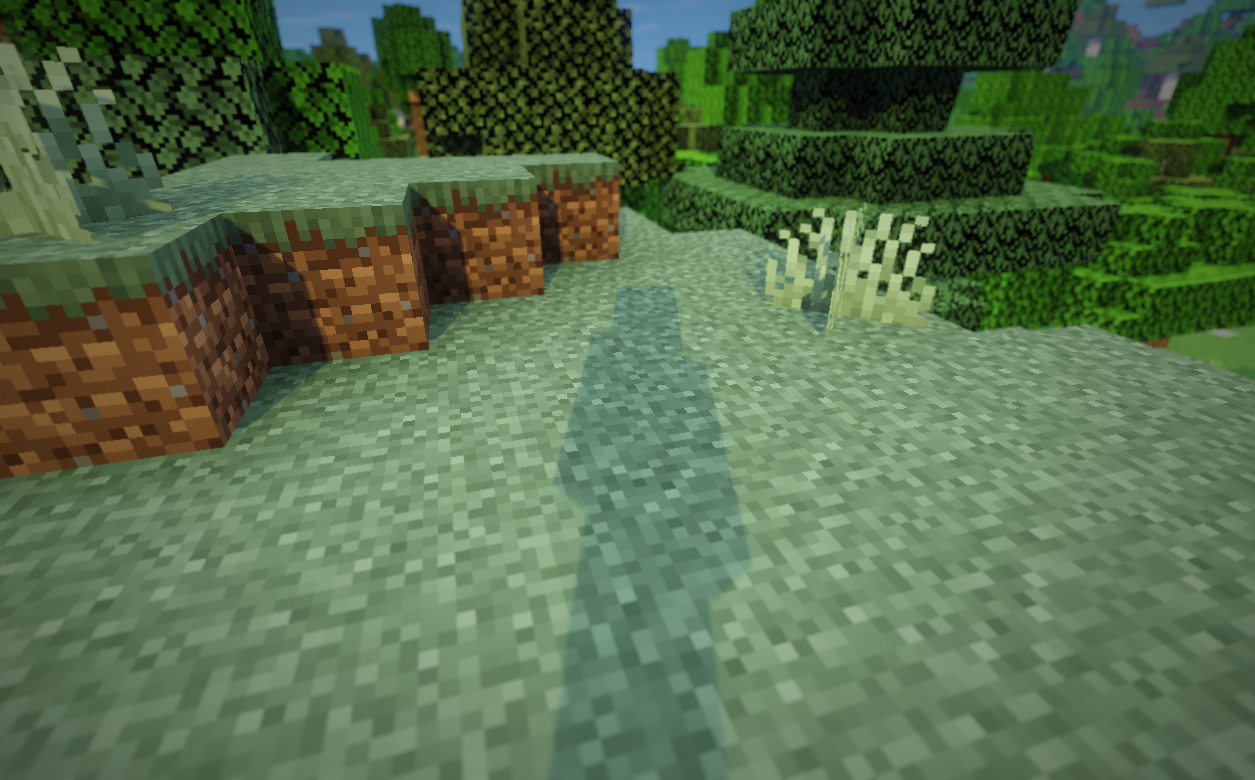
We’re confident you’ll have a positive experience as you return to your world of adventure and enjoy a whole host of new thrills. We encourage you not to waste any time and simply enjoy these new improvements. This approach is sure to delight you and lay the foundations for new activities. Play and have fun.
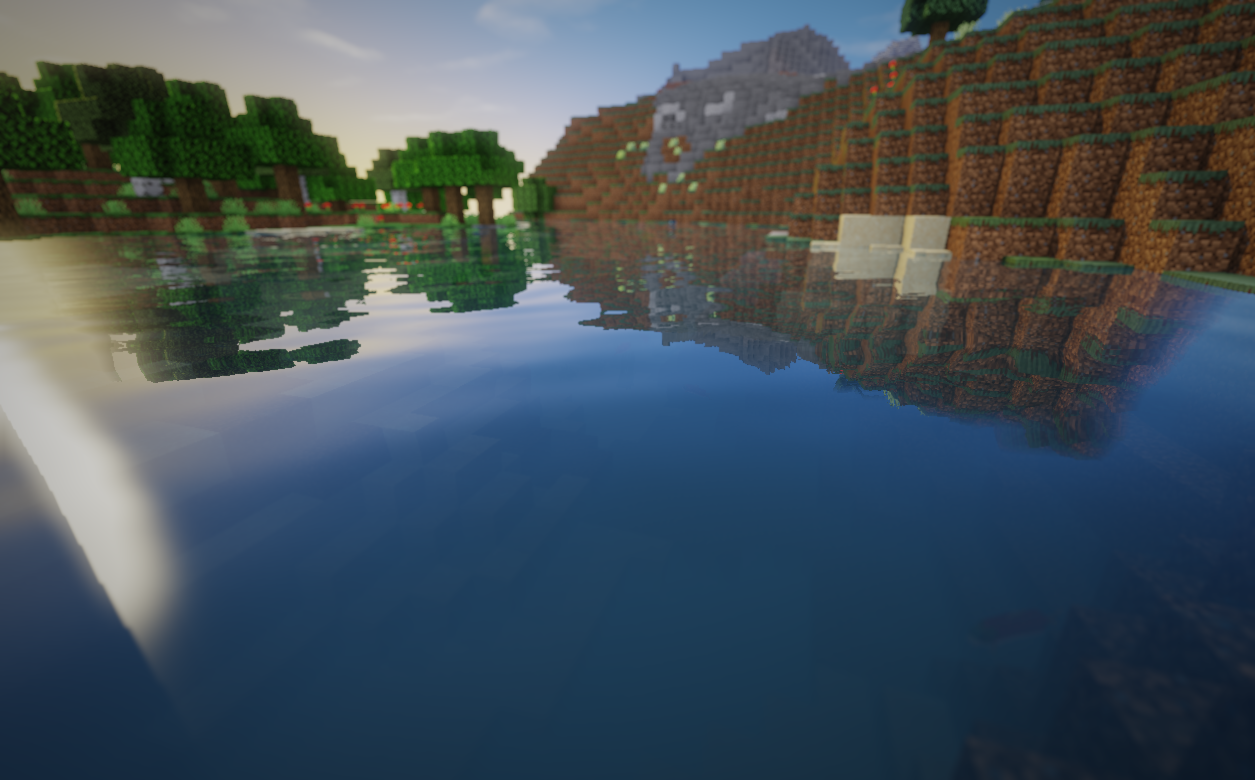
How to install the shader:
Step 1: Download the shader pack from the link below.
Step 2: Extract the downloaded archive and copy the folder BQ to the path c:\Users\Пользователь\AppData\Roaming\.minecraft\resourcepacks\ (if this folder does not exist, create it yourself) (For Windows)
Step 3: In the game, go to Settings, then Resource Packs. In the list on the left, click the icon for the newly added shader pack.
Comments (1)