



Chocapic13's for Minecraft 1.16.2
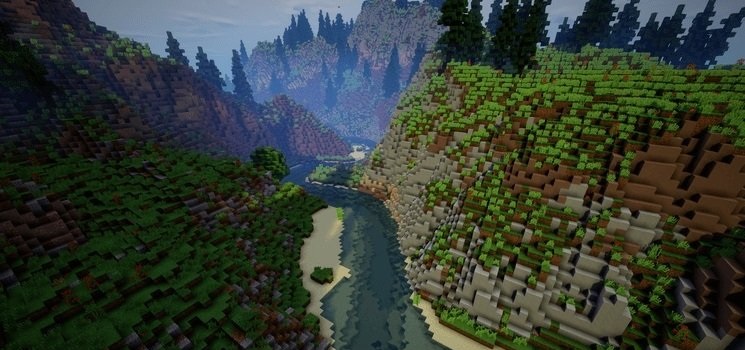
 If you enjoy tweaking shaders, then the Chocapic13's 1.16.2 add-on for Minecraft could be just the thing for you. With this enhancement, you can look forward to an updated environment and a fresh experience to make your time more enjoyable.
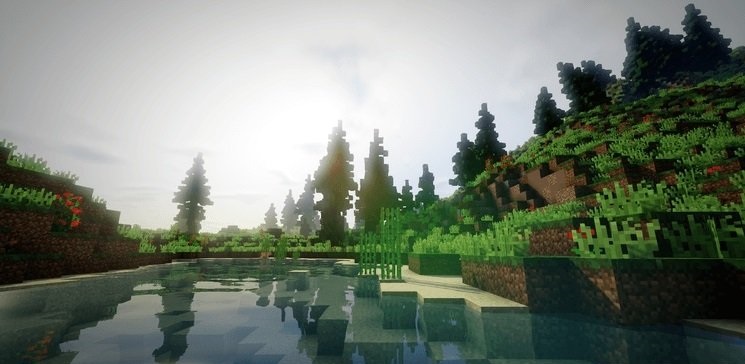
We’d like you to waste no time and simply set off to explore these expanses, which are sure to lead to new discoveries. The updated shaders are sure to delight you with their unique visuals and other interesting improvements. This time, the game world will reveal itself to you from a completely new perspective. We wish you the best of luck!
How to install the shader:
Step one: Download the shader pack using the link below.
Step two: Extract the downloaded archive and copy the folder Chocapic13's to the path c:\Users\Пользователь\AppData\Roaming\.minecraft\resourcepacks\ (if this folder does not exist, create it yourself) (For Windows)
Step three: In the game, go to Settings, then Resource Packs. There, click on the new shader pack’s icon in the left-hand list.
Comments (0)