



Continuum for Minecraft 1.16.2
 Continuum Shaders for Minecraft is a comprehensive graphical update that will allow you to explore your surroundings with ease. This time, you’ll have the chance to see
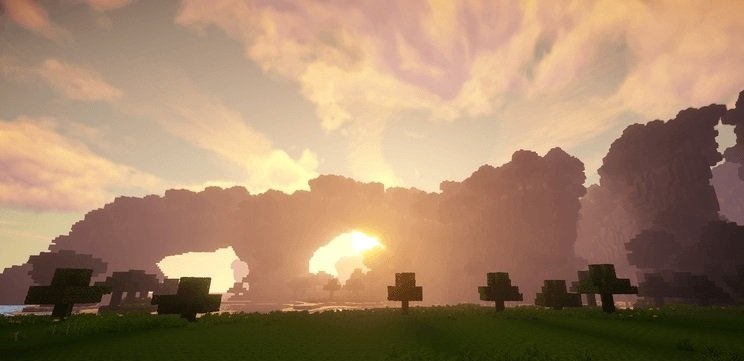
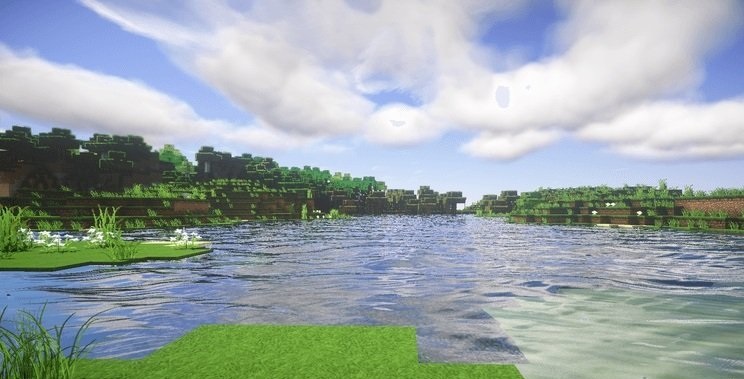
what truly unique modern graphics look like, with plenty of detail and new environmental elements. In any case, you’ll need a fairly powerful machine for decent performance. This update will show that even such a classic game can not only take on the look of a modern game but also rival many modern titles. Enjoy your exploration!
How to install the shader:
Step 1: Download the shader pack using the link below.
Step 2: Extract the downloaded archive and copy the Continuum folder to c:\Users\Пользователь\AppData\Roaming\.minecraft\resourcepacks\ (if this folder does not exist, create it yourself) (For Windows)
Step 3: In the game, go to Settings, then Resource Packs. In the list on the left, click the icon for the new shader pack that has appeared.
Comments (0)