



TME for Minecraft 1.16.2
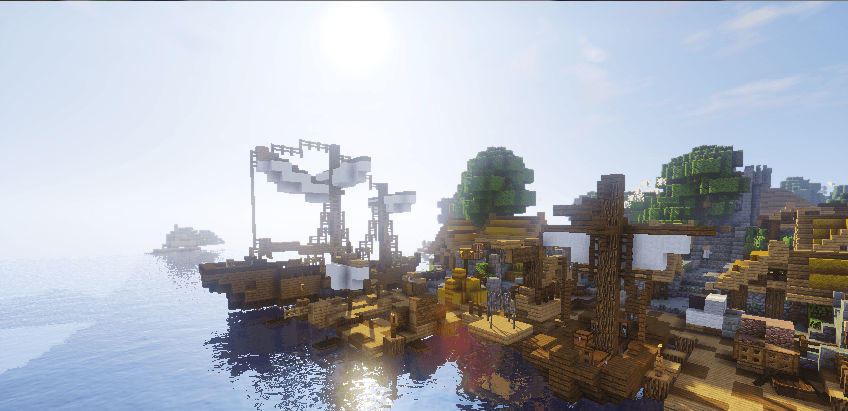
 TME 1.16.2 for Minecraft – unique shaders that allow you not only to savour every moment of the game, but also to get the most enjoyment out of the gameplay. The textures will now look much better, and all you need to do is enjoy every moment of your adventure.
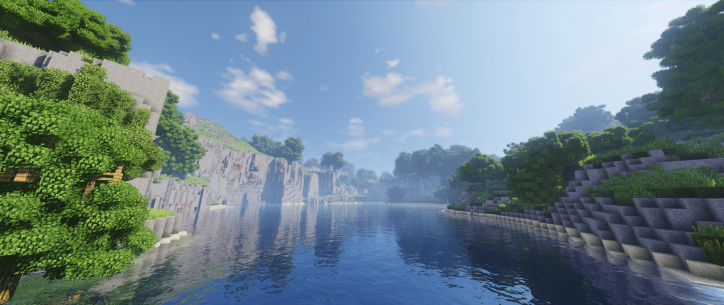
The developer tried not to alter the appearance of the textures, whilst still managing to improve them significantly. All you need to do is make proper use of all the options available to you and gradually achieve good results. The game will become far more enjoyable and open up ample scope for new adventures. We wish you the best of luck!
How to install the shader:
Step 1: Download the shader pack using the link below.
Step 2: Extract the downloaded archive and copy the TME folder to c:\Users\Пользователь\AppData\Roaming\.minecraft\resourcepacks\ (if this folder does not exist, create it yourself) (For Windows)
Step 3: In the game, go to Settings, then Resource Packs. In the list on the left, click on the icon for the new shader pack that has appeared.
Comments (0)