



Voyager for Minecraft 1.16.2
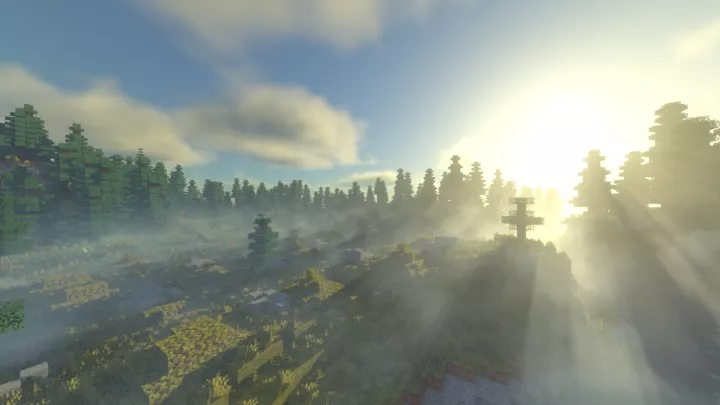
 Lighting shaders are particularly popular among players, so it’s no surprise that a large proportion of add-ons fall into this category. To help you start actively exploring your surroundings and enjoying the beautiful graphics, we recommend using the Voyager 1.16.2 shaders for Minecraft.
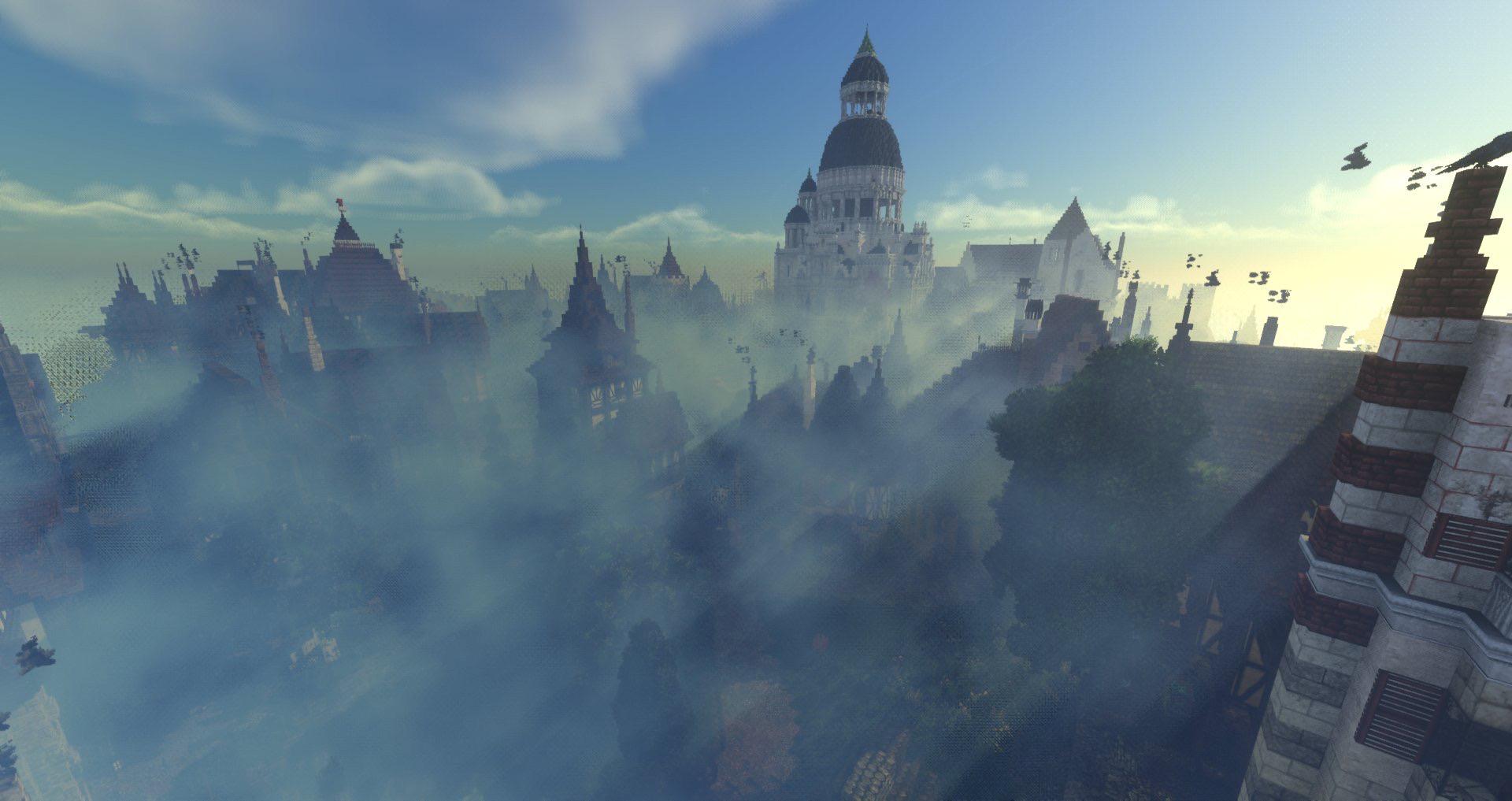
This intriguing approach will allow you to implement a completely new lighting system that will delight you with its simulated ray tracing and let you experience a greater sense of realism during your adventure. We wish you the best of luck and hope you have a great time!
How to install the shader:
Step 1: Download the shader pack using the link below.
Step 2: Extract the downloaded archive and copy the Voyager folder to c:\Users\Пользователь\AppData\Roaming\.minecraft\resourcepacks\ (if this folder does not exist, create it yourself) (For Windows)
Step 3: In the game, go to Settings, then Resource Packs. Click the icon for the newly added shader pack in the left-hand list.
Comments (0)