



Werrus for Minecraft 1.16.2
 Werrus 1.16.2 for Minecraft is a graphical update that will delight you not only with a variety of changes but also with improved lighting overall. This time, you’ll be able to take advantage of new enhancements that let you have a good time and enjoy both the updated visuals and the improved lighting system.
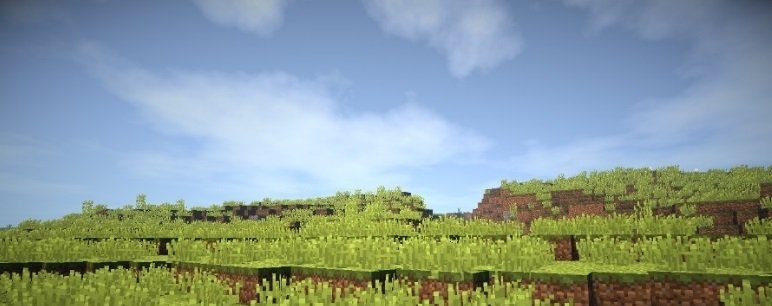
All you need to do is pay attention to all the available details and try to make the most of all your options. We’re confident that you’ll enjoy the visual experience, achieve a favourable result and find yourself in a good mood. We wish you good luck and all the very best!
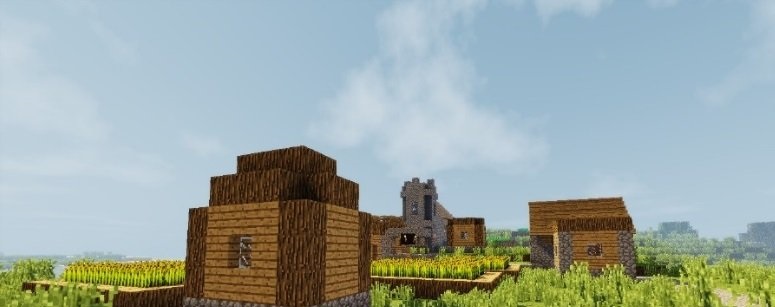
How to install the shader:
Step 1: Download the shader package using the link below.
Step 2: Extract the downloaded archive and copy the Werrus folder to the path c:\Users\Пользователь\AppData\Roaming\.minecraft\resourcepacks\ (if this folder does not exist, create it yourself) (for Windows)
Step 3: In the game, go to Settings, then Resource Packs. In the list on the left, click on the icon for the new shader pack that has appeared.
Comments (0)