



Ziipzaap's for Minecraft 1.16.2
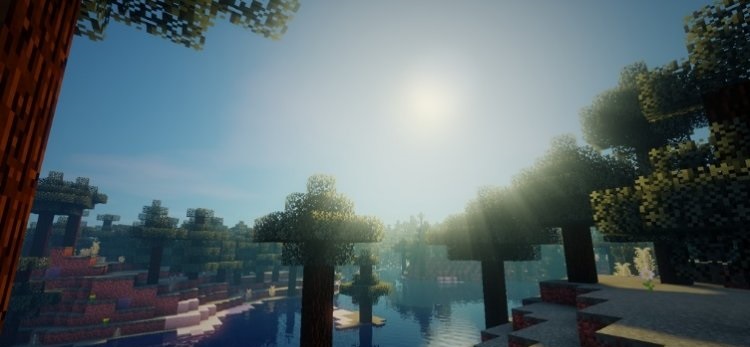
 Ziipzaap's 1.16.2 for Minecraft is a prime example of just how much the game can be transformed by utilising the full potential of the graphics card. The author has worked to maximise performance and is now ready to delight players not only with a variety of improvements, but also with other intriguing features.
All you need to do is set off on an amazing adventure and try to achieve success that is sure to delight you. To do so, you’ll need to discover a new shader design and enjoy every minute you spend playing. After all, the game world will now be unrecognisable. We wish you a pleasant journey!
How to install the shader:
Step 1: Download the shader pack using the link below.
Step 2: Extract the downloaded archive and copy the folder Ziipzaap's to the following path: c:\Users\Пользователь\AppData\Roaming\.minecraft\resourcepacks\ (if this folder does not exist, create it yourself) (For Windows)
Step 3: In the game, go to Settings, then Resource Packs. There, click on the icon for the new shader pack in the left-hand list.
Comments (0)