



MakeUp - Ultra Fast for Minecraft 1.16.3
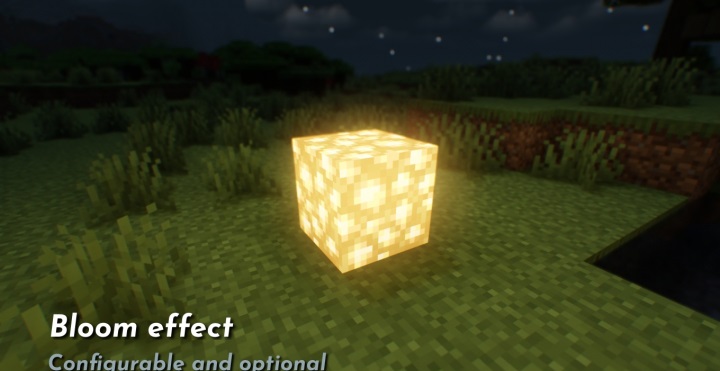
 MakeUp - Ultra Fast 1.16.3 for Minecraft is a unique and well-optimised shader that offers new ways to customise the game world. This shader has one key feature – you can disable anything you don’t need.
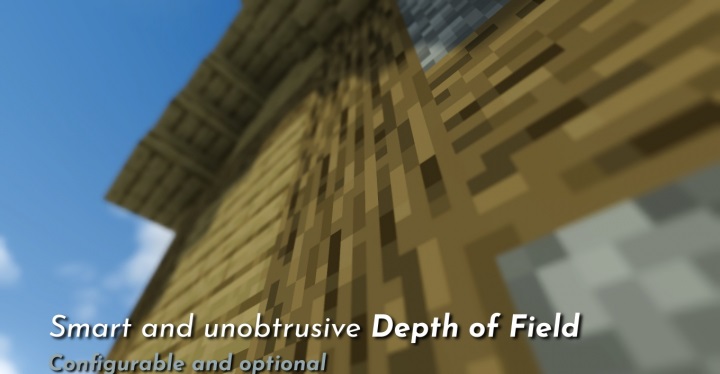
This, in turn, allows you to control performance and optimisation levels. All in all, there are plenty of changes; each of these aspects can be precisely adjusted, not to mention other, equally interesting features. All that remains is to wish you good luck and all the very best in this challenging and exciting adventure. We wish you the best of luck!
How to install the shader:
Step 1: Download the shader package from the link below.
Step 2: Extract the downloaded archive and copy the folder MakeUp - Ultra Fast to c:\Users\Пользователь\AppData\Roaming\.minecraft\resourcepacks\ (if this folder does not exist, create it yourself) (for Windows)
Step 3: In the game, go to Settings, then Resource Packs. Click the icon for the new shader pack in the left-hand list.
Comments (0)