



Windom for Minecraft 1.16.4
 We’re continuing to improve the visual presentation of the game world and recommend taking a look at the Windom 1.16.4 shaders for Minecraft to experience a whole new world.
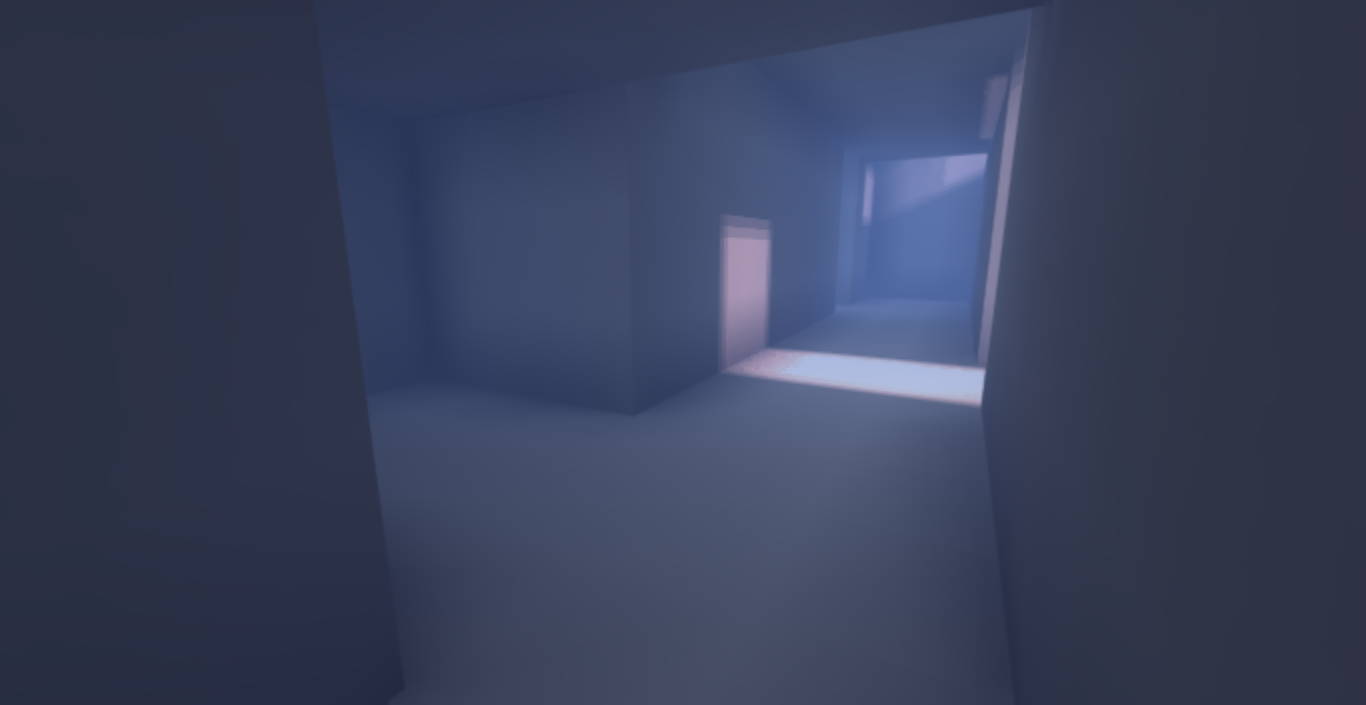
Thanks to all the available changes, you can make full use of the new features to improve texture rendering and ray-tracing simulation. Combining these features will allow you to explore all the new possibilities and appreciate every detail of the improvements. All of this will form the basis for new activities and let you simply enjoy every moment of the adventure. We wish you good luck and all the best!
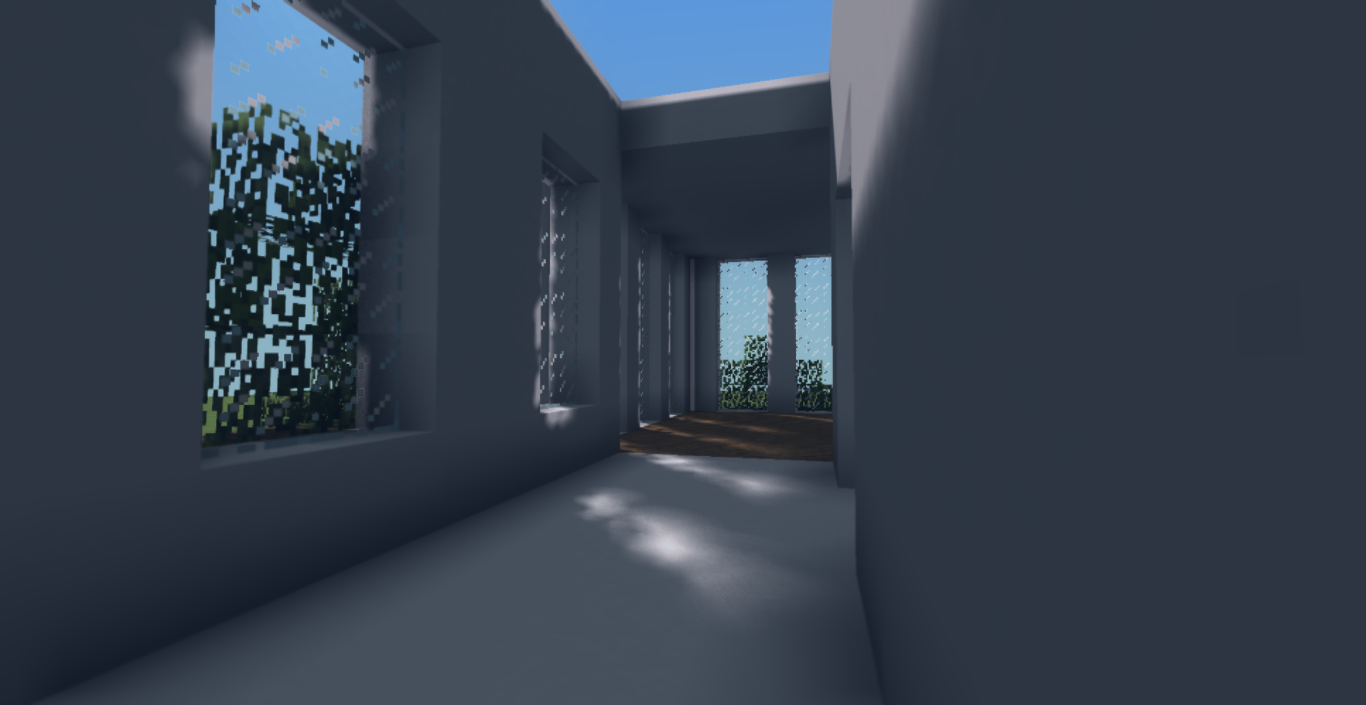
How to install the shader:
Step 1: Download the shader package from the link below.
Step 2: Extract the downloaded archive and copy the Windom folder to c:\Users\Пользователь\AppData\Roaming\.minecraft\resourcepacks\ (if this folder does not exist, create it yourself) (For Windows)
Step 3: In the game, go to Settings, then Resource Packs. In the left-hand list, click on the icon for the new shader pack that has appeared.
Comments (8)