



Absolute Daybreak Shaders for Minecraft 26.3
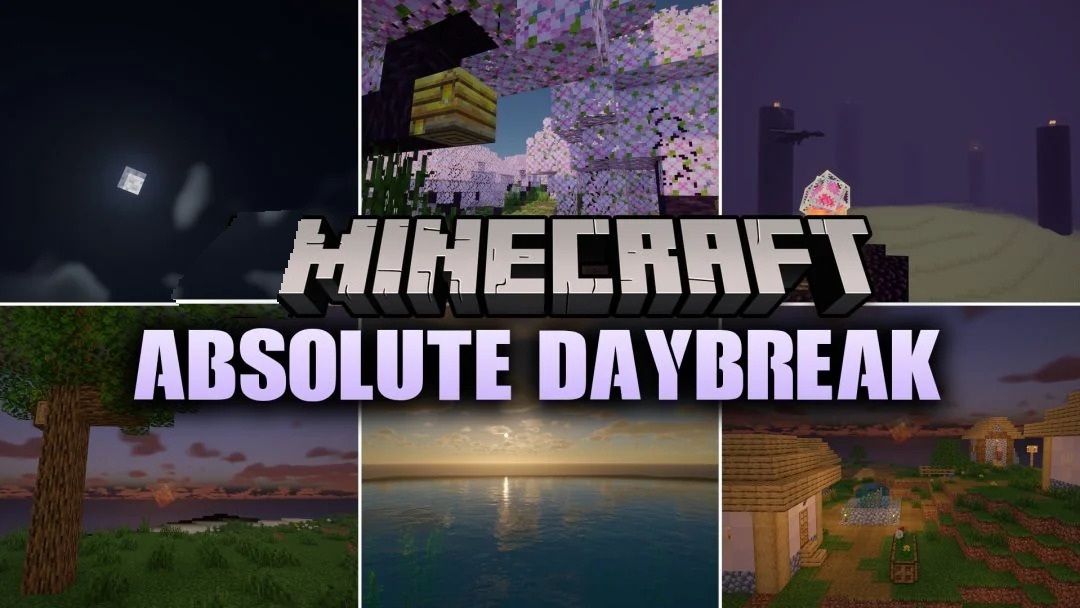
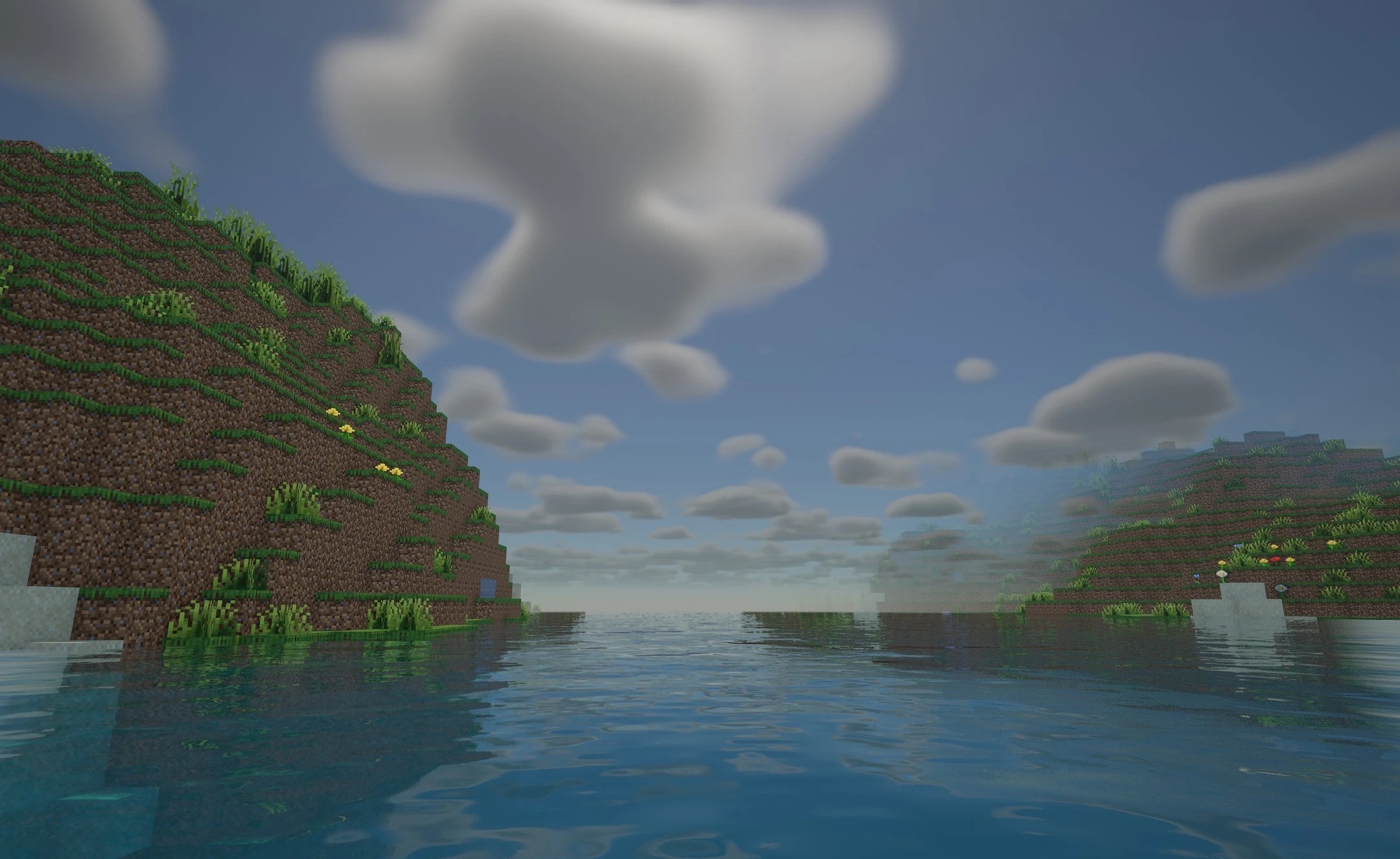
Absolute Daybreak Shaders updates Minecraft’s lighting without altering the recognisable character of its graphics. Sunbeams spread across the landscape in accordance with the physical properties of light, while soft shadows emphasise the shapes of blocks, trees and structures. Colours and textures remain close to those of the original game, so familiar biomes retain their appearance.

Particular attention has been paid to transitions between surfaces: the boundaries between neighbouring areas of terrain appear smoother, without any abrupt visual breaks. The pack was created from scratch and is designed to provide clean, consistent visuals in which lighting effects do not distract from the world itself.
How to install the shader:
Step one: Download the shader pack using the link below.
Step two: Extract the downloaded archive and copy the folder to the following path: c:\Users\Пользователь\AppData\Roaming\.minecraft\shaderpacks\ (if this folder does not exist, create it yourself) (For Windows)
Step three: In the game, go to Settings, then Video Settings. Select the ‘Shaders’ section and enable the shader pack of your choice.
Comments (0)