



Chromalume Shaders for Minecraft 26.3
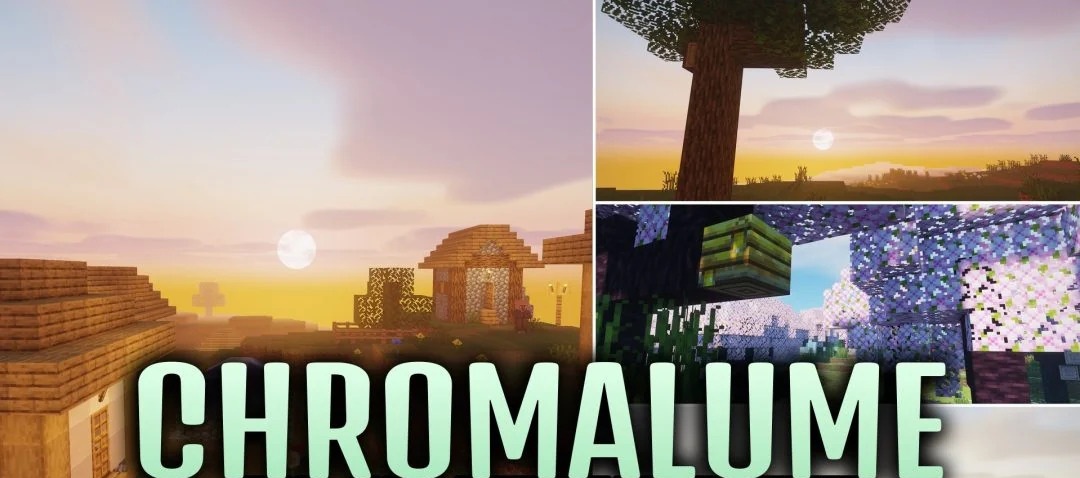
Light passing through coloured glass is one of the key features of Chromalume Shaders. Stained glass colours the sun’s rays, while smooth, polished surfaces reflect indoor lighting. At sunset, the horizon fills with warm hues that blend softly into one another, while at night, bright stars and distinct constellations appear.
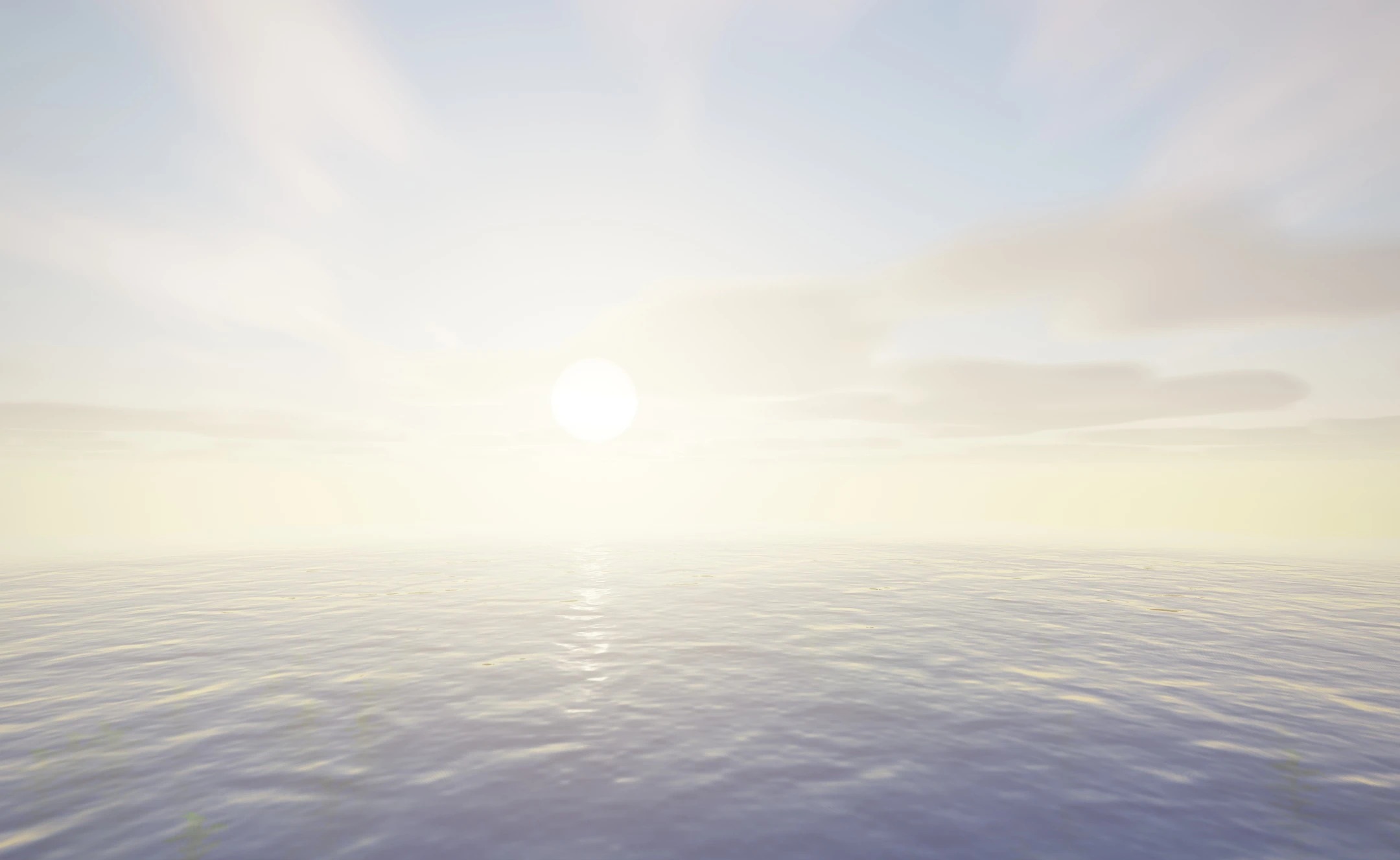
These changes also affect the End: instead of the usual sky, a specially designed cosmic scene unfolds there. This combination of effects makes the same house look different during the day, in the evening and after dark.
How to install a shader:
Step one: Download the shader pack using the link below.
Step two: Extract the downloaded archive and copy the folder to the following path: c:\Users\Пользователь\AppData\Roaming\.minecraft\shaderpacks\ (if this folder does not exist, create it yourself) (For Windows)
Step three: In the game, go to Settings, then Video Settings. Select the ‘Shaders’ section and enable the shader pack of your choice.
Comments (0)