



Cozy Just Shaders for Minecraft 26.3
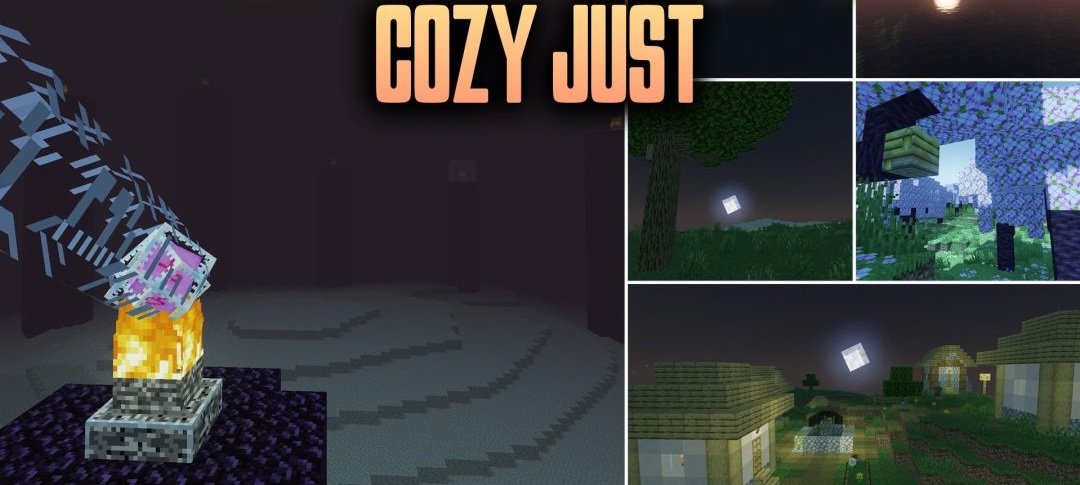
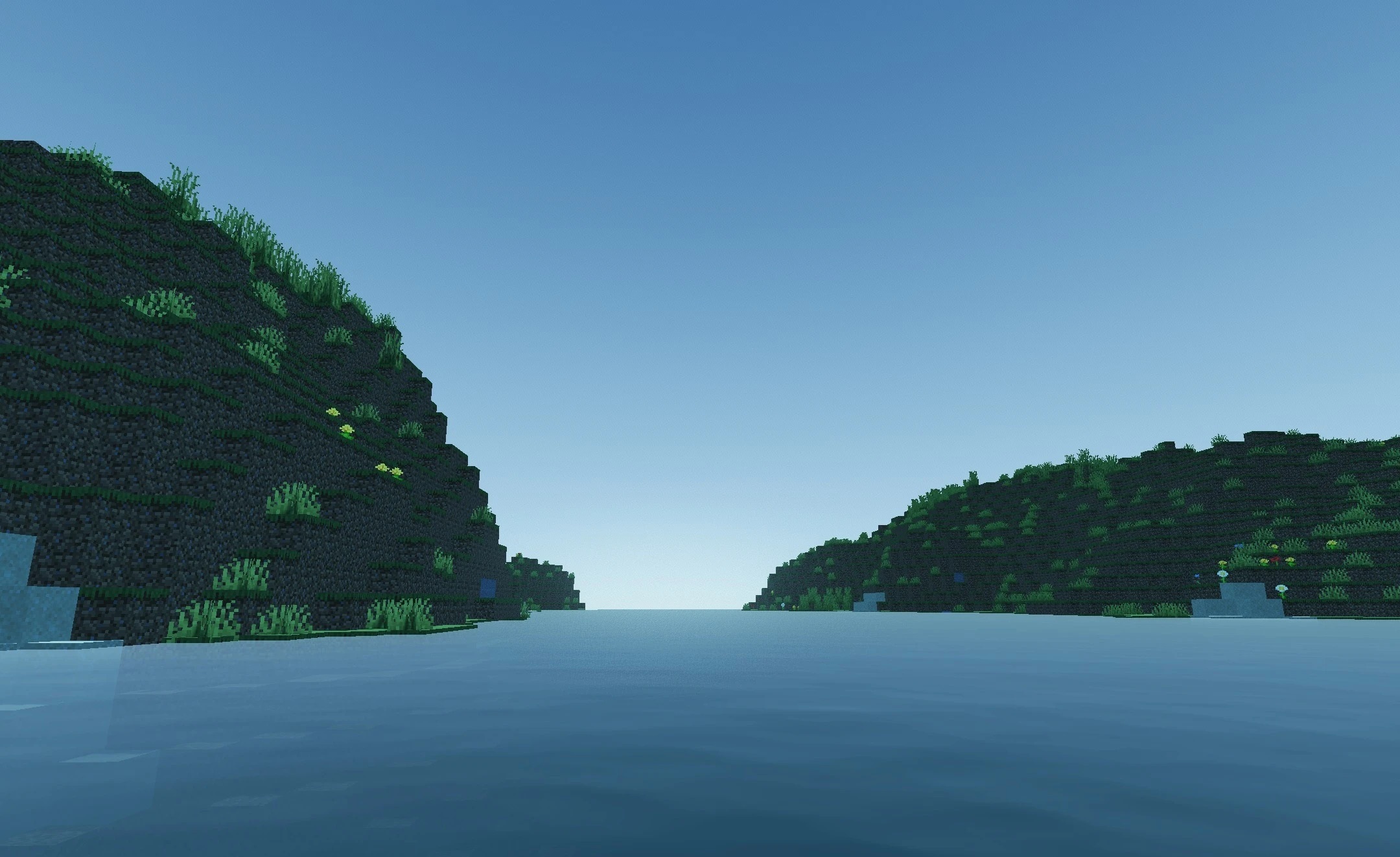
Cozy Just Shaders lets you choose just how much Minecraft’s graphics will change. The settings range from a subtle style close to the original game to a more realistic atmosphere with natural lighting and added depth to the landscape.
The lighting becomes softer, but the familiar shapes of the blocks and the overall character of the world are preserved. A key feature of the pack is its flexible system of settings: you can customise the visual details to suit your own preferences without being limited to a single preset style. Low, medium and high quality profiles are available for computers of varying performance levels.
How to install the shader:
Step one: Download the shader pack using the link below.
Step two: Extract the downloaded archive and copy the folder to the following path: c:\Users\Пользователь\AppData\Roaming\.minecraft\shaderpacks\ (if this folder does not exist, create it yourself) (For Windows)
Step three: In the game, go to Settings, then Graphics Settings. Select the ‘Shaders’ section and enable the shader pack of your choice.
Comments (0)