



Delirium Shaders for Minecraft 26.3
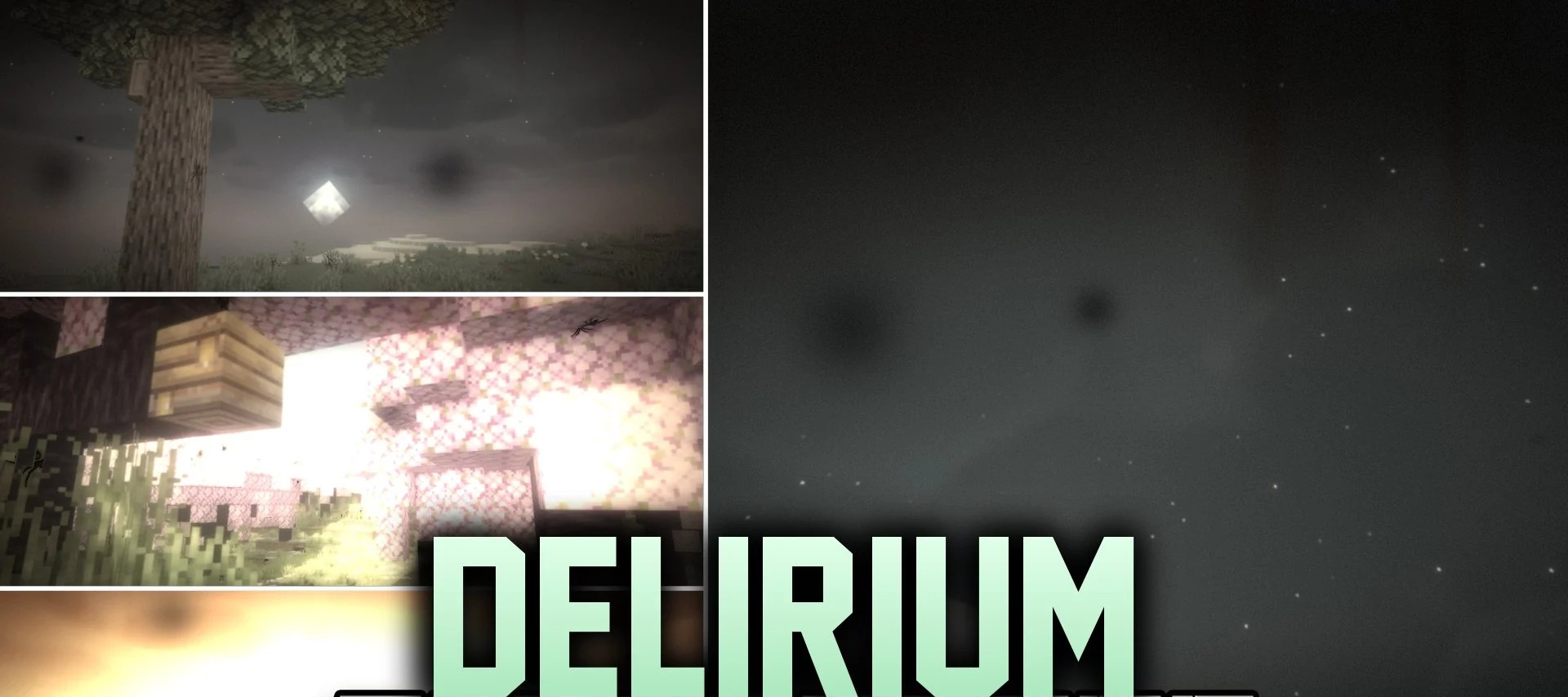
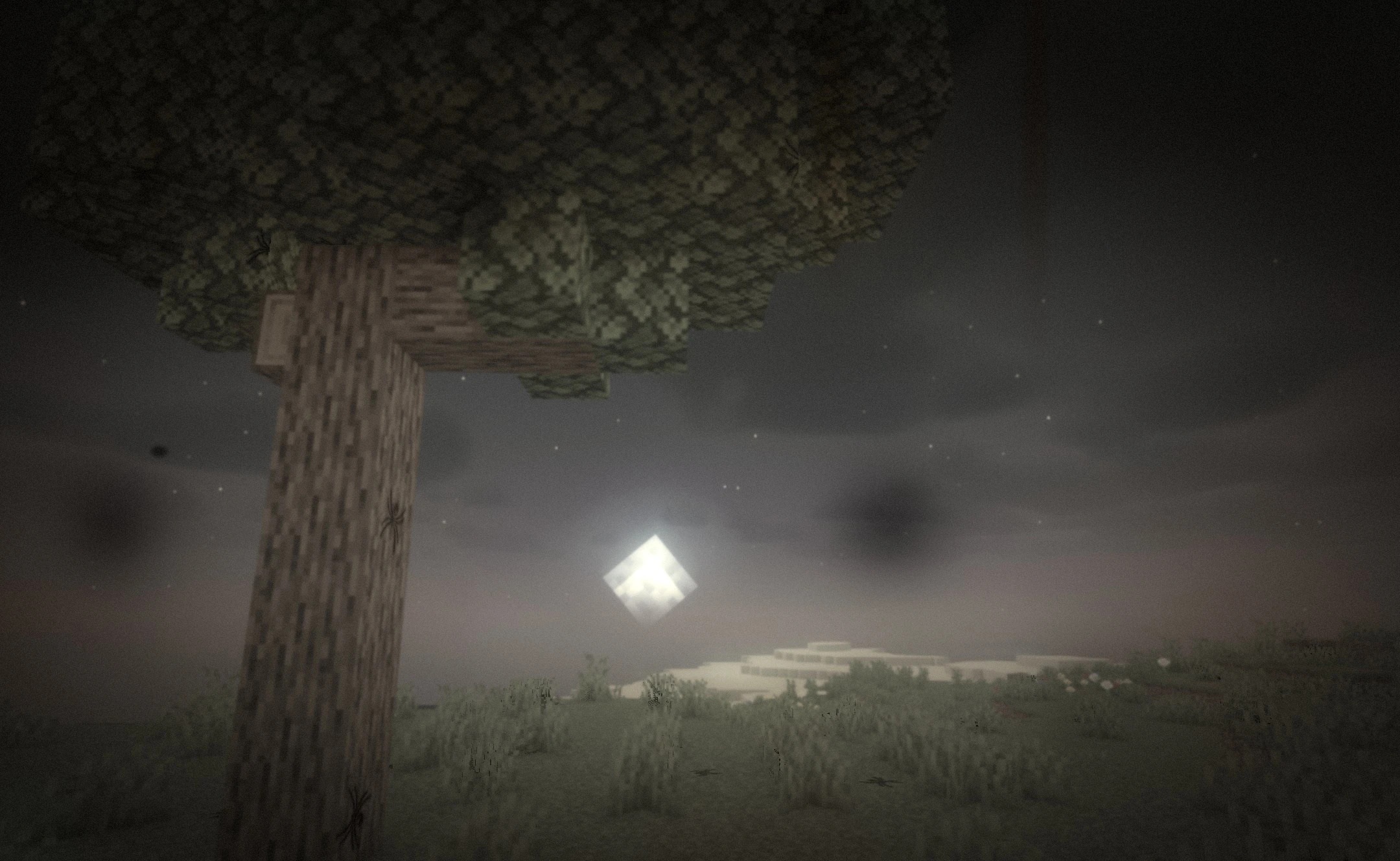
Delirium Shaders transforms ordinary walks through Minecraft into a series of unsettling optical illusions. Faces appear on stone walls, spiders crawl across surfaces – even though they aren’t actually present as mobs – and dark human silhouettes flit at the edge of your field of vision. The moment you turn towards them, the figures vanish.
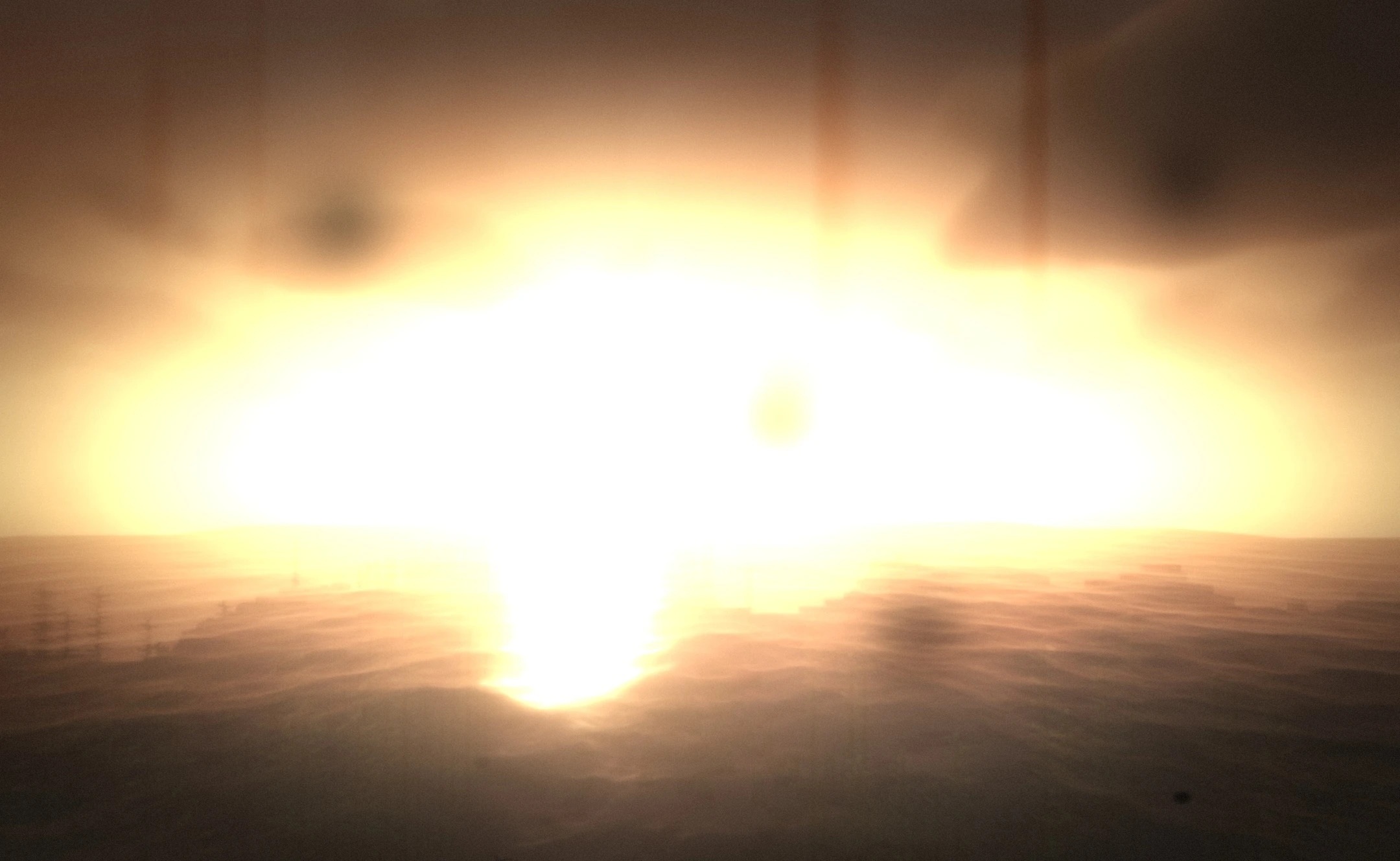
Occasionally, a tall Man in a Hat appears in doorways and corridors, silently observing what is happening. All these images are created using visual effects, rather than by adding real creatures to the game world. As the days spent in the world pass, the sense of unease gradually intensifies.
How to install the shader:
Step one: Download the shader pack using the link below.
Step two: Extract the downloaded archive and copy the folder to the following path: c:\Users\Пользователь\AppData\Roaming\.minecraft\shaderpacks\ (if this folder does not exist, create it yourself) (For Windows)
Step three: In the game, go to Settings, then Graphics Settings. Select the ‘Shaders’ section and enable the shader pack of your choice.
Comments (0)