



Ethereal Vulkan Shaders for Minecraft 26.3
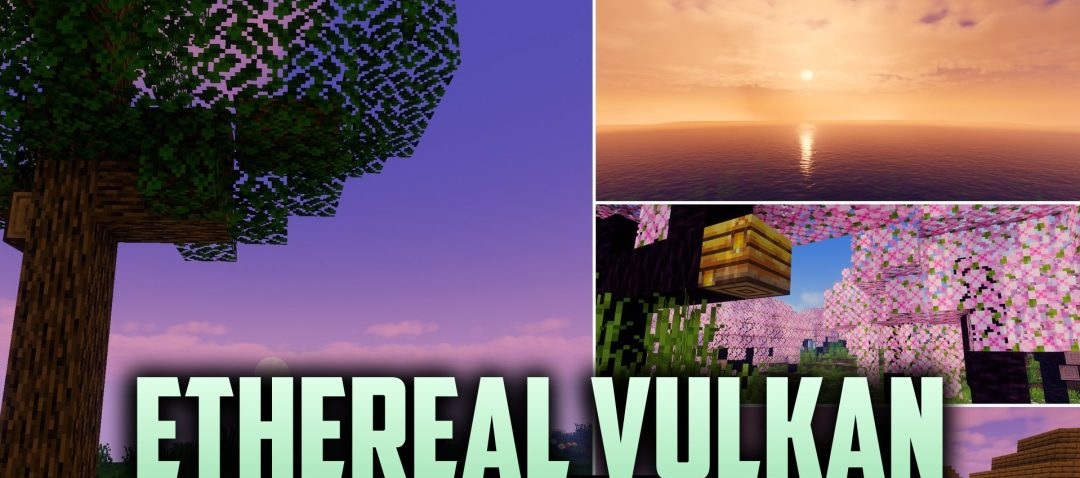
Ethereal Vulkan Shaders combines realistic lighting with vivid fantasy hues. Sunlight and shadows are distributed across block surfaces in a new way, emphasising the terrain, architecture and details of the surrounding biomes. At the same time, the colour grading does not aim for a completely neutral image: the sky and landscape take on a more fairy-tale atmosphere.
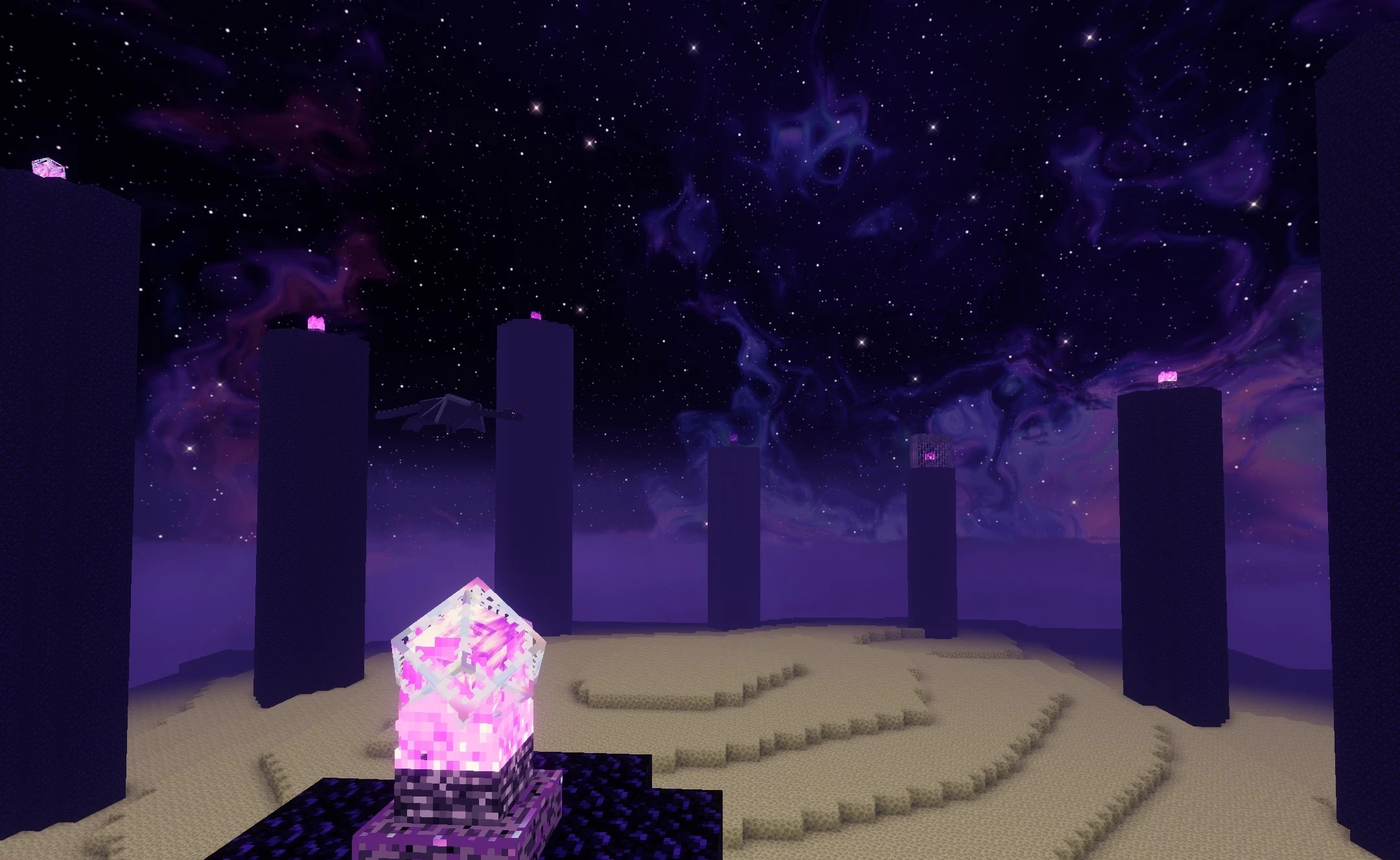
The pack uses the Vulkan graphics API, which underpins its focus on smooth rendering. The developers focus on striking a balance between detail and performance, so that visual changes are not accompanied by sudden lag.
How to install a shader:
Step one: Download the shader pack using the link below.
Step two: Extract the downloaded archive and copy the folder to the following path: c:\Users\Пользователь\AppData\Roaming\.minecraft\shaderpacks\ (if this folder does not exist, create it yourself) (For Windows)
Step three: In the game, go to Settings, then Graphics Settings. Select the ‘Shaders’ section and enable the shader pack of your choice.
Comments (0)