



Lively Nature Shaders for Minecraft 26.3
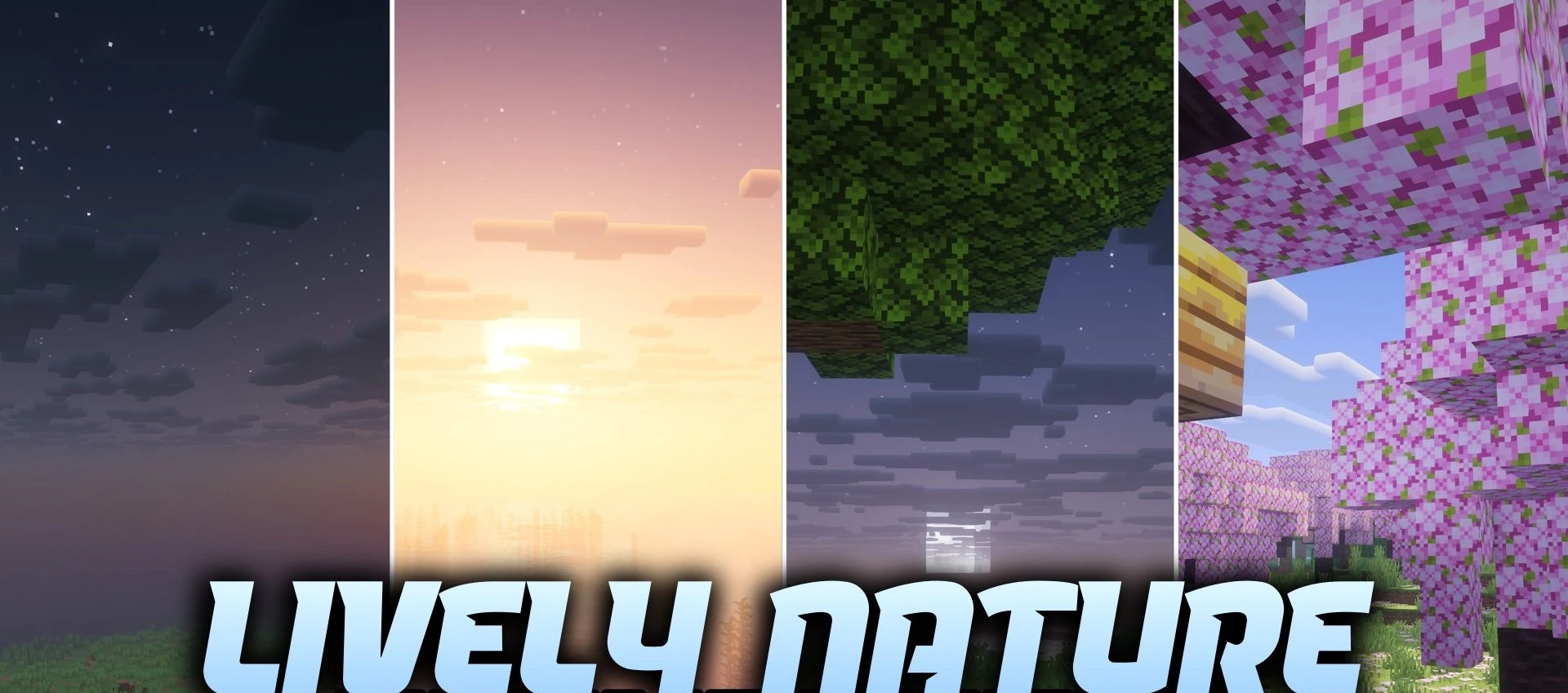
Lively Nature Shaders updates the lighting in forests, plains and buildings while retaining a colour palette close to that of the original Minecraft. Lanterns and other light sources cast colour onto neighbouring blocks, so illuminated areas take on different shades. Support for PBR materials adds depth to surfaces and allows their properties to be displayed when using compatible texture packs.

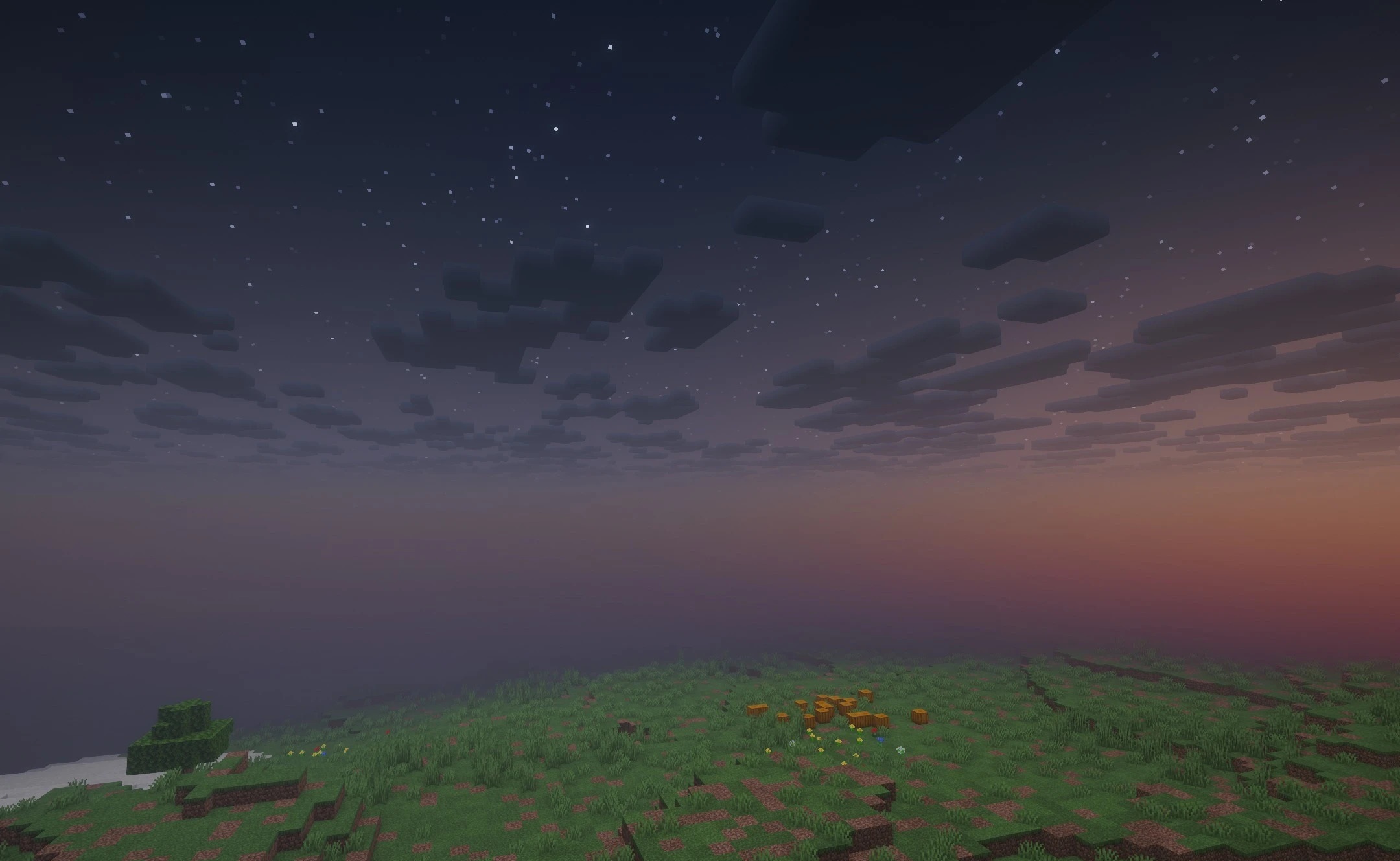
In open biomes, the emphasis is on clear visuals and the natural distribution of light across trees, grass and terrain. The pack is designed for mid-range computers and does not require the most powerful hardware.
How to install the shader:
Step one: Download the shader pack using the link below.
Step two: Extract the downloaded archive and copy the folder to the following path: c:\Users\Пользователь\AppData\Roaming\.minecraft\shaderpacks\ (if this folder does not exist, create it yourself) (For Windows)
Step three: In the game, go to Settings, then Graphics Settings. Select the ‘Shaders’ section and enable the shader pack of your choice.
Comments (0)