



October Afterhours Shaders for Minecraft 26.3
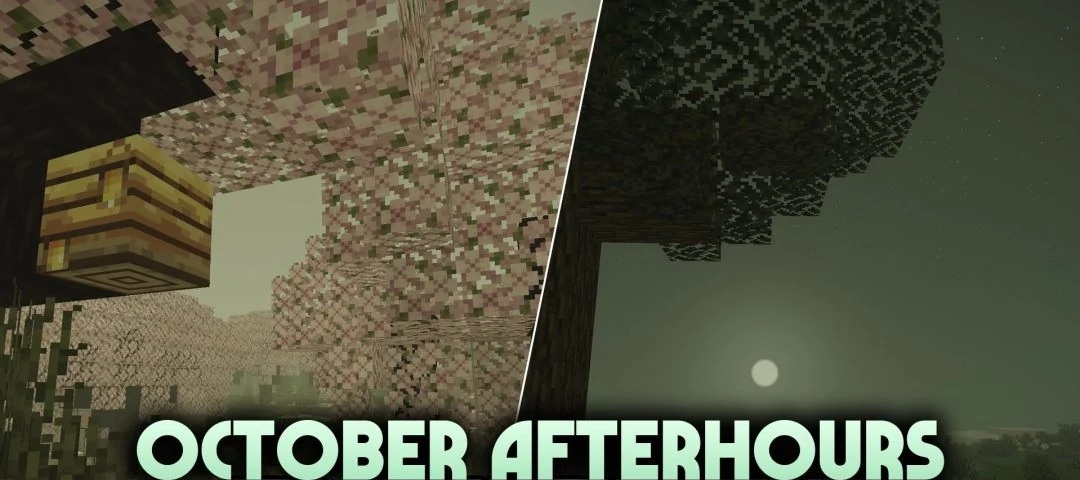
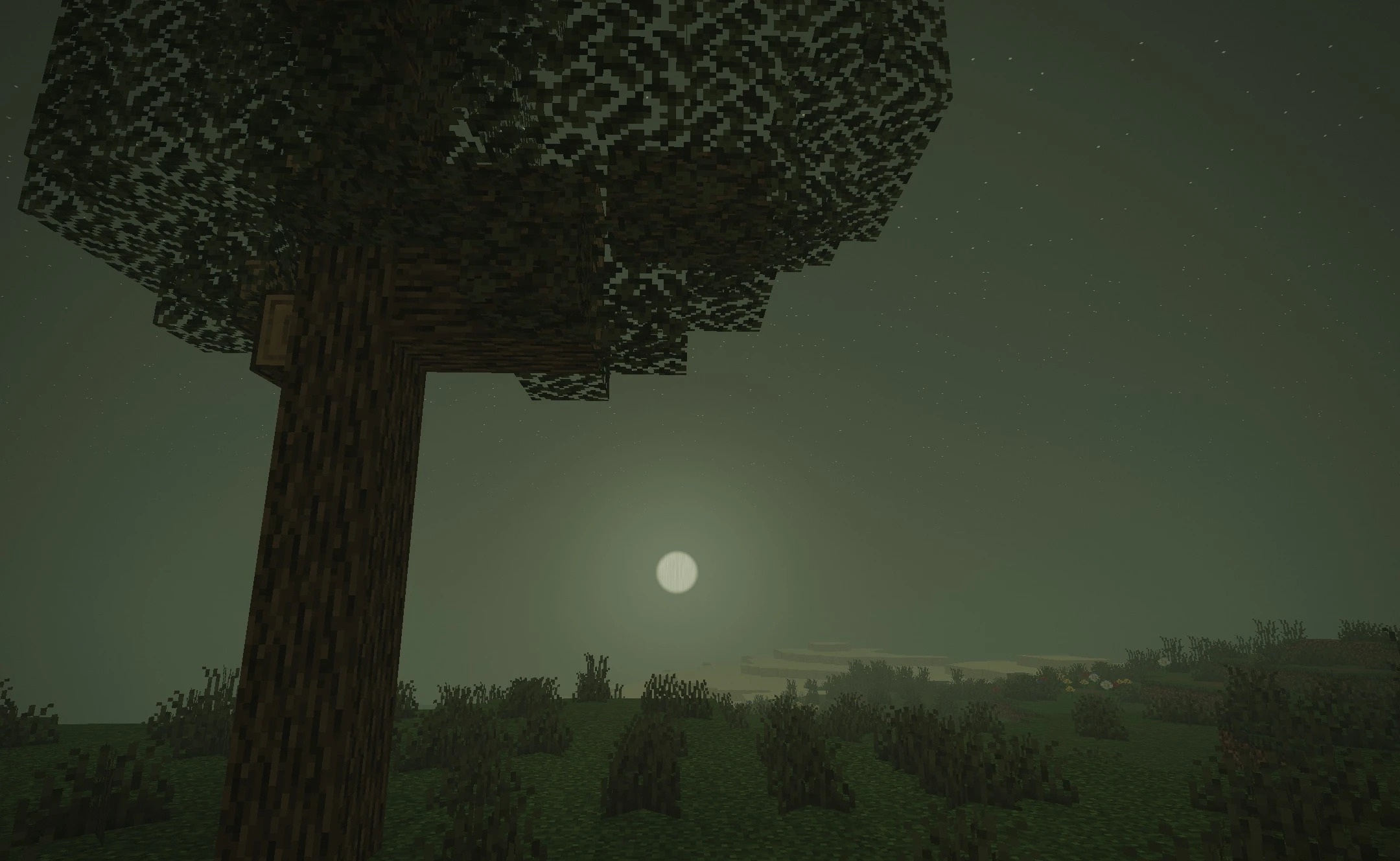
October Afterhours Shaders paints the world of Minecraft in the colours of late autumn and lingering twilight. The evening light turns pumpkin-orange, casting warm amber hues over the trees and buildings. A low, greenish mist hangs over the fields and forests, making even familiar routes look slightly desolate.
Instead of the usual transition from day to night, a gloomier evening sky appears, with the light gradually fading. At dusk, the lighting around the blocks softens, while the water and open spaces take on a faint glow beneath the dark sky.
How to install the shader:
Step one: Download the shader pack using the link below.
Step two: Extract the downloaded archive and copy the folder to the following path: c:\Users\Пользователь\AppData\Roaming\.minecraft\shaderpacks\ (if this folder does not exist, create it yourself) (For Windows)
Step three: In the game, go to Settings, then Graphics Settings. Select the ‘Shaders’ section and enable your chosen shader pack.
Comments (0)