



Of Stars Shaders for Minecraft 26.3
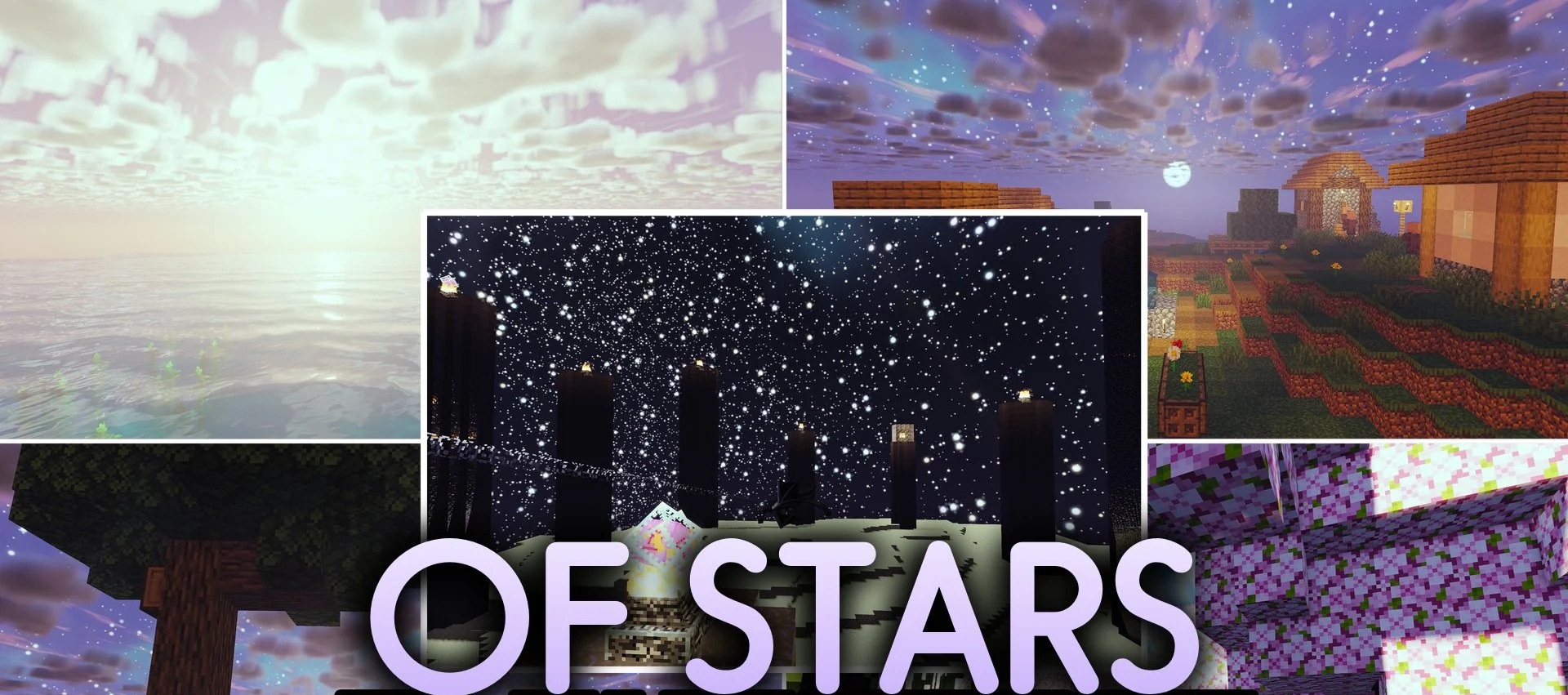
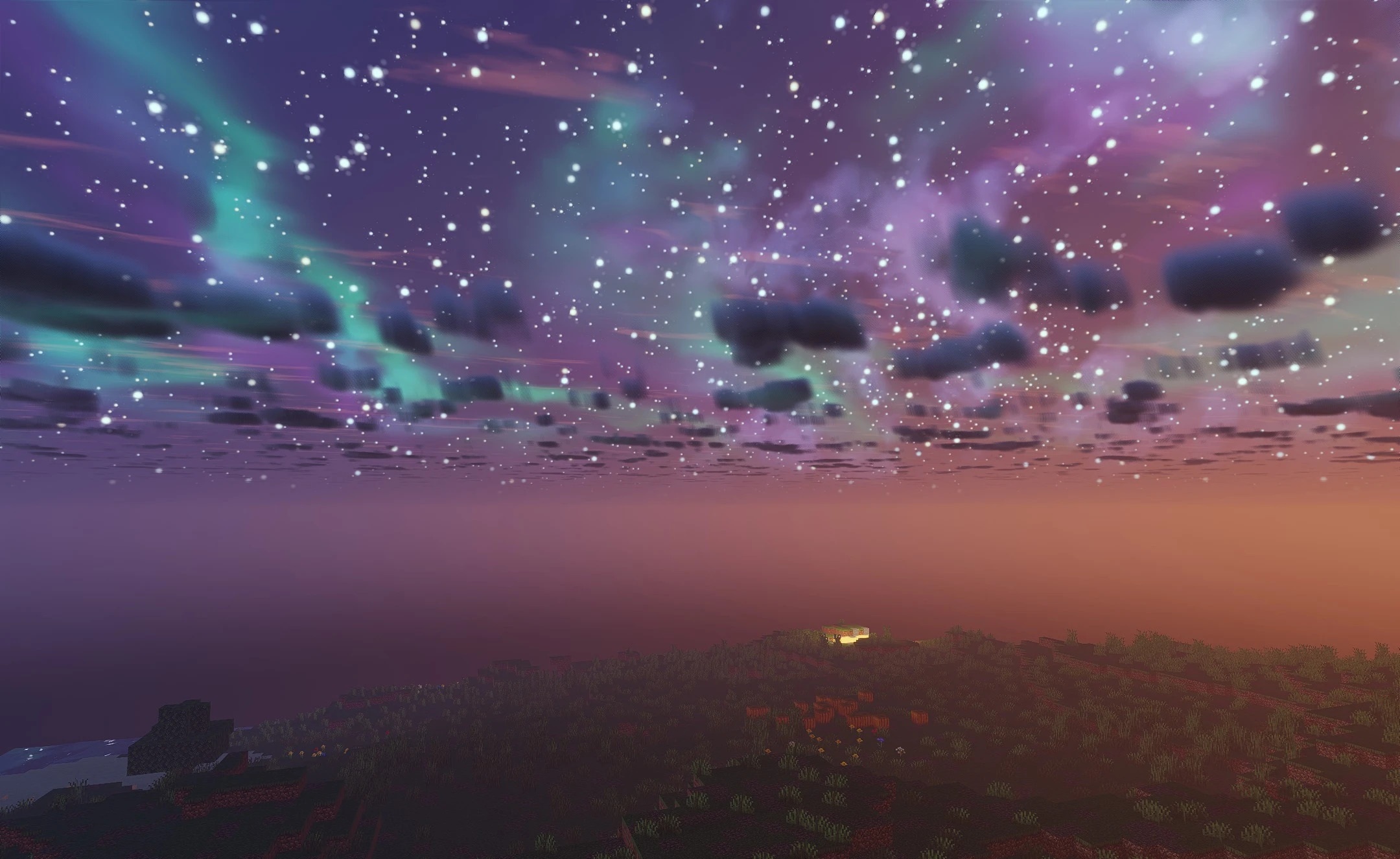
Of Stars Shaders is designed not only for powerful computers but also for laptops with integrated graphics. It adds soft shadows beneath trees and blocks, while water surfaces feature crisp light reflections. The overall style remains semi-realistic, with a slight fantasy touch, so the changes are noticeable across different biomes but do not turn Minecraft into a completely different game.
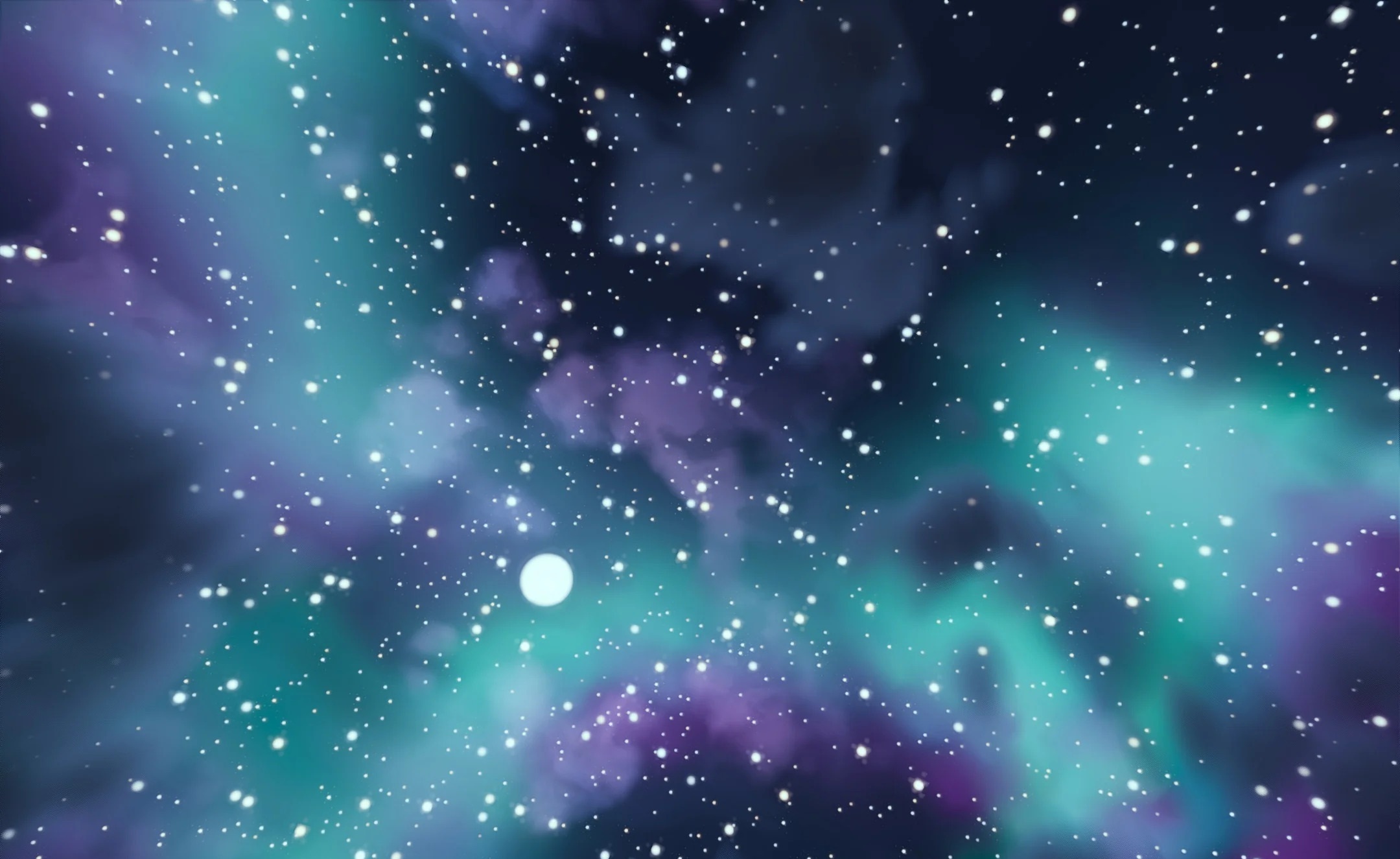
There are four profiles to choose from to suit your system’s capabilities: ‘potato’, low, medium and high. You can opt for simplified visuals to prioritise frame rate or enhance image quality on more powerful hardware. Shadows can also be customised.
How to install a shader:
Step one: Download the shader pack using the link below.
Step two: Extract the downloaded archive and copy the folder to the following path: c:\Users\Пользователь\AppData\Roaming\.minecraft\shaderpacks\ (if this folder does not exist, create it yourself) (For Windows)
Step three: In the game, go to Settings, then Graphics Settings. Select the ‘Shaders’ section and enable the shader pack of your choice.
Comments (0)