



Pocky Shaders for Minecraft 26.3
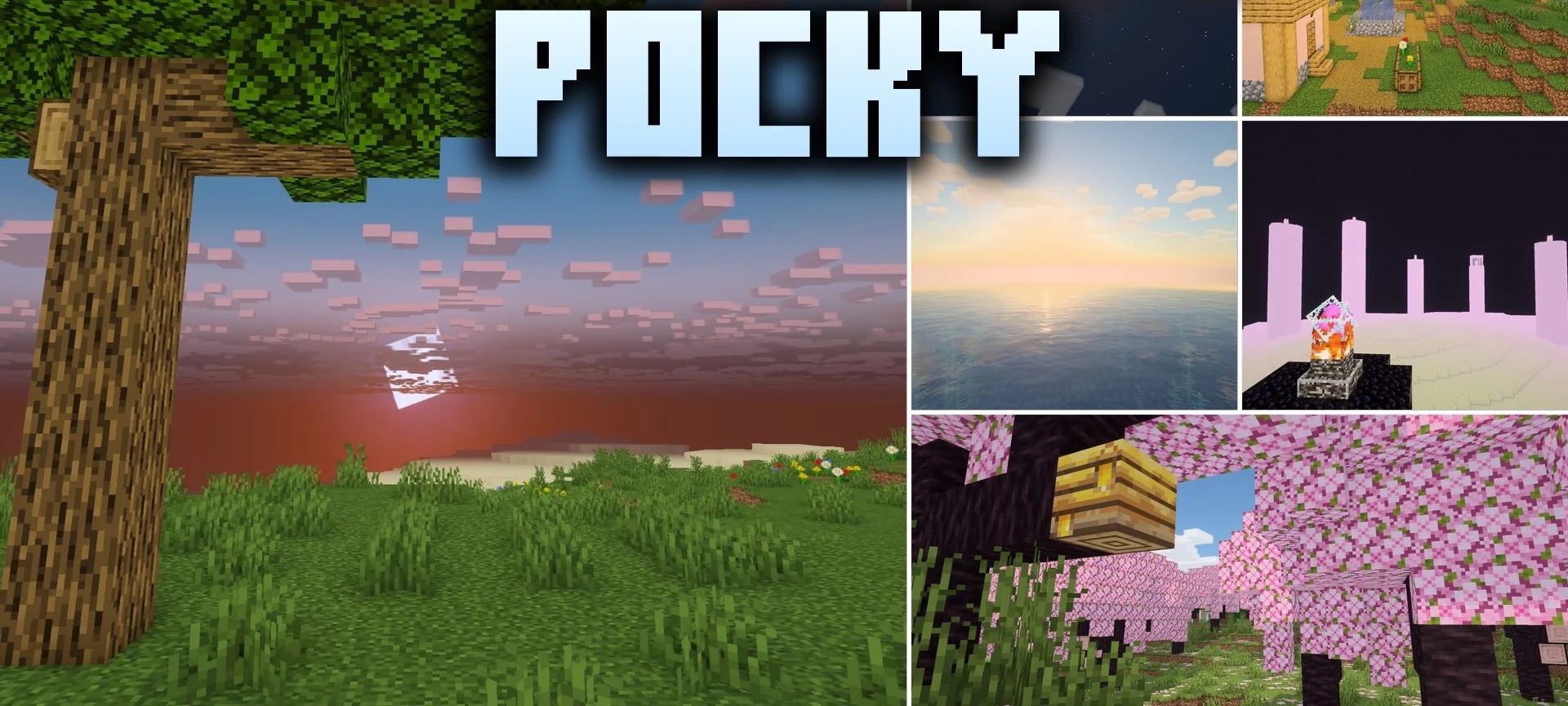
Pocky Shaders adds soft lighting and tranquil natural effects to familiar Minecraft landscapes. Shadows cast by trees and buildings have soft edges, while gentle ripples and reflections of the surrounding world appear on the water. Leaves, tall grass and other plants sway in the wind, so even a motionless forest looks different.
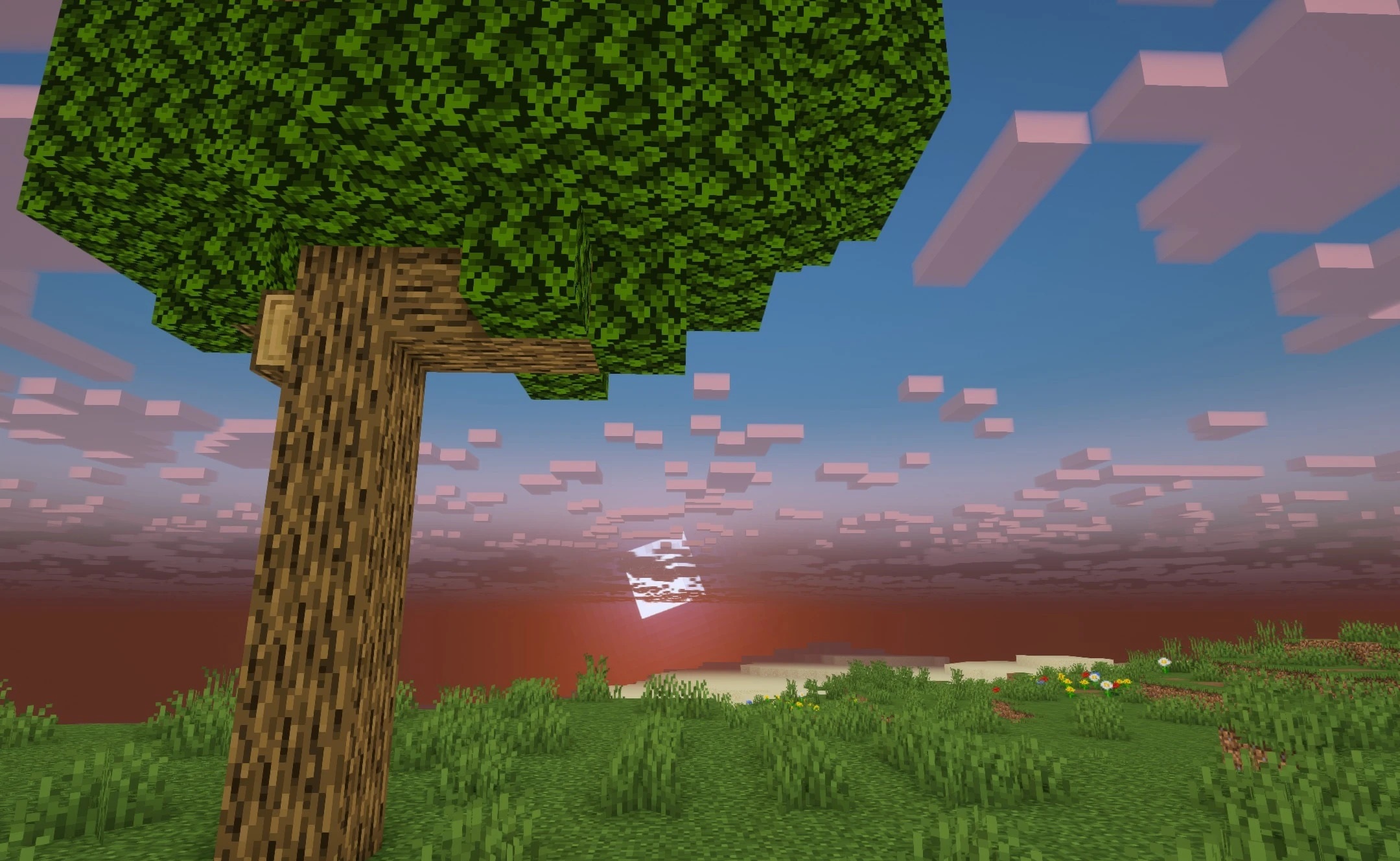
The morning sky takes on warm hues, particularly at sunrise. Rain and thunderstorms also alter the atmosphere: the lighting changes, while fog helps convey the feel of unsettled weather. The pack retains the original colour palette and blocky design, opting for subtle changes across several parts of the image at once.
How to install a shader:
Step one: Download the shader pack using the link below.
Step two: Extract the downloaded archive and copy the folder to the following path: c:\Users\Пользователь\AppData\Roaming\.minecraft\shaderpacks\ (if this folder does not exist, create it yourself) (For Windows)
Step three: In the game, go to Settings, then Video Settings. Select the “Shaders” section and enable the shader pack of your choice.
Comments (0)