



Psychedelic Shaders for Minecraft Pocket Edition 1.2
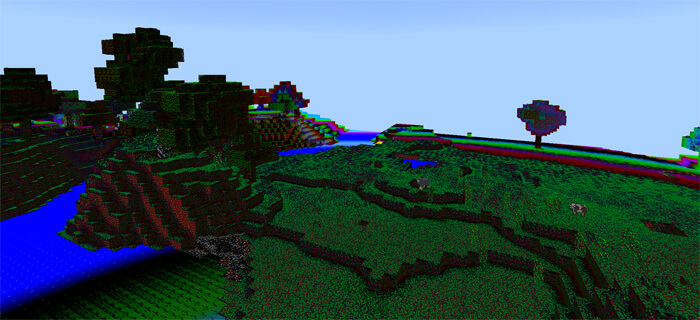
 Who would have thought that the vast world of Minecraft would depend directly on its colour scheme and brightness? Thanks to entirely new features, you can easily adjust the colour scheme and enjoy the very best and most pleasing visuals.
The key is to use the shaders called ‘Psychedelic’ for Minecraft 1.2, and you’ll have a much more exciting experience than playing the standard version.
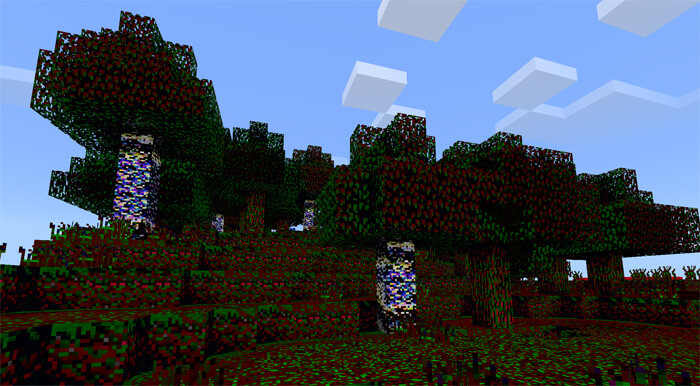
Don’t worry – you’ll gradually get a feel for all the available changes and realise what makes this new enhancement special. Playing will now be much easier and more enjoyable. Make the most of the new features and simply have fun. Enjoy the game!
How to install shaders (Android):
Step 1: Download the texture pack from the link below.
Step 2: Extract the downloaded archive; inside, you’ll find a folder containing the Psychedelic Shaders texture pack for the shaders. Copy it to the following path games\com.mojang\resource_packs or use the launcher.
Comments (0)