



Minecraft 26.4 Snapshot 8 Java Edition Download (Review)
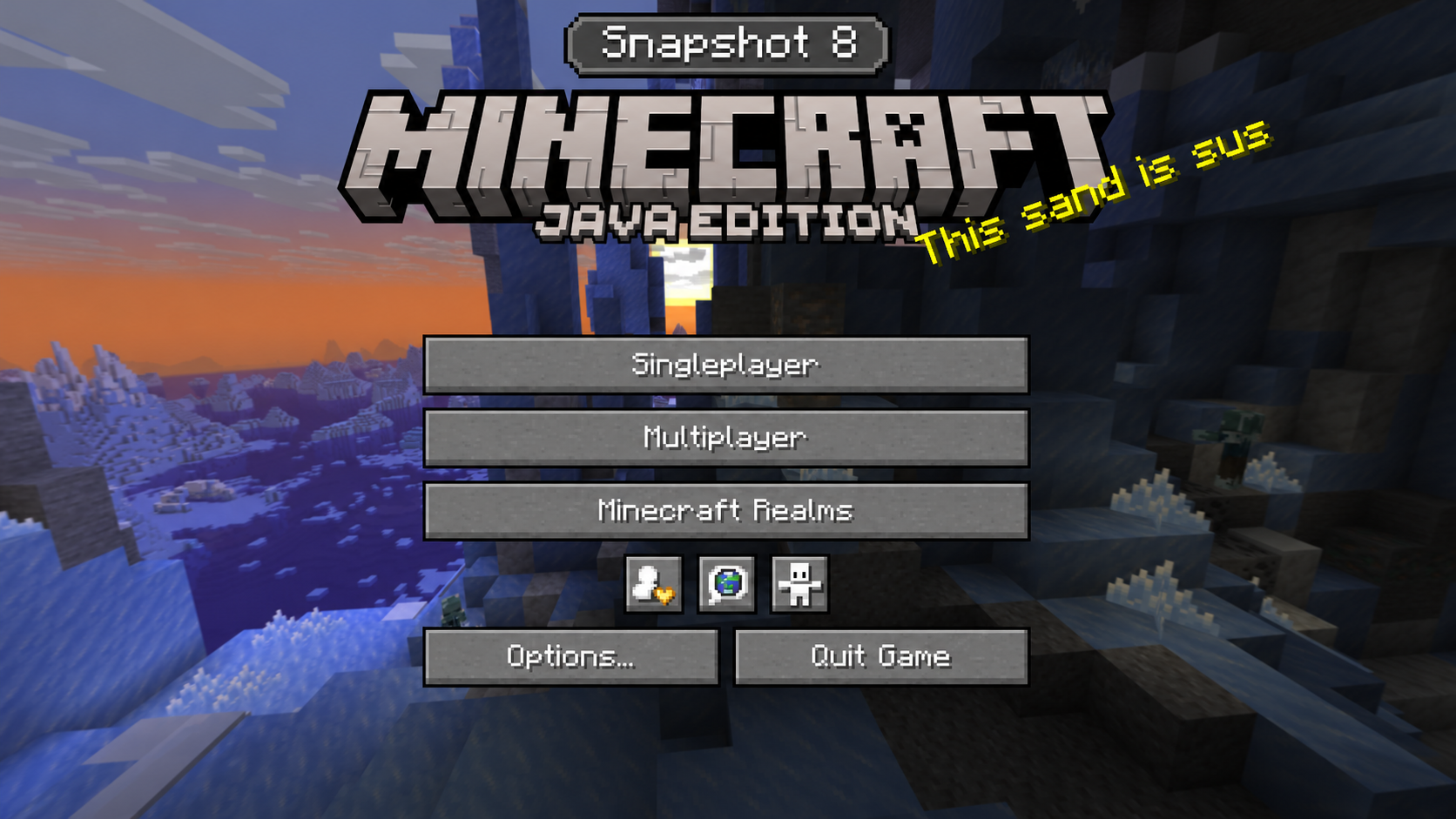
26.4 Snapshot 8 is a minor update for Minecraft: Java Edition, released on 10 November 2026. This snapshot added two new languages and fixed several bugs.
Contents:
1 New languages
2 Bug fixes
3 How to install the snapshot
4 Download links
New languages
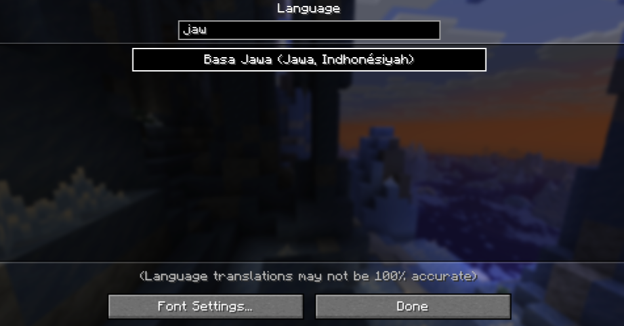
Two new languages have been added to the game — Javanese and Chabacano.
Bug fixes
This snapshot resolves numerous bugs — 43 in total. Here are some of the most important fixes:
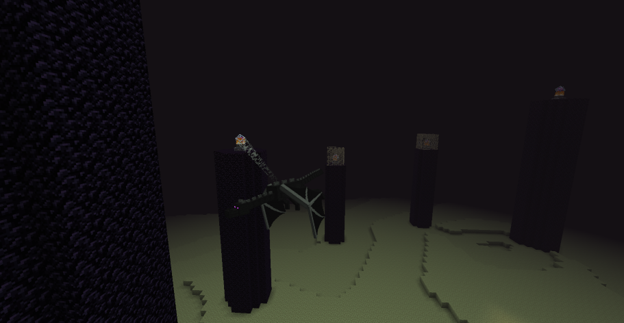
1. Fixed the behaviour of the Ender Dragon. Previously, it could stop diving at the player, fail to head correctly towards the exit portal, get stuck between two points, and make sudden movements while flying.
2. Fixed a game crash during canyon generation caused by certain world height settings.
3. Fixed a crash when using the arrow keys in the statistics section after pressing an extra mouse button.
4. Fixed a bug where the leaves of grown trees could disappear if there were logs nearby that did not belong to those trees.
5. Fixed a Nether generation bug that caused the top layer of bedrock to become visible in some ravines.
How to install the snapshot
Step one: Open TLauncher and go to the ‘Settings’ tab using the cog icon in the bottom right-hand corner.

Step two: Tick the ‘Show Snapshots’ box and be sure to save your selected settings by clicking the corresponding button at the bottom.

Step three: On the TLauncher home screen, go to the version selection tab and choose the snapshot you want, then click ‘Install’ or ‘Launch the game’ if the snapshot was previously installed.

Download links
26.4 Snapshot 8 is out!
Previous snapshots:
The latest version of the game:
Comments (0)