



Beyond The Lands for Minecraft 1.10
 A medieval atmosphere always captures players’ attention, so don’t waste any time – immerse yourself in it right away. This time, we’d like to draw your attention to the Beyond The Lands texture pack for Minecraft, which radically transforms the environment for the better.
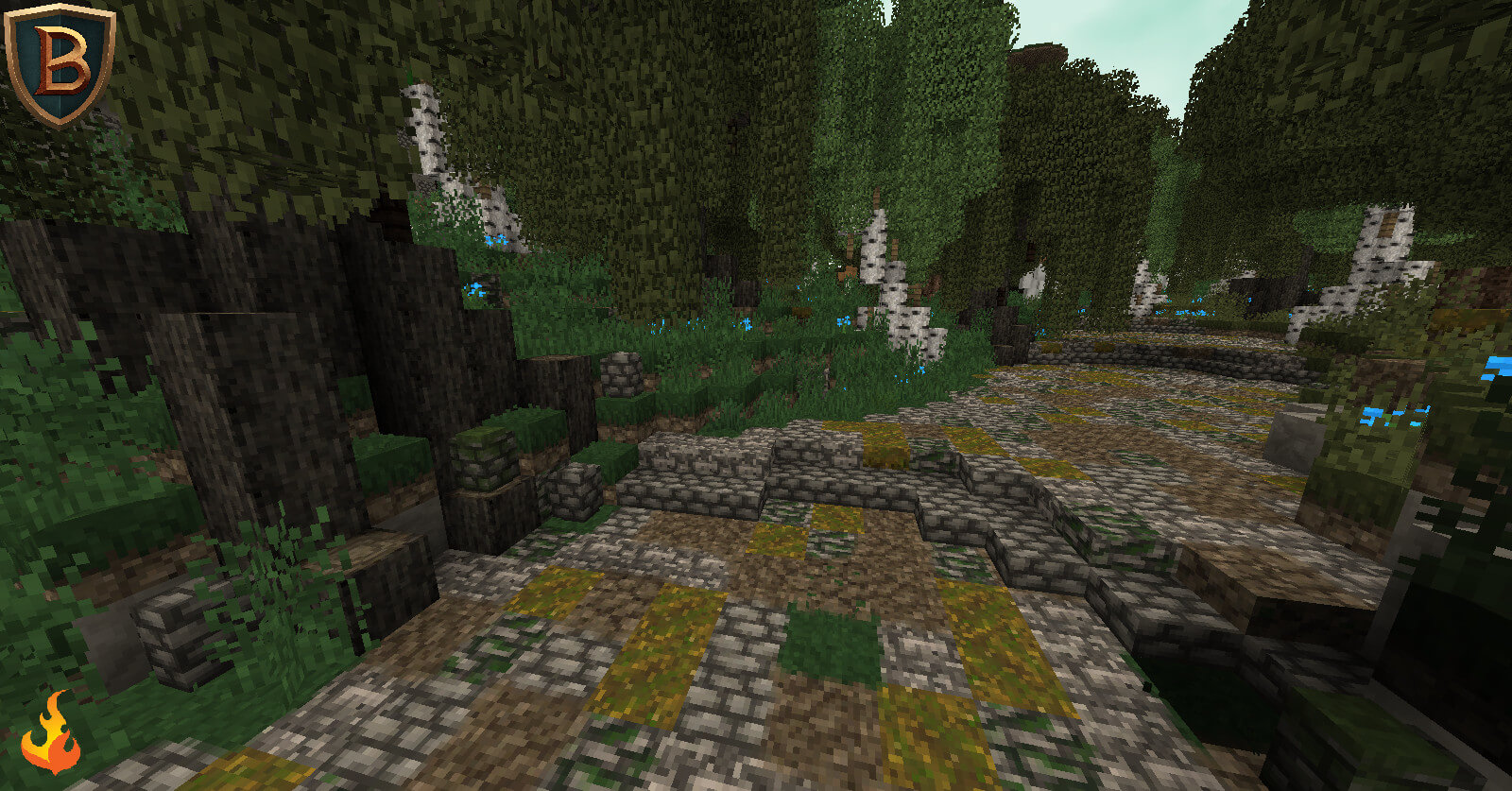
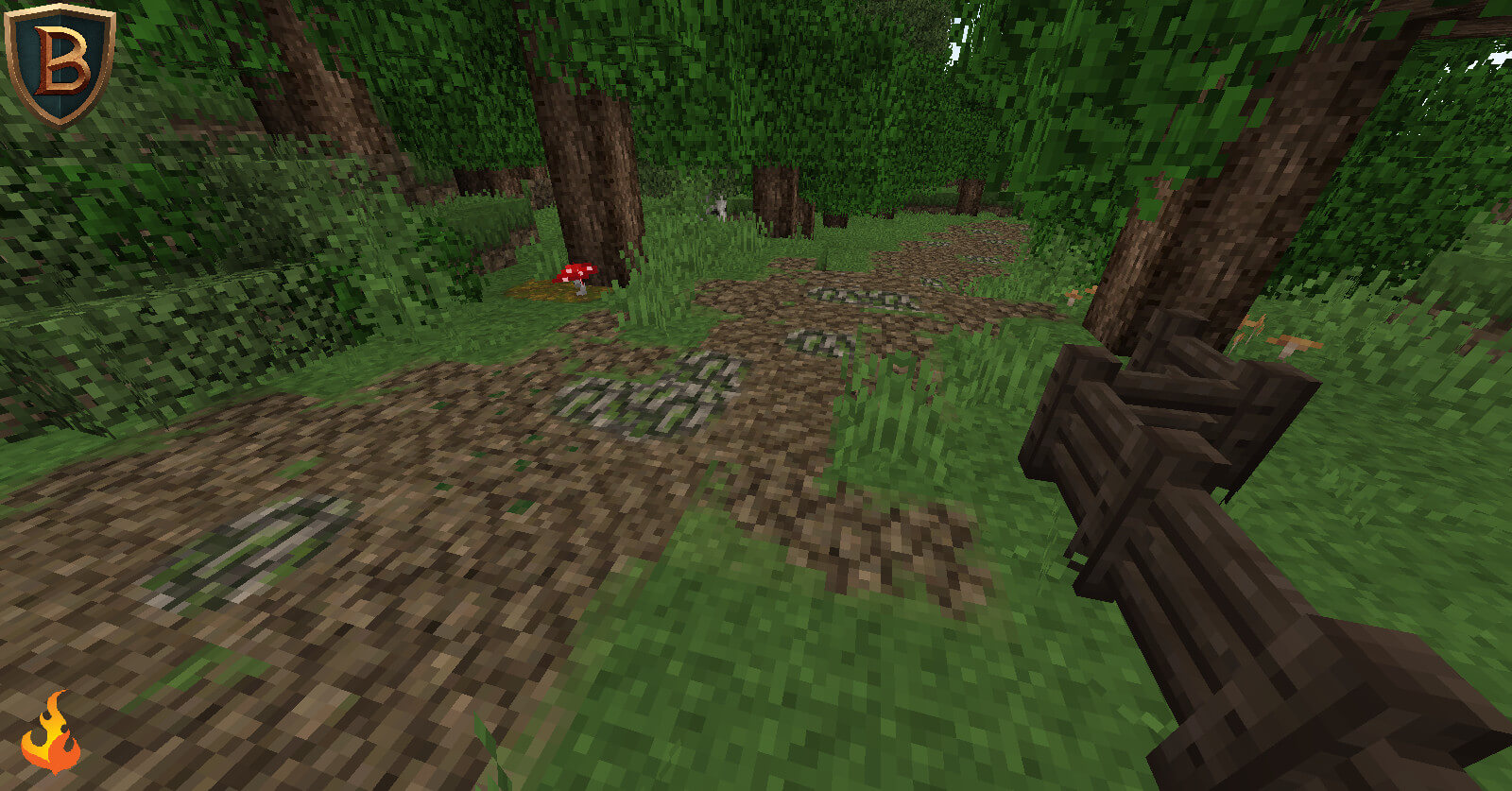
Now, as you travel, you’ll have the chance to explore a completely new world filled with vibrant locations, updated textures and more themed details. Note that the appearance of the structures has changed the most. Enjoy your adventure and the new experiences!
How to install the texture pack:
Step 1: Download the texture pack using the link below.
Step 2: Extract the downloaded archive and copy the folder Beyond The Lands to c:\Users\Пользователь\AppData\Roaming\.minecraft\resourcepacks\ (if this folder does not exist, create it yourself)(For Windows)
Step 3: In the game, go to Settings, then Resource Packs. There, click on the icon for the new texture pack in the left-hand list.
Comments (0)