



ItemBound for Minecraft 1.10
 If you’ve been wanting to get your hands on a large number of new items, you now have a unique opportunity to do so. All you need to do is use the ItemBound texture pack for Minecraft. Thanks to these new changes, you’ll be able to use an anvil to change the visual style of any item.
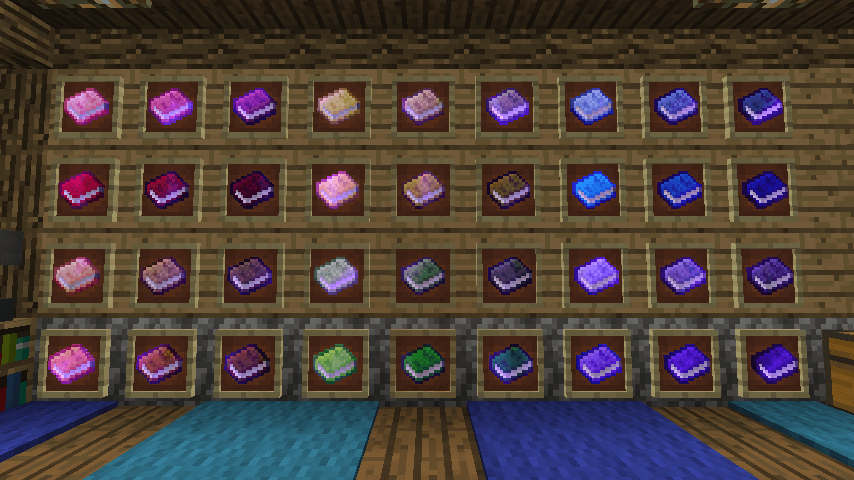
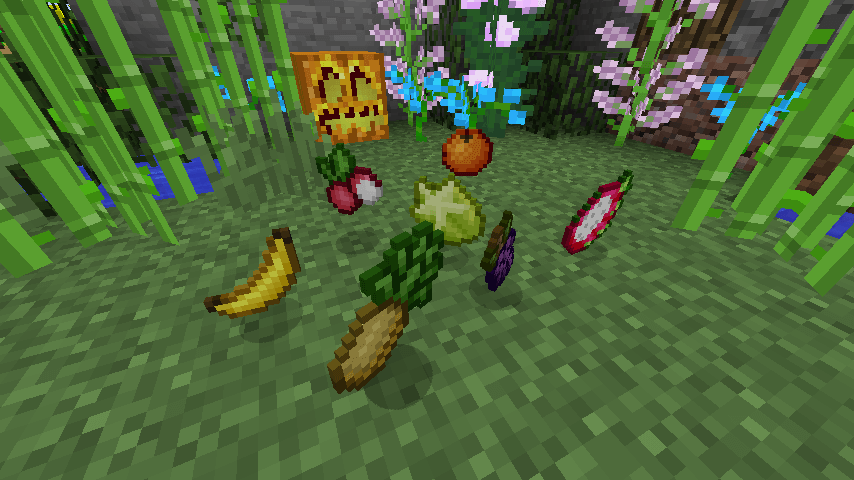
Just bear in mind that once created, the item will retain its original stats. However, it will look much better. This pack is constantly being improved and offers new item variants. At present, there are already more than 1 500 variants.
How to install a texture pack:
Step one: Download the texture pack using the link below.
Step two: Extract the downloaded archive and copy the folder ItemBound to the following path: c:\Users\Пользователь\AppData\Roaming\.minecraft\resourcepacks\ (if this folder does not exist, create it yourself)(For Windows)
Step three: In the game, go to Settings, then Resource Packs. There, click on the icon for the new texture pack in the left-hand list.
Comments (0)