



John Smith Legacy for Minecraft 1.10
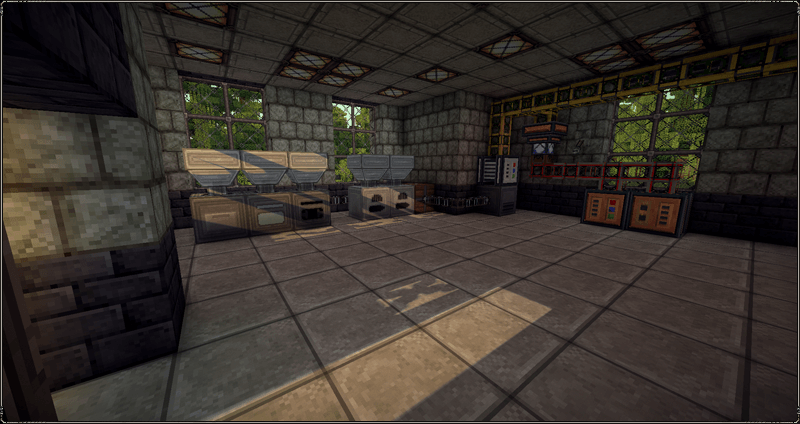
 Fans of medieval aesthetics have reason to rejoice, as they now have the opportunity to use a brand-new set of enhancements. We invite you to take a look at the John Smith Legacy texture pack for Minecraft, which will allow you to easily update all available textures and make them more appealing and visually refined.
This time, you’ll have access to high-resolution textures with clearly defined details. Everything looks good and is sure to delight you with its unique details. These new designs are bound to please you and allow you to explore all the expanses of the interactive world anew.
How to install the texture pack:
Step 1: Download the texture pack using the link below.
Step 2: Extract the downloaded archive and copy the folder John Smith Legacy to the path c:\Users\Пользователь\AppData\Roaming\.minecraft\resourcepacks\ (if this folder does not exist, create it yourself)(For Windows)
Step 3: In the game, go to Settings, then to Resource Packs. There, click on the icon for the newly added texture pack in the list on the left.
Comments (0)