



Karmorakcraft for Minecraft 1.10
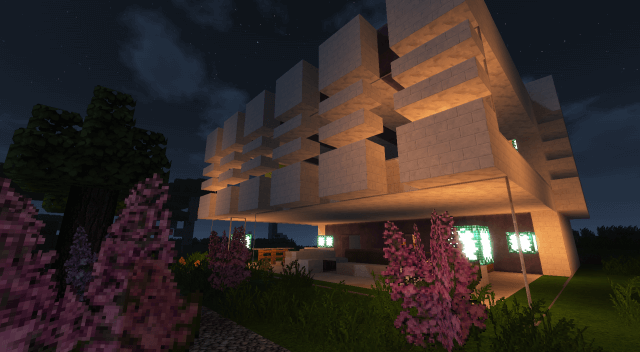 Many fans of the game try their hand at creating textures and special spiders. Today, we’d like to suggest giving the Karmorakcraft texture pack for Minecraft a try. This is the work of a newcomer to the field who will delight you with their fresh ideas. Once again, you can expect a medieval look for the game, packed with varied and interesting details.
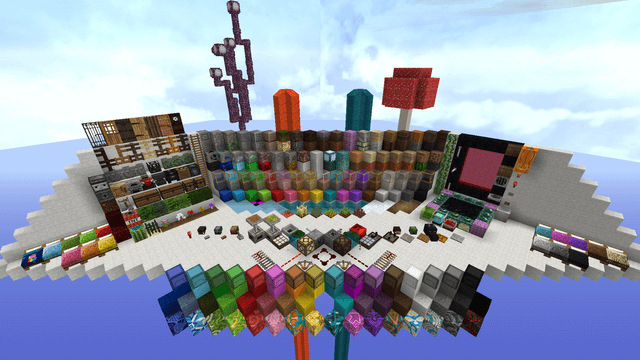
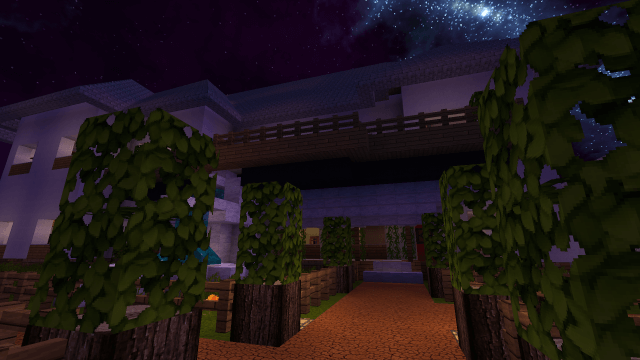
What’s more, all the textures have been carefully refined, which will undoubtedly delight those who appreciate visual comfort. All that remains is to wish you a good mood and new experiences. Believe us, there’s plenty to see in this pack—you certainly won’t be disappointed.
How to install the texture pack:
Step one: Download the texture pack using the link below.
Step two: Unzip the downloaded archive and copy the folder Karmorakcraft to c:\Users\Пользователь\AppData\Roaming\.minecraft\resourcepacks\ (if this folder does not exist, create it yourself)(For Windows)
Step three: In the game, go to Settings, then to Resource Packs. There, click on the new texture pack’s icon in the left-hand list.
Comments (0)