



Modded Faithful for Minecraft 1.10
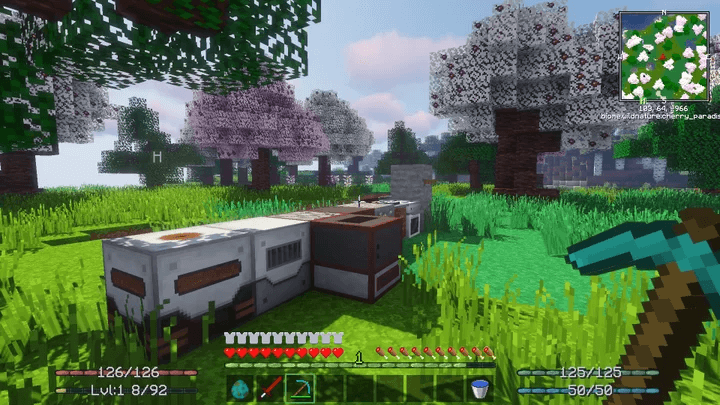 Many people dream of wandering through their favourite interactive world and seeing it transformed. But to do this, you’ll need to use various enhancements. Today, we’d like to suggest trying the Modded Faithful texture pack for Minecraft. This update will allow you to transform all available standard-format textures.
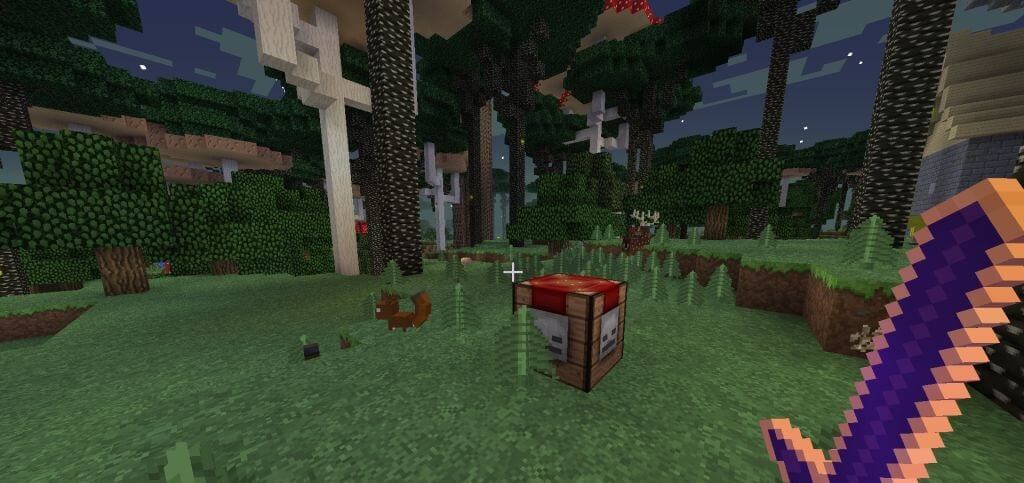
They will retain their style and atmosphere, but will have a crisp 32x resolution. The main feature of this pack is that it can be used with any build and with over 100 popular mods. Such versatility is sure to make for an enjoyable gaming experience.
How to install the texture pack:
Step 1: Download the texture pack using the link below.
Step 2: Extract the downloaded archive and copy the folder Modded Faithful to the path c:\Users\Пользователь\AppData\Roaming\.minecraft\resourcepacks\ (if this folder does not exist, create it yourself)(For Windows)
Step 3: In the game, go to Settings, then Resource Packs. There, click on the icon for the newly added texture pack in the left-hand list.
Comments (0)