



Ore Grids for Minecraft 1.10
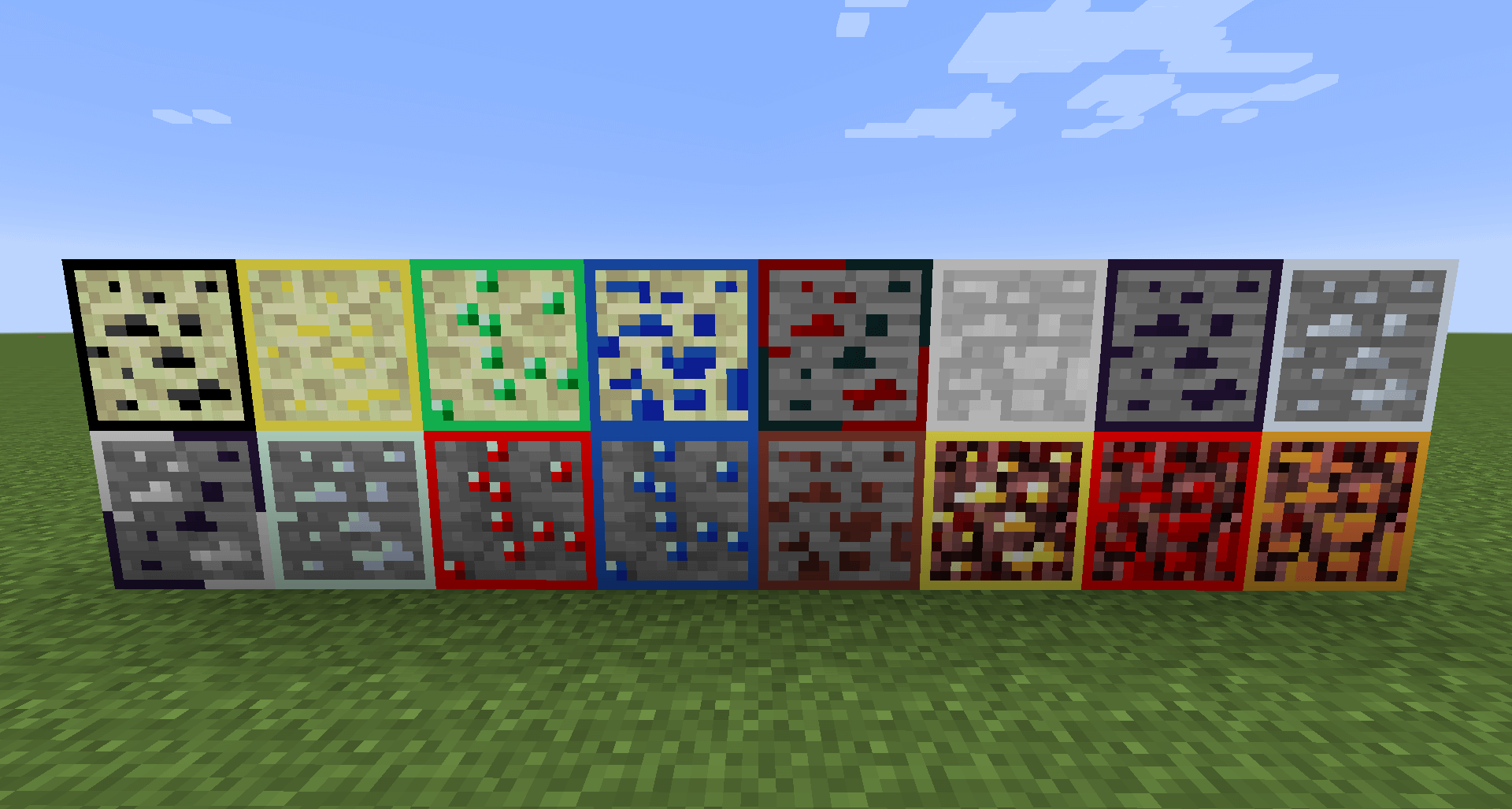
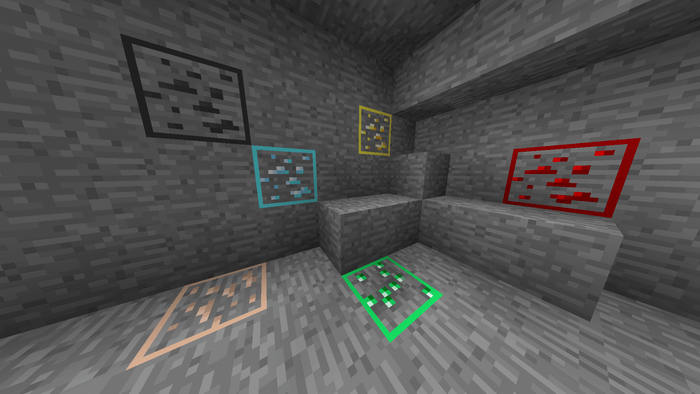 At first glance, Ore Grids for Minecraft might not seem like a particularly useful or interesting add-on. But if you take the time to explore the features of this texture pack in detail, you’ll immediately gain a full understanding of all the benefits it offers. This update changes the appearance of various ores, which will now have a coloured border depending on their ore content.
Thanks to this improvement, you won’t have to worry about identifying ores, as you’ll immediately be able to tell exactly which ore you’re looking at. All in all, it’s a rather useful and interesting mod that makes the game more enjoyable.
How to install the texture pack:
Step 1: Download the texture pack using the link below.
Step 2: Extract the downloaded archive and copy the Ore Grids folder to c:\Users\Пользователь\AppData\Roaming\.minecraft\resourcepacks\ (if this folder does not exist, create it yourself)(For Windows)
Step 3: In the game, go to Settings, then Resource Packs. There, click on the icon for the new texture pack in the left-hand list.
Comments (0)