



R3D CRAFT for Minecraft 1.10
 The vast world of Minecraft demands special attention and is always ready for improvements in both quality and visual appeal. This time, we invite you to try the R3D CRAFT texture pack for Minecraft, which can improve the game’s quality several times over. You can now look forward to completely new in-game effects, excellent textures and a wealth of varied details.
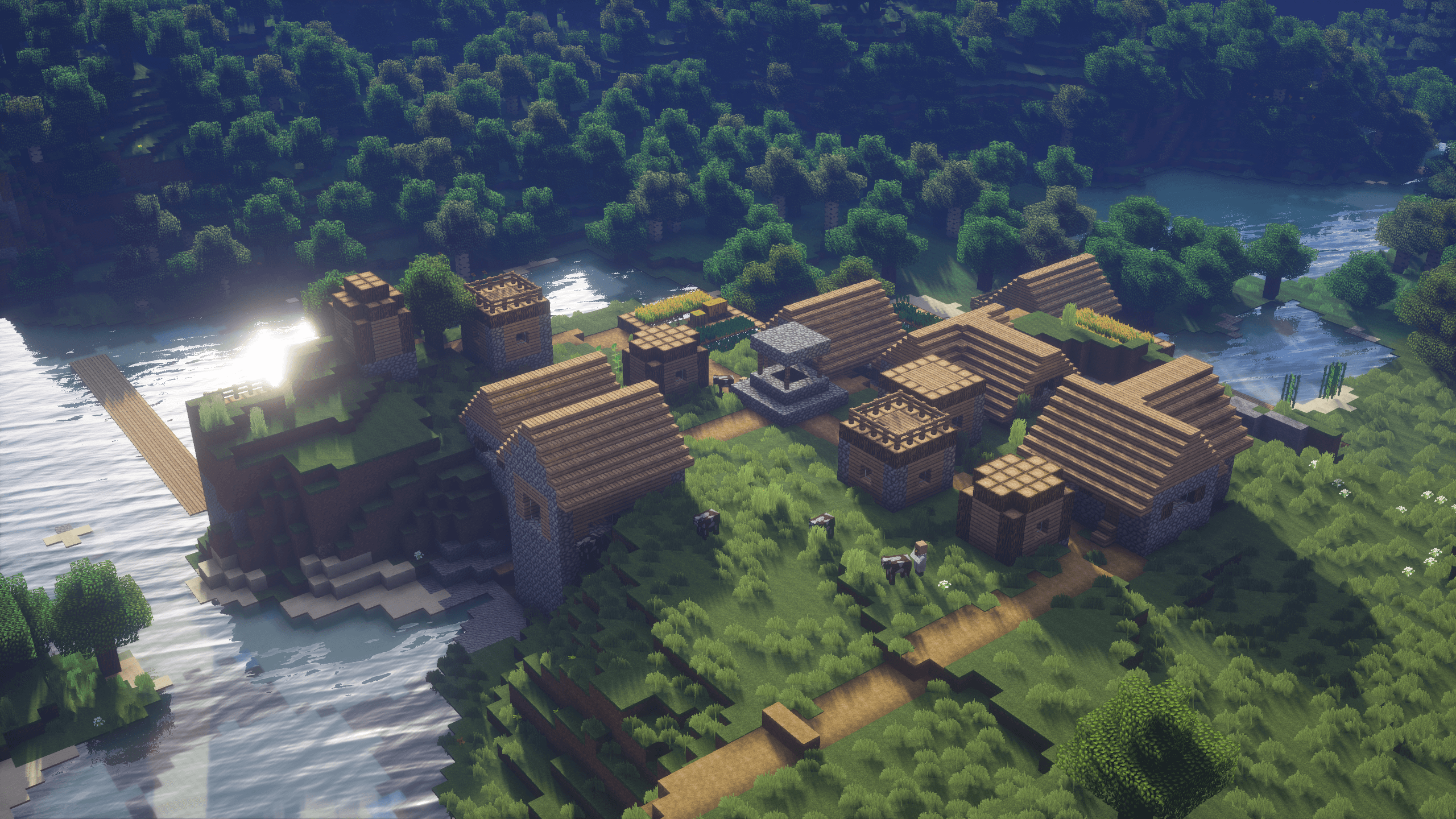
All that’s left to do is wander around and enjoy the beautiful surroundings. This time, the author has put a great deal of effort into improving the game several times over and has succeeded brilliantly. We hope you enjoy the game!
How to install the texture pack:
Step one: Download the texture pack using the link below.
Step two: Unzip the downloaded archive and copy the folder R3D CRAFT to the path c:\Users\Пользователь\AppData\Roaming\.minecraft\resourcepacks\ (if this folder does not exist, create it yourself)(For Windows)
Step three: In the game, go to Settings, then Resource Packs. There, click the icon for the new texture pack in the list on the left.
Comments (0)