



17.12.2019
Clear Vision for Minecraft 1.12.2
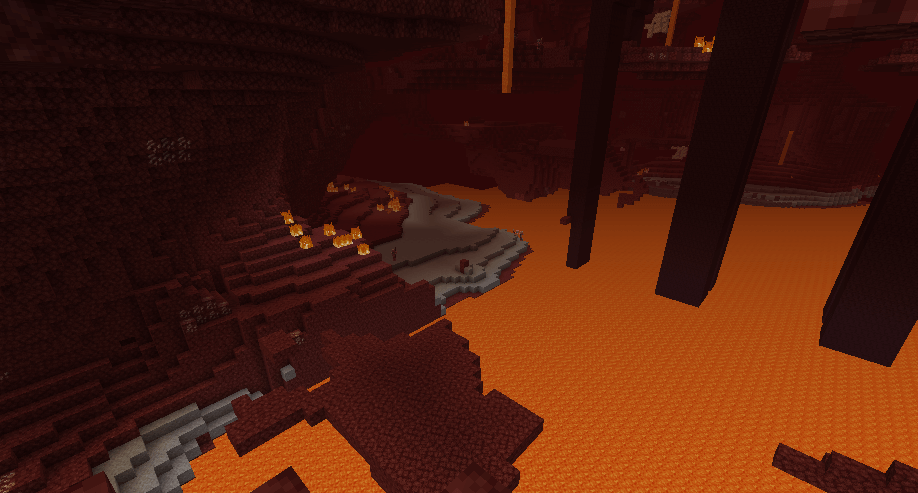
Rest assured, if you ever need to remove the ‘vignette’ effect in Minecraft (which darkens the edges of the screen), you can easily do so with a great little texture pack called Clear Vision for version 1.12.2.
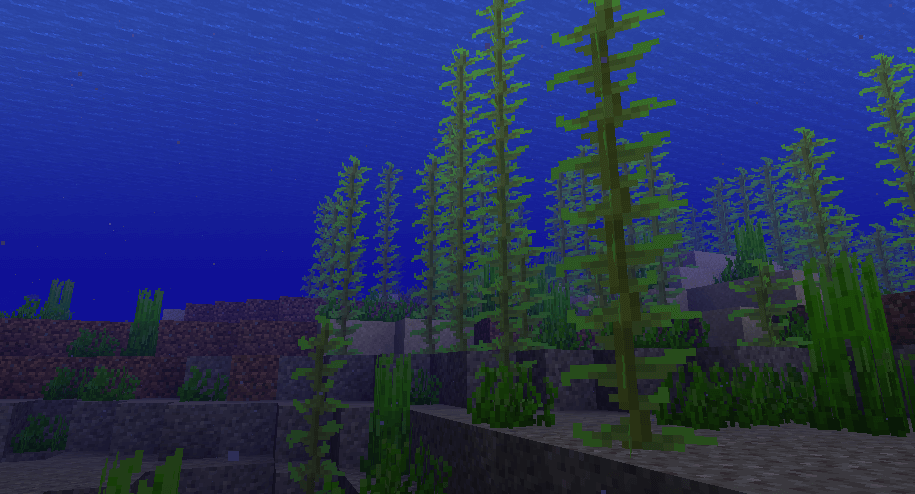
It is also worth noting that when you download and use these textures, the changes will affect not only the effect described above, but also several others that appear in water, in the Nether, and when wearing a pumpkin on your head. These effects will also be removed.
How to install a texture pack:
Step 1: Install Optifine HD
Step 2: Copy the resource pack to the folder C:\Users\ИМЯ_ПОЛЬЗОВАТЕЛЯ\AppData\Roaming\.minecraft\resourcepacks
Step 3: Select the desired resource pack in the game settings
Comments (0)