



Invictus – Vanilla for Minecraft 1.12.2
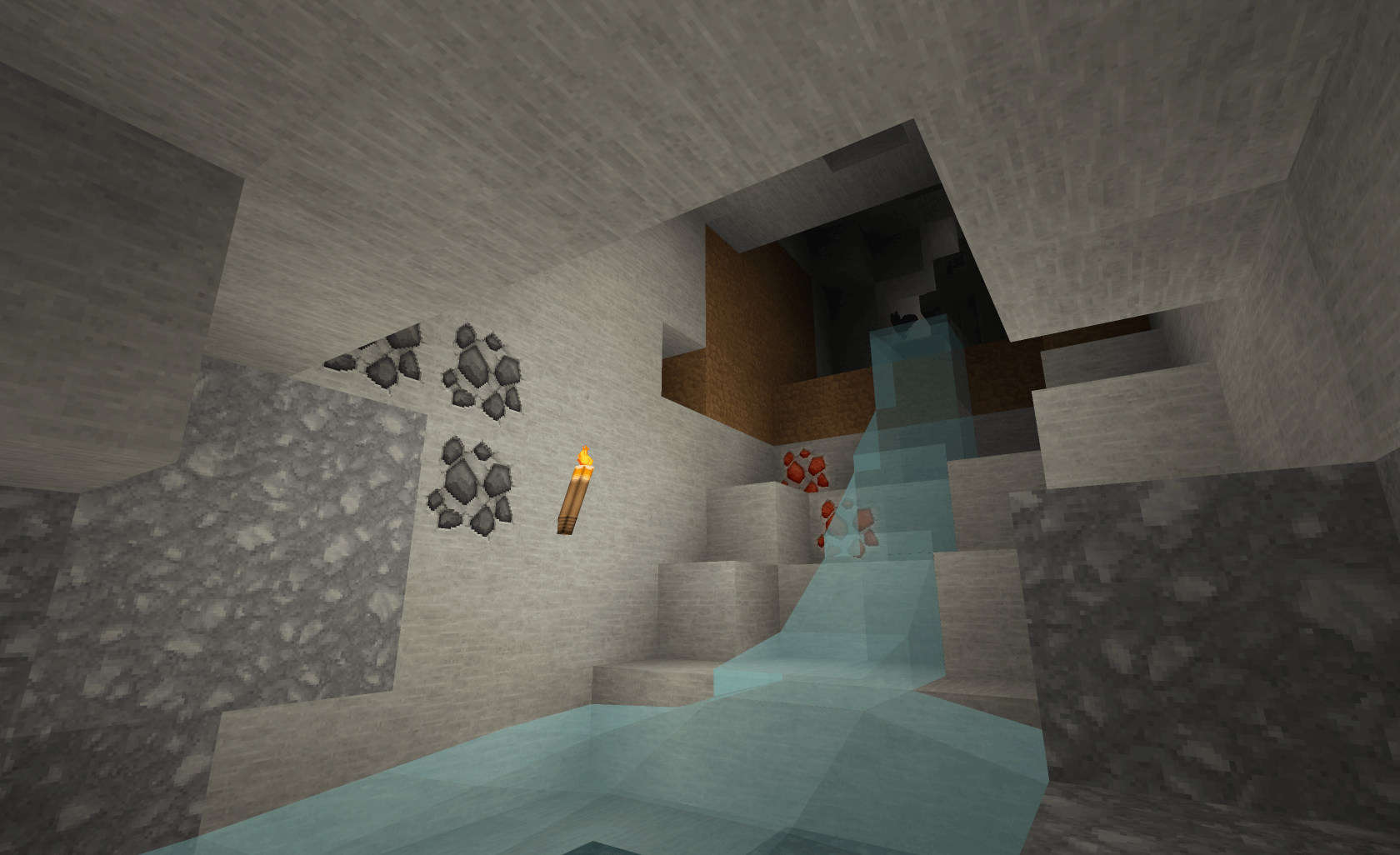
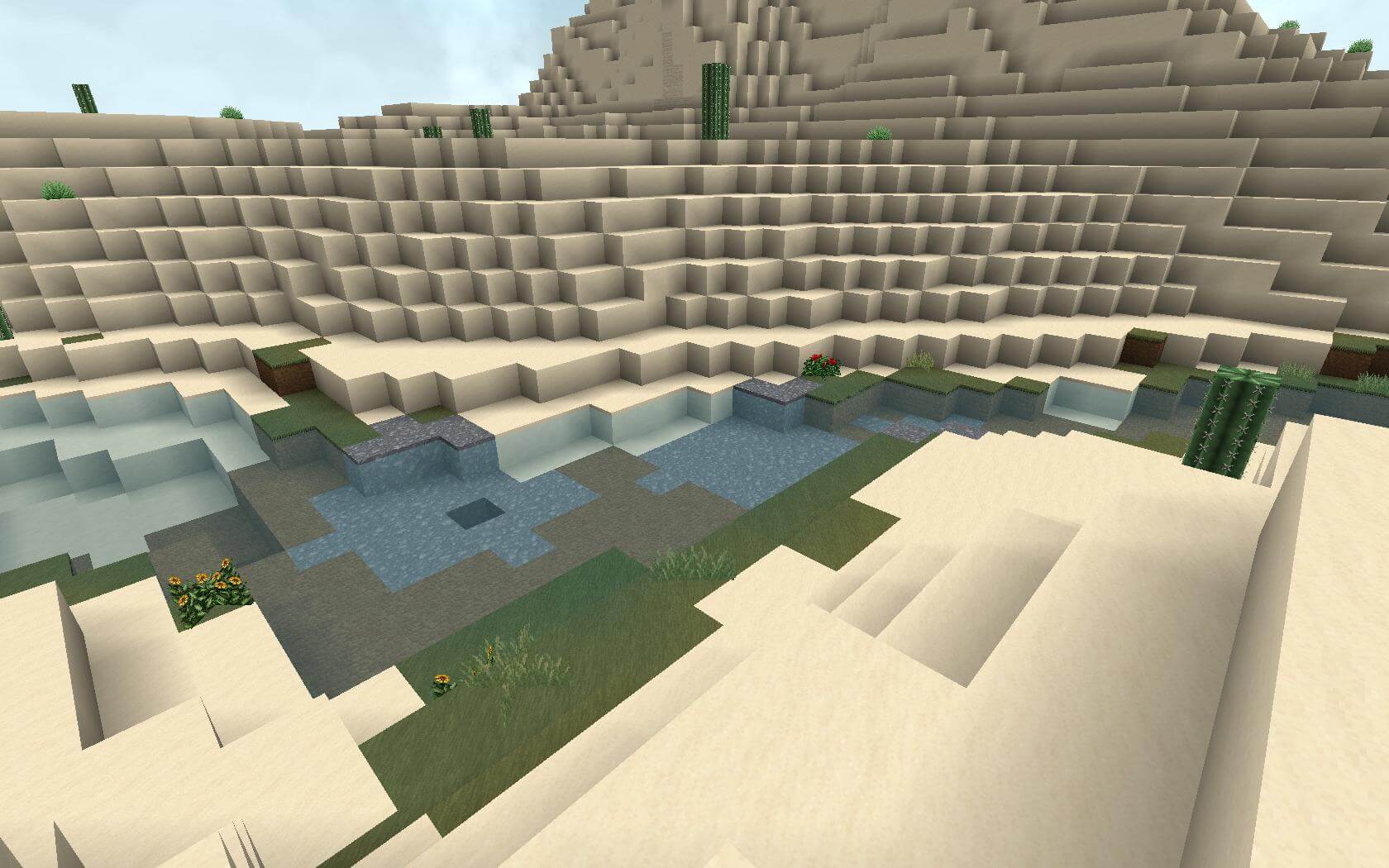
 To enjoy your time in the world of Minecraft, don’t forget to take full advantage of enhancements. For example, you can start using the texture pack called Invictus – Vanilla for Minecraft 1.12.2.
The changes in Minecraft 1.12.2 aren’t as drastic as you might imagine, but they’ll still let you have a good time and experience a wealth of new emotions. The environment will now be much better, and this will help you improve as well.
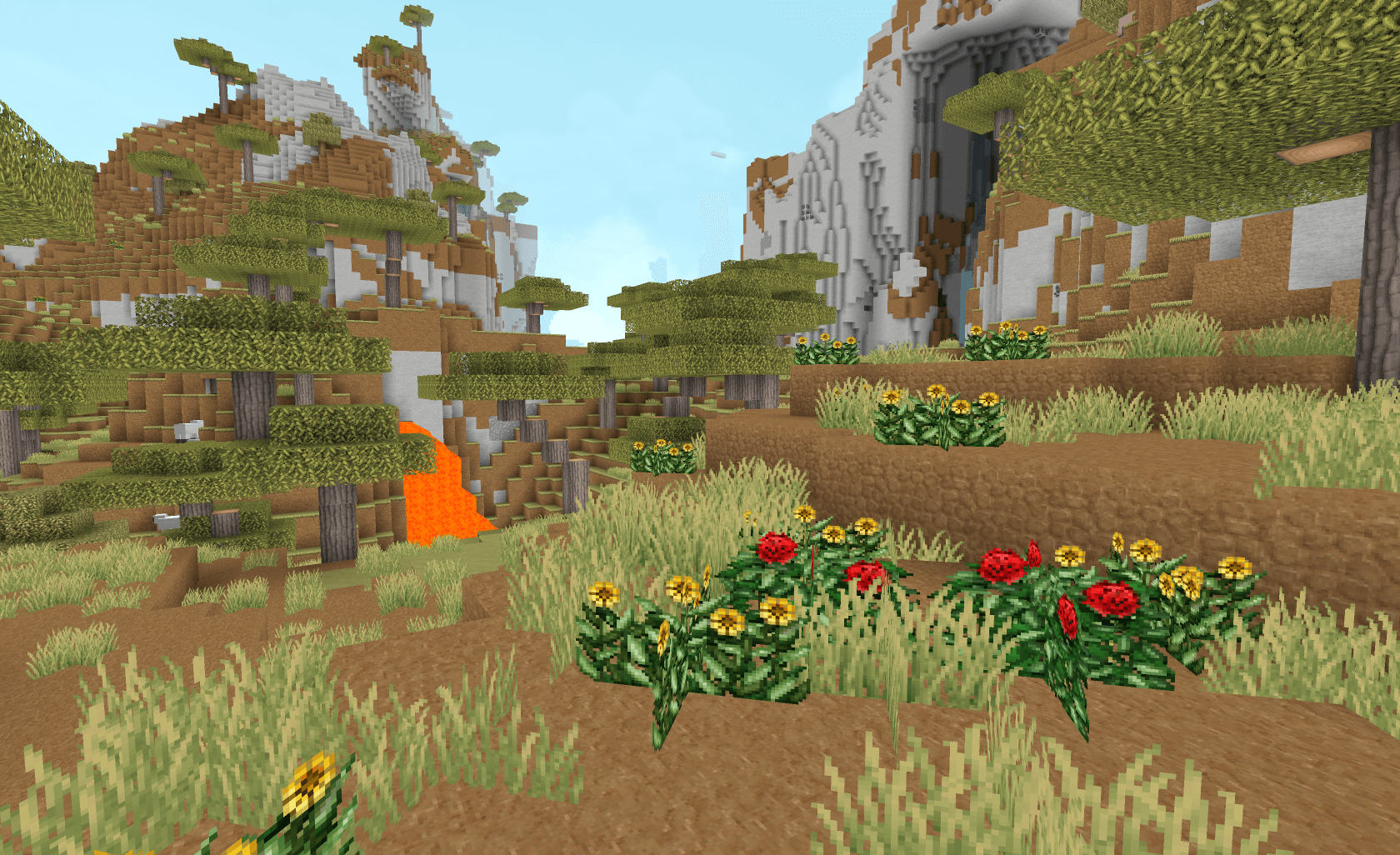
The main thing is not to set your expectations too high and to try to achieve a positive outcome. All that remains is to wish you a great time and a cheerful mood!
How to install the texture pack:
Step one: Download the texture pack using the link below.
Step two: Unzip the downloaded archive and copy the folder Invictus - Vanilla to c:\Users\Пользователь\AppData\Roaming\.minecraft\resourcepacks\ (if this folder does not exist, create it yourself)(For Windows)
Step three: In the game, go to Settings, then to Resource Packs. Click the icon for the newly added texture pack in the list on the left.
Comments (39)