



Stickland for Minecraft 1.12.2
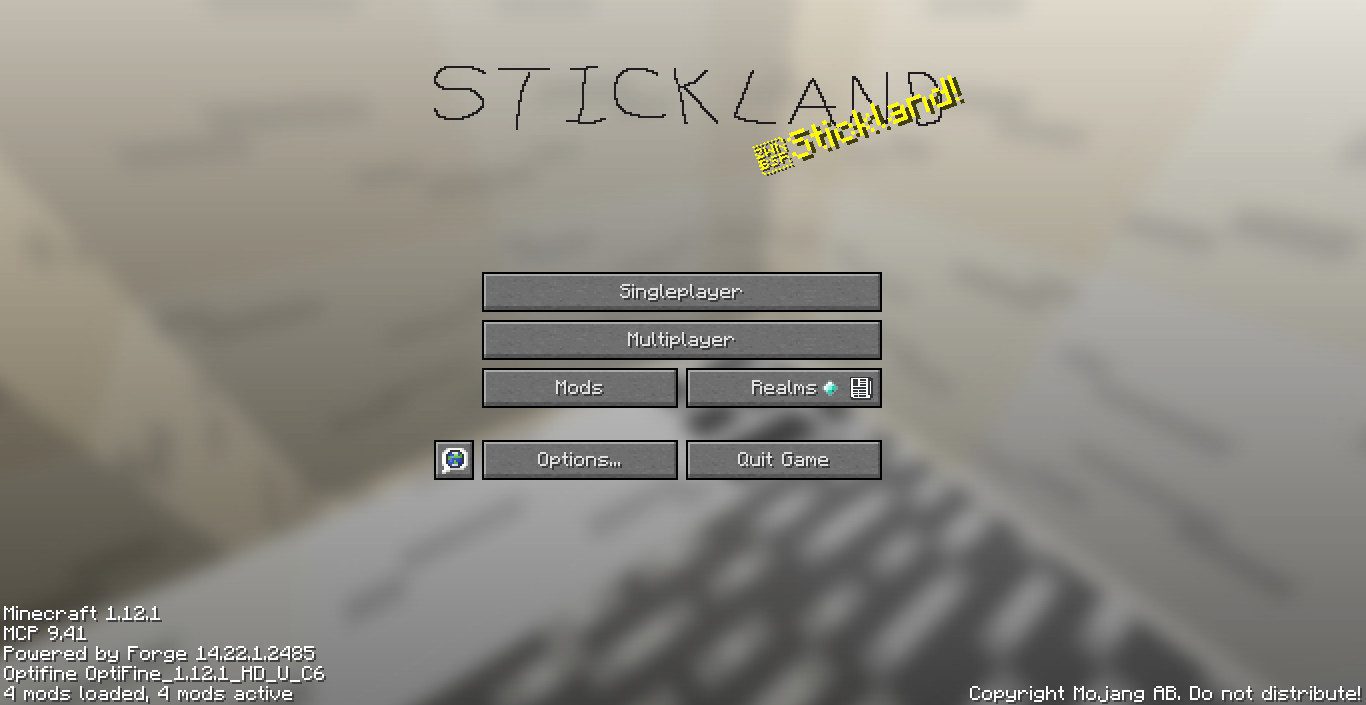
If you enjoy unusual and distinctive designs in the world around you, we recommend taking a look at the Stickland add-on for Minecraft. The main feature of this add-on is that you can now enjoy many more new experiences thanks to an unusual combination of grey tones.
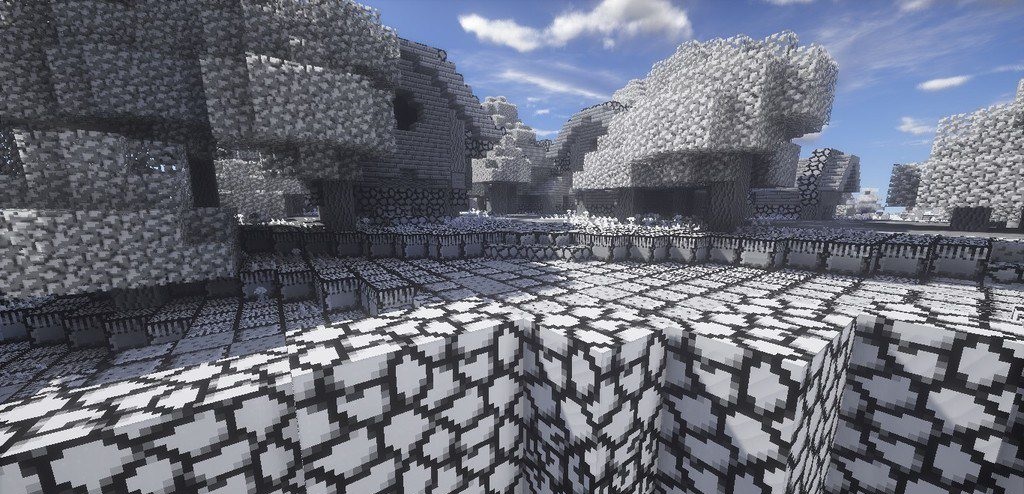
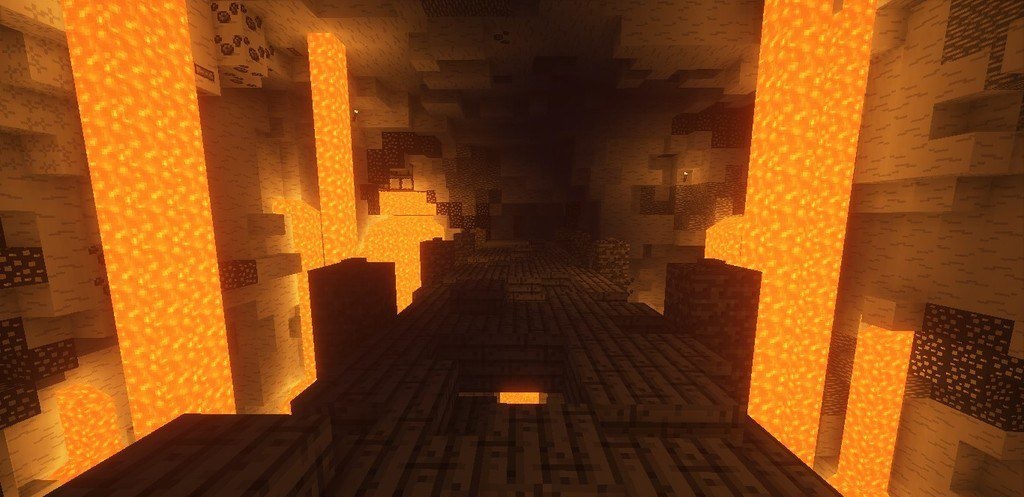
The game will feature around five shades that blend perfectly with one another and offer many more new experiences on your adventures. Try to make the most of your abilities and simply enjoy every moment of your journey. We wish you the best of luck and hope you have a great time!
How to install a texture pack:
Step 1: Download the texture pack using the link below.
Step 2: Extract the downloaded archive and copy the Stickland folder to c:\Users\Пользователь\AppData\Roaming\.minecraft\resourcepacks\ (if this folder does not exist, create it yourself) (For Windows)
Step 3: In the game, go to Settings, then Resource Packs. In the list on the left, click the icon for the newly added texture pack.
Comments (0)