



17.11.2019
Packstralia for Minecraft 1.14
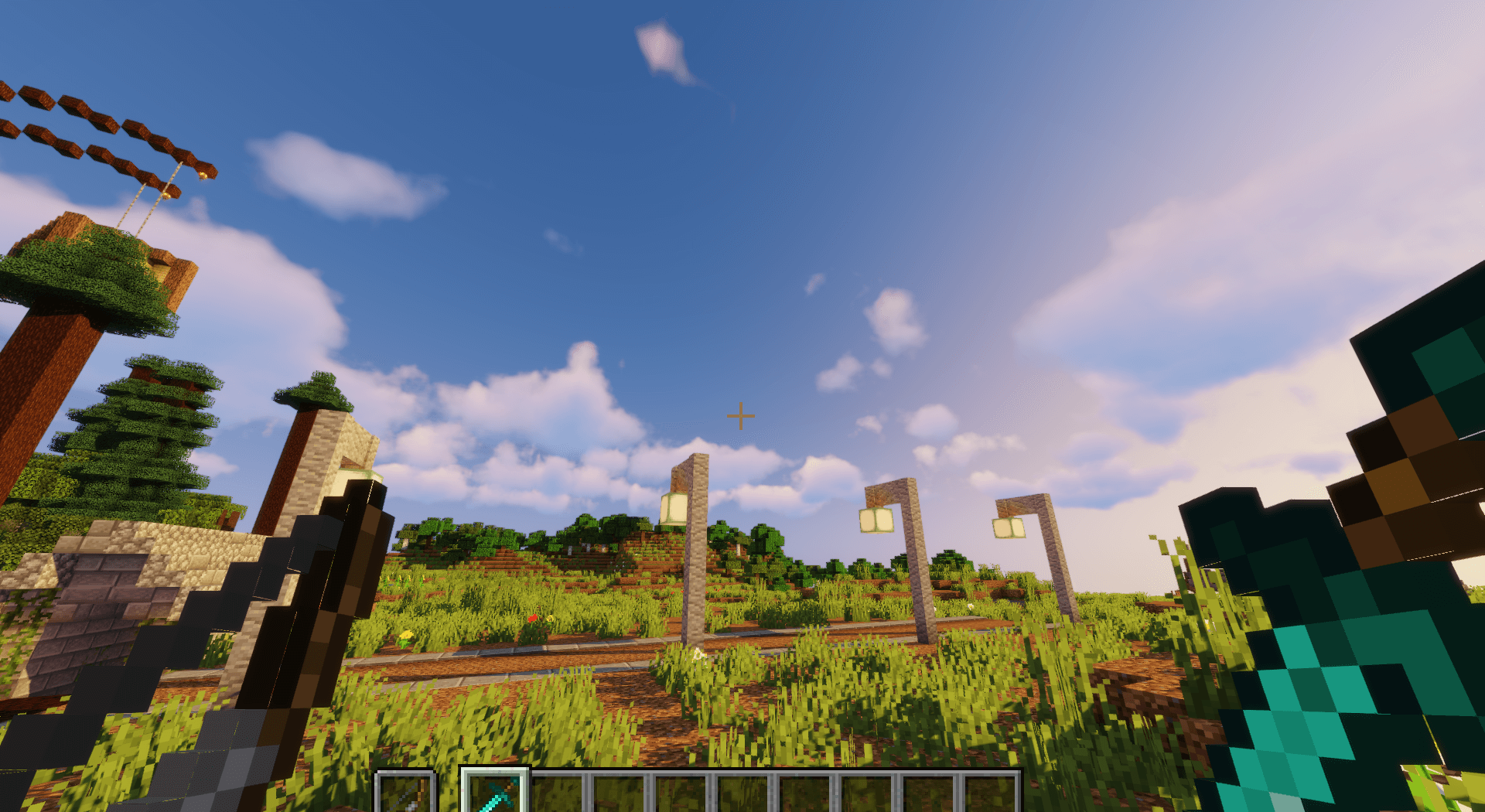
If you’ve only recently started exploring the blocky world of Minecraft version 1.14, you definitely shouldn’t try installing and playing with the Packstralia texture pack.
Before taking such a step, you simply need to gain more experience in the game. For everyone else, however, this is a real opportunity to significantly increase the game’s difficulty, as the creators of these textures have turned practically everything in the game upside down, including various pieces of text. Sounds good, what do you think?

How to install a texture pack:
Step 1: Install Optifine HD
Step 2: Copy the resource pack to the folder C:\Users\ИМЯ_ПОЛЬЗОВАТЕЛЯ\AppData\Roaming\.minecraft\resourcepacks
Step 3: Select the desired resource pack in the game settings
Comments (1)