



Vibas HD Ultra Realistic for Minecraft 1.14.4
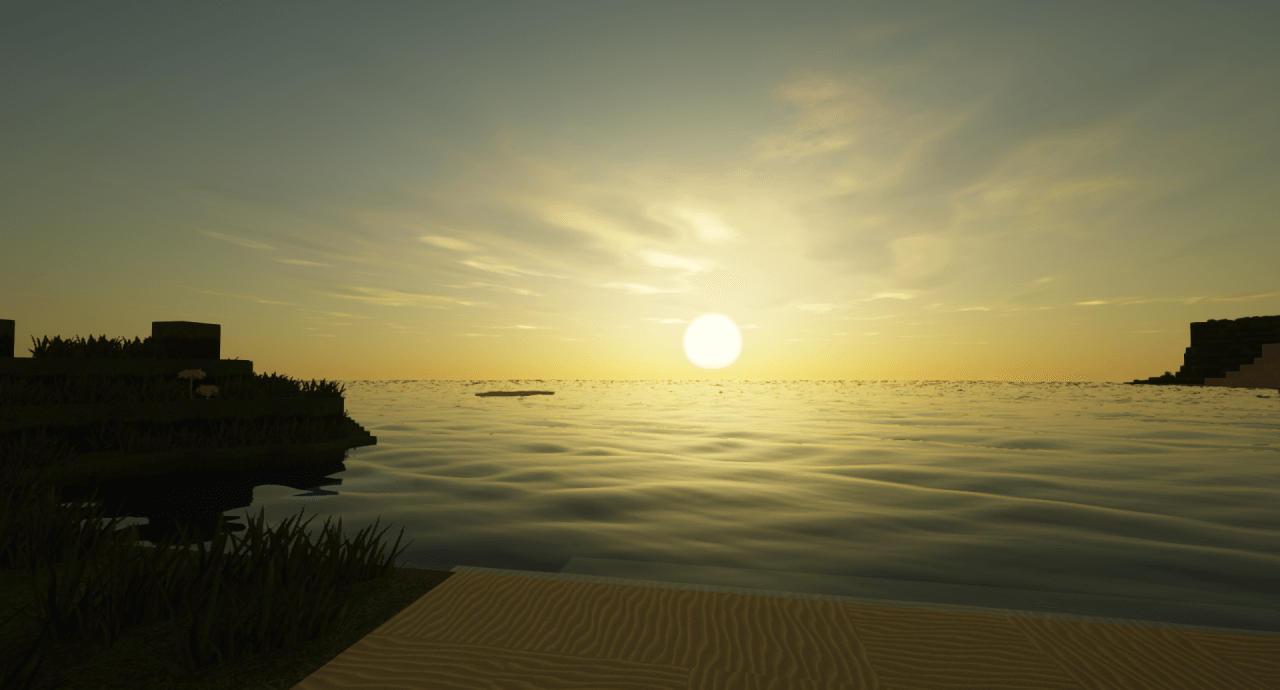
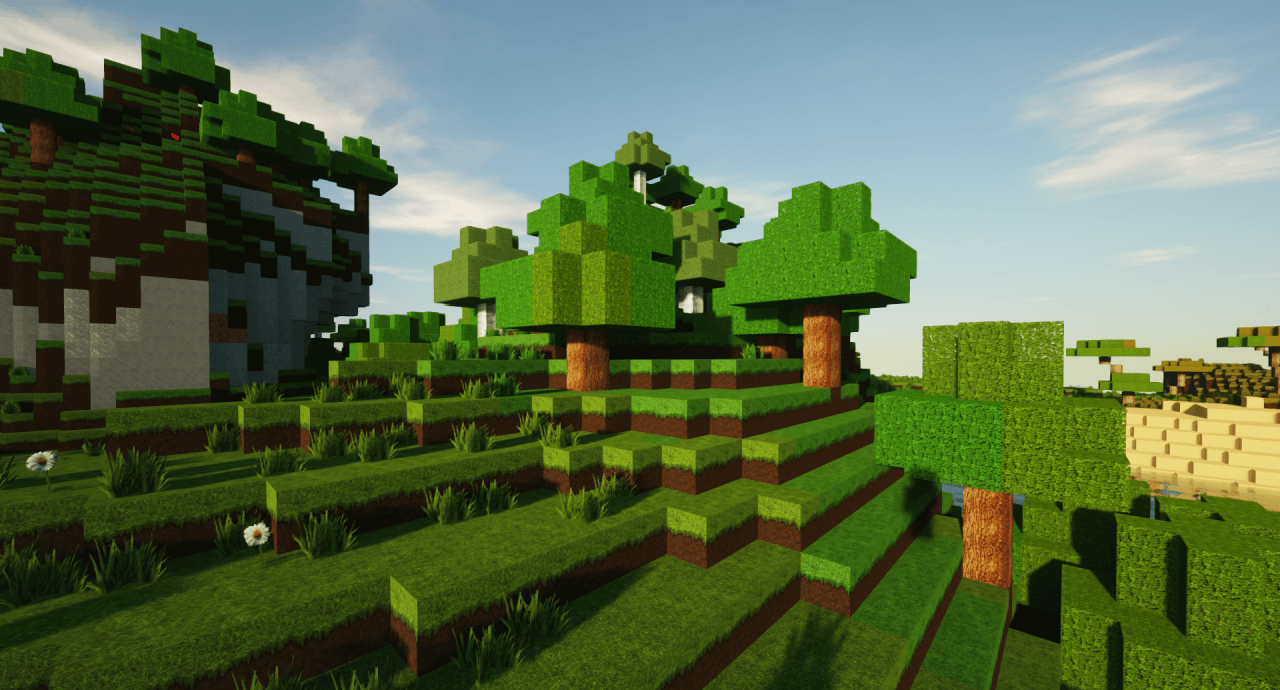
Without further ado, I’d like to point out that the pack called Vibas HD Ultra Realistic can safely be classified among those realistic, high-resolution textures that are so popular with many players in our cubic universe.
It’s also worth noting that you can start using Vibas HD Ultra Realistic right now if you’re playing Minecraft 1.14.4, the latest version at the moment. All you need to do is download these textures via the link below and follow the installation instructions provided to ensure they work properly.
How to install the texture pack:
Step 1: Install Optifine HD
Step 2: Copy the resource pack to the folder C:\Users\ИМЯ_ПОЛЬЗОВАТЕЛЯ\AppData\Roaming\.minecraft\resourcepacks
Step 3: Select the desired resource pack in the game settings
Comments (16)