



CreatorCraft 3D for Minecraft 1.16
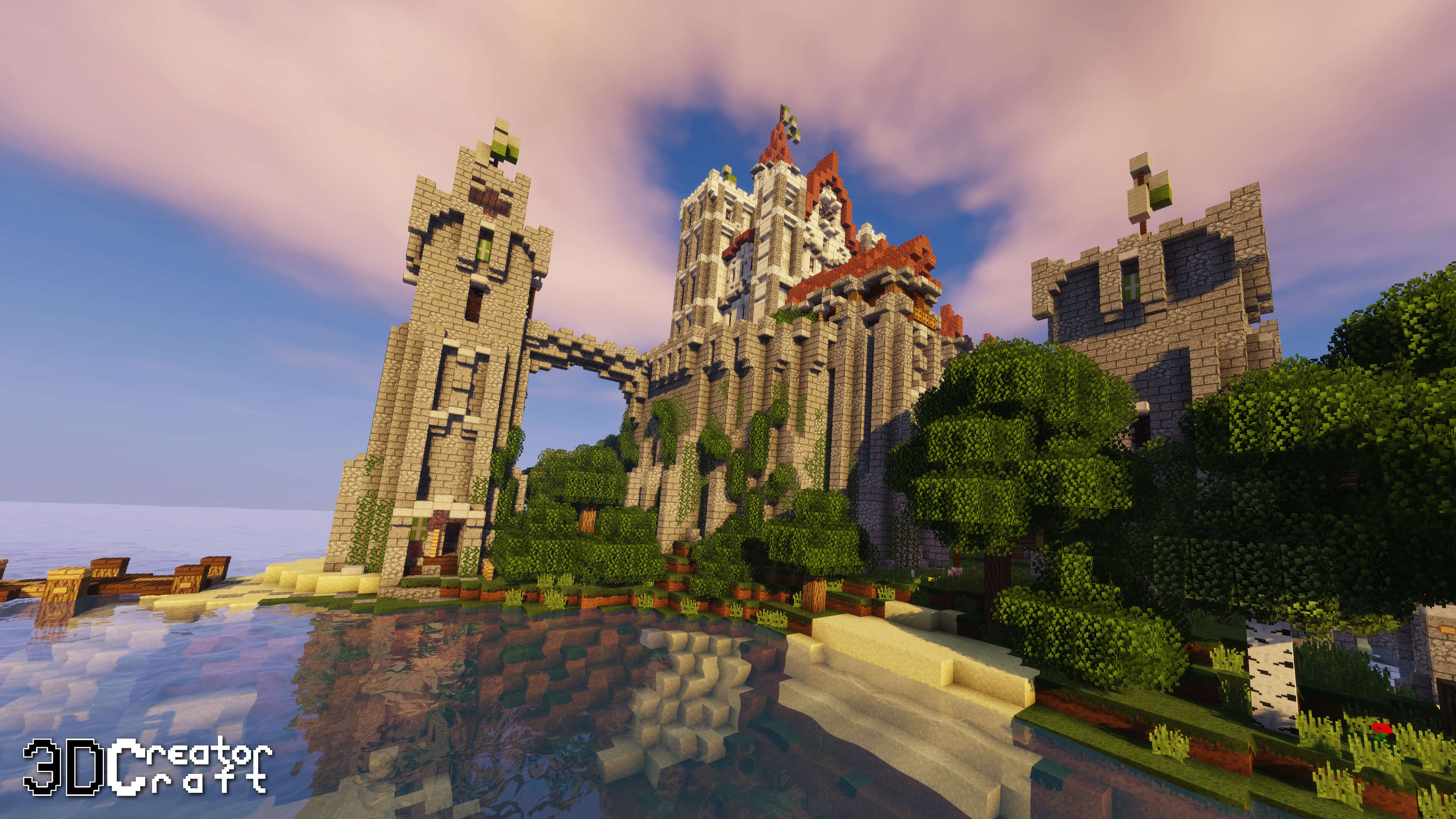
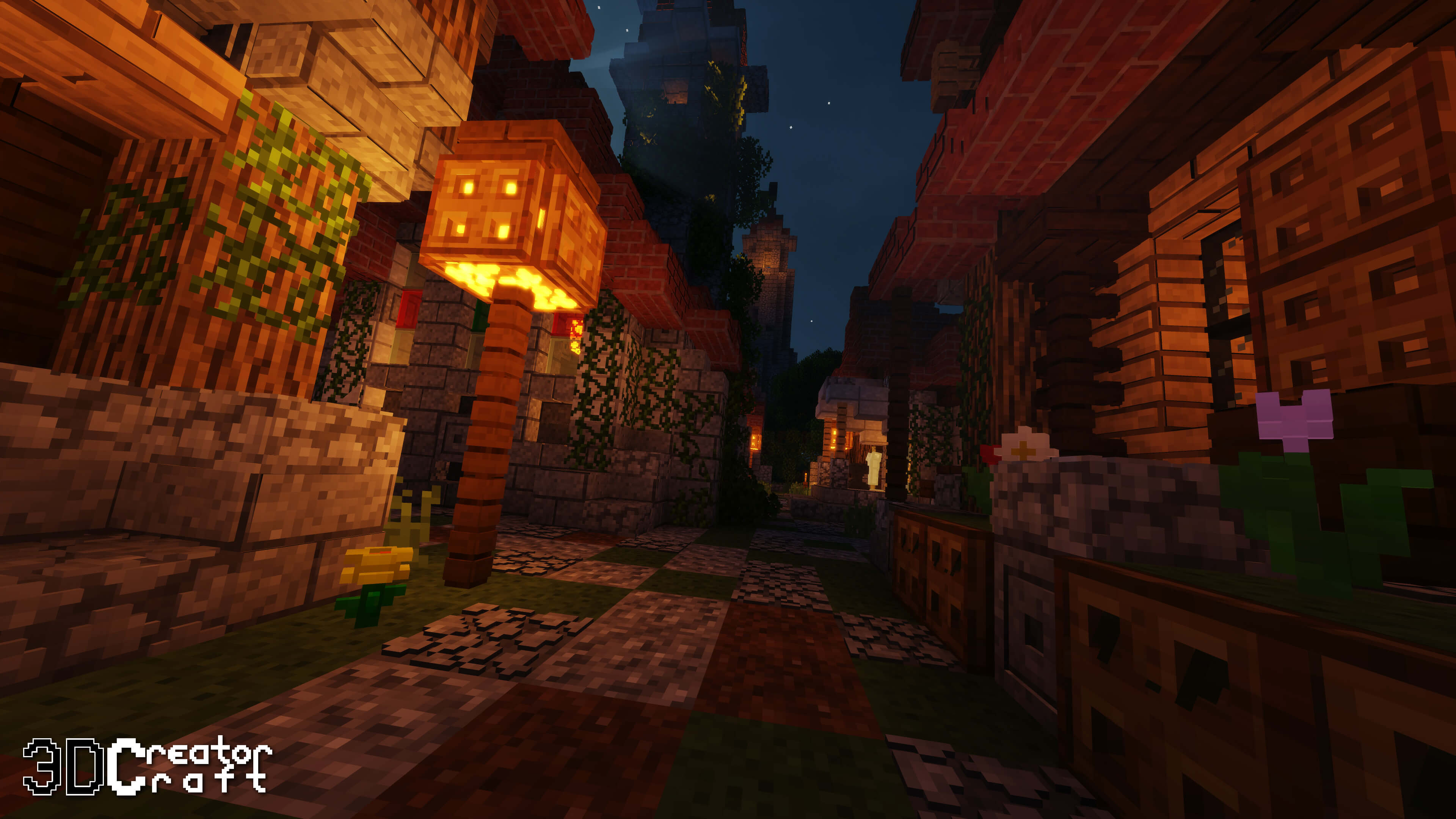 Vanilla items are the most controversial aspect of the adventure, and they certainly should have been continually improved. But not every player has taken on this task, so you now have the chance to succeed and use the CreatorCraft 3D texture pack for Minecraft, which radically changes the appearance of these items and offers a variety of interesting improvements.
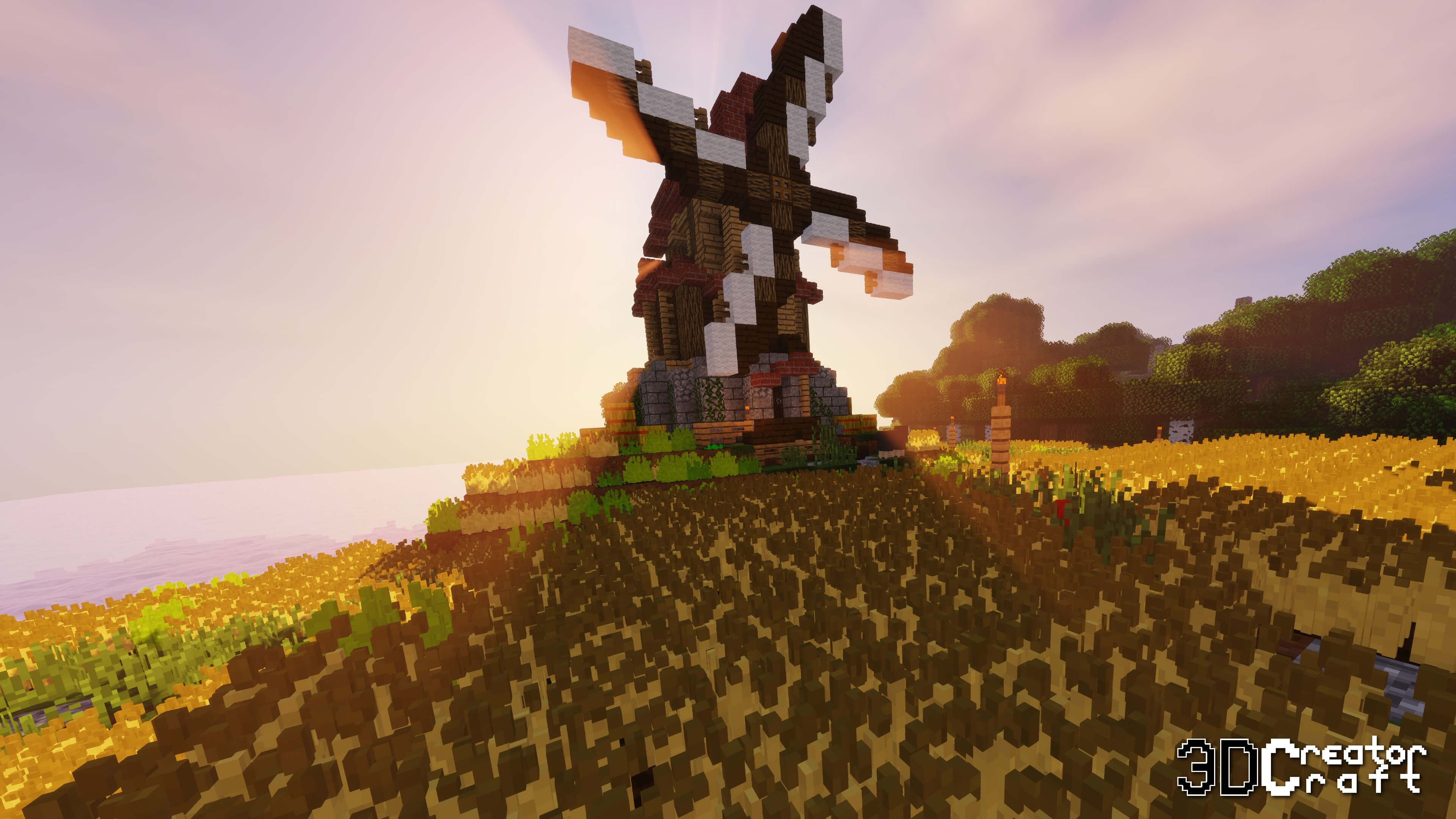
You’ll be able to appreciate all the new features and enjoy the pleasant atmosphere of the adventure. We’re confident you’ll like it all and achieve the results you’re after. To start with, simply follow all the recommendations and try to make full use of all the available content. We wish you good luck and success!
How to install a texture pack:
Step one: Download the texture pack using the link below.
Step two: Unzip the downloaded archive and copy the folder CreatorCraft 3D to c:\Users\Пользователь\AppData\Roaming\.minecraft\resourcepacks\ (if this folder does not exist, create it yourself)(For Windows)
Step three: In the game, go to Settings, then to Resource Packs. There, click the icon for the new texture pack in the left-hand list.
Comments (0)